Mosaics are loved by all but what are mosaics? Let's put it in simple words below:
Mosaic is a mixture or a collage of multiple images to make up one big image. It takes hundreds of images to develop a large one. You can apply mosaic effects to your own images just the way you want. This article reviews the best photo mosaic makers to convert your images into mosaic art.
There are different picture editing tools that can help you enhance photo. Take the instance of photo enhancement, it is able to enhance the resolution of your mosaic to a higher level within several seconds. Make a mosaic photo with the AI image enhancer easily. One-click to increase mosaic resolution and get your mosaic crisper, cleaner, and ultra HD.
Different from such tools, there are also some creative services that contain mosaic options for making a mosaic. However, there are special mosaic picture editors which are a great choice. This article covers different online mosaic makers and desktop mosaic maker software to use as you per your requirements.
Make a Free Mosaics Photo for Fun!
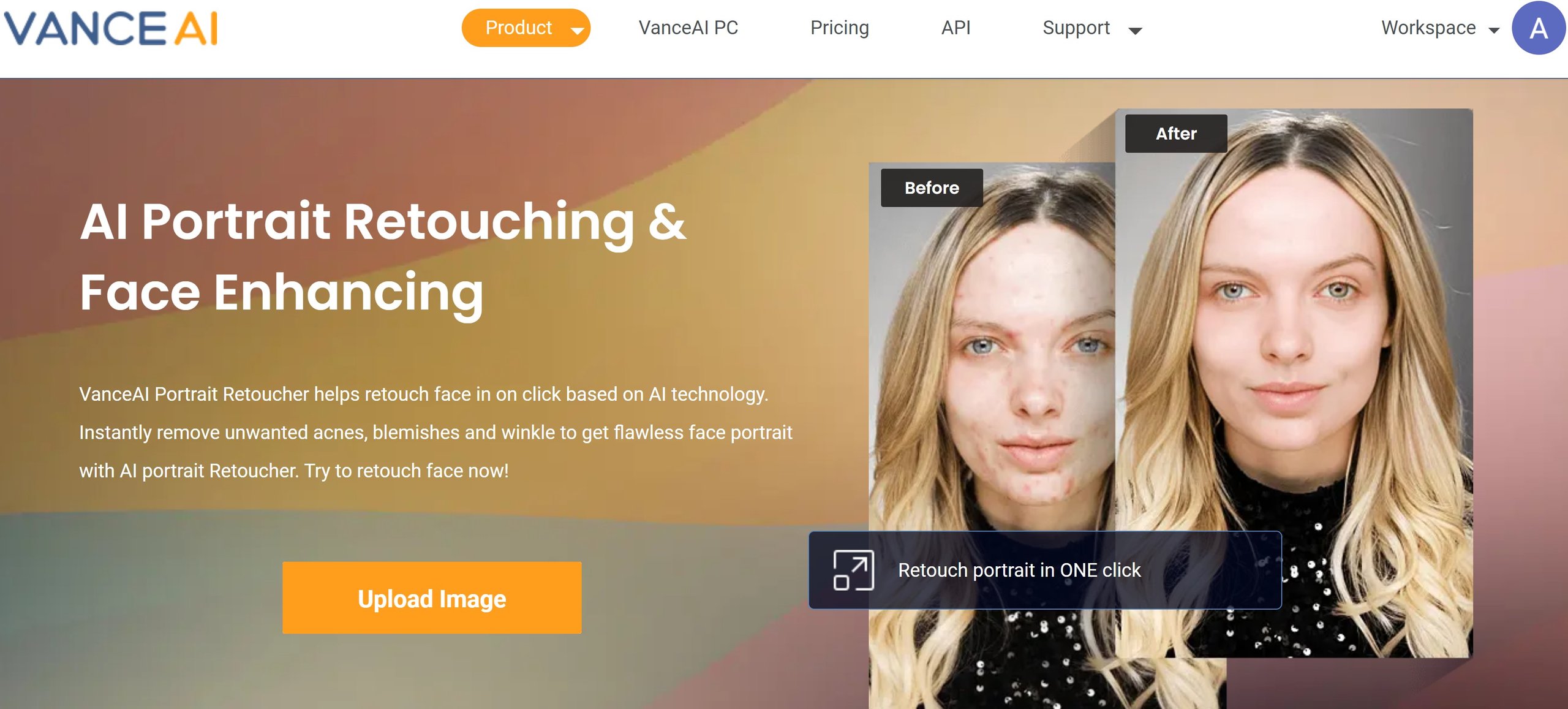
Make a mosaic photo for fun. They are also made for creating memories and turning small moments into one big image of special moments. Tools such as photo retoucher help you to do some editing of your face before creating mosaics.
The image artifact remover also helps to remove and hide all the artifacts of the mosaic photo.
Best 5 Free Photo Mosaic Makers Photo Review
Here are the best 5 photo mosaic makers to help you create the best mosaic images to make your memories even more special.
| Product | User-friendliness | Tryout samples | Outstanding Feature | Platform |
| Mosaically | ★★★★★ | √ | Edit mosaic feature | Online |
| Picture Mosaics | ★★★★✩ | × | Professional customer service | Online |
| Picmyna | ★★★✩✩ | × | More sizes provided | Online |
| Photo Mosaic Creator | ★★★✩✩ | × | Easy to use | Online |
| Fotor | ★★★★✩ | × | Support manual edit | Online |
1. Mosaically
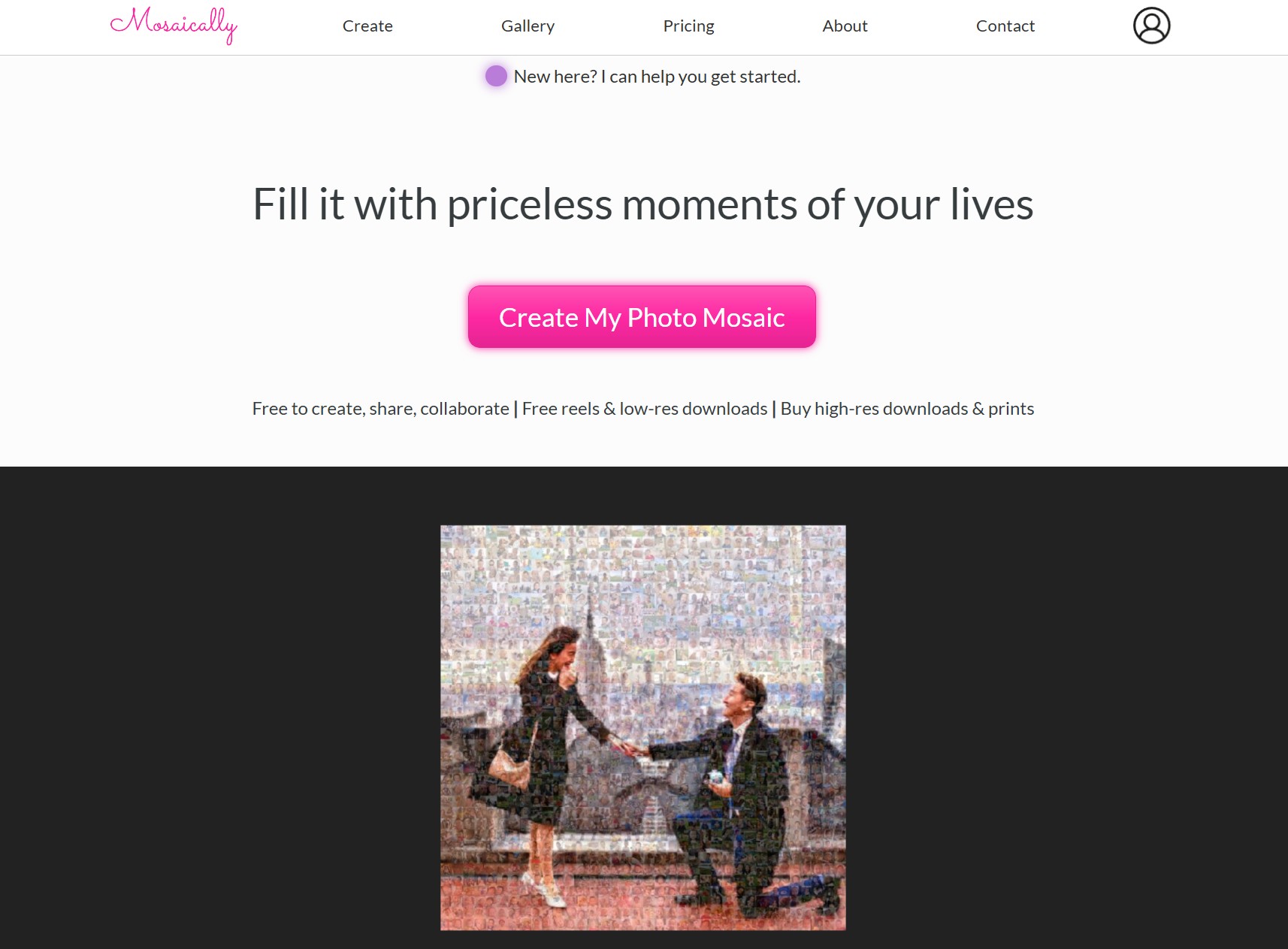
Mosaically is an online photo mosaic maker that is convenient to use, as you don't need to enter the mosaic maker website without downloading any third-party software.
It is easy-to-use mosaic creator with many powerful features about photo mosaics. It also includes different tryout samples. You can also find relevant pictures of a certain theme in case you don't have small photos. You can always edit small images with such an image enhancer from VanceAI to arrange them into a large photo in a better way.
2. Picture Mosaics
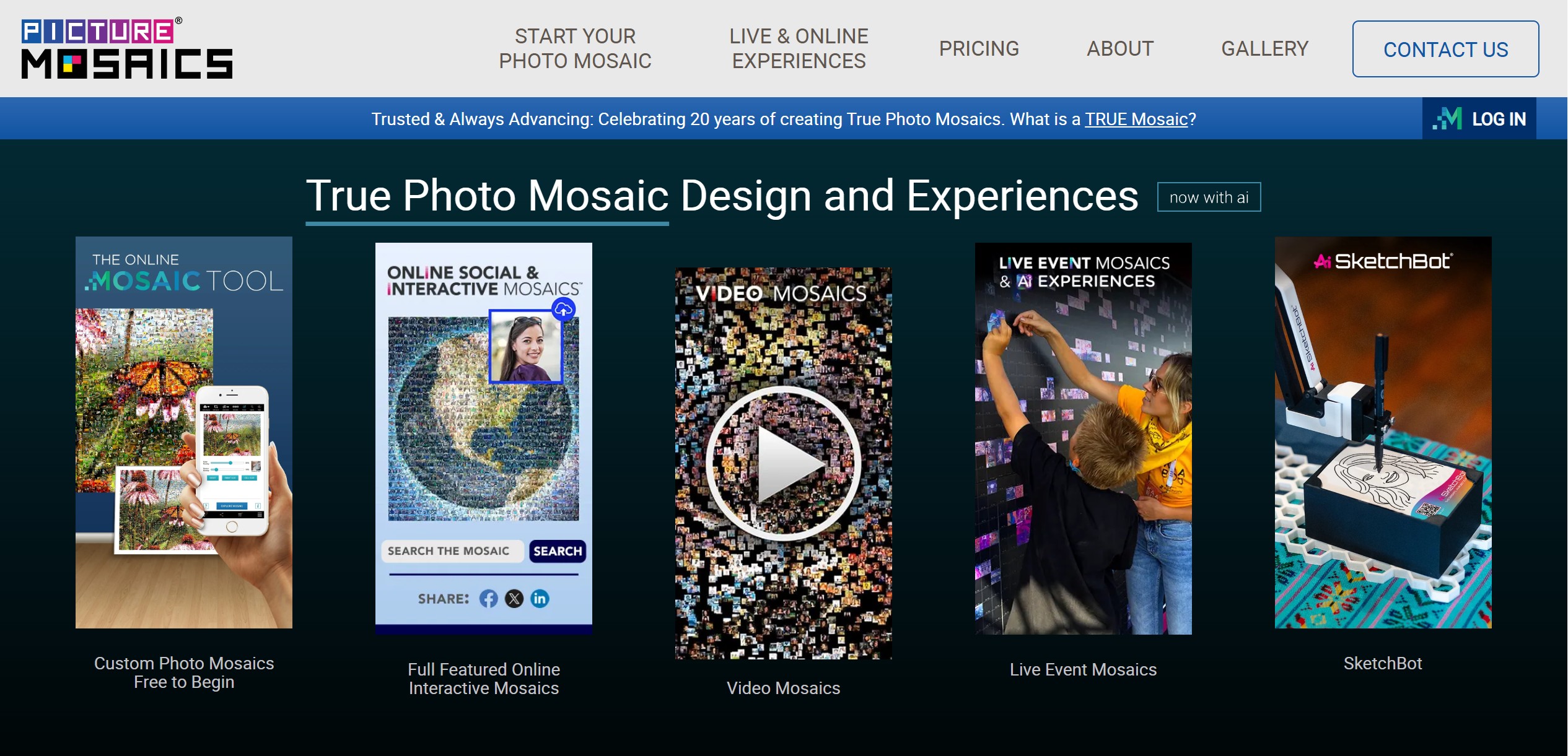
Picture Mosaics is an online free mosaic tool that would make creating a mosaic as easy as possible. You can easily create your photo and video mosaics using the most advanced mosaic technology. From personalized prints and videos to online mosaic campaigns, this is the tool to use for mosaic making.
The customer service is helpful and professional. They also have wonderful face recognition extraction software to recognize the images and capture important sections including faces to create mosaics. Overall, this mosaic creator is an excellent tool for making mosaics, thanks to its amazing mosaic photo effects. By the way, if you want to maker some deepfake images, here is a nice guide for you.
3. Picmyna
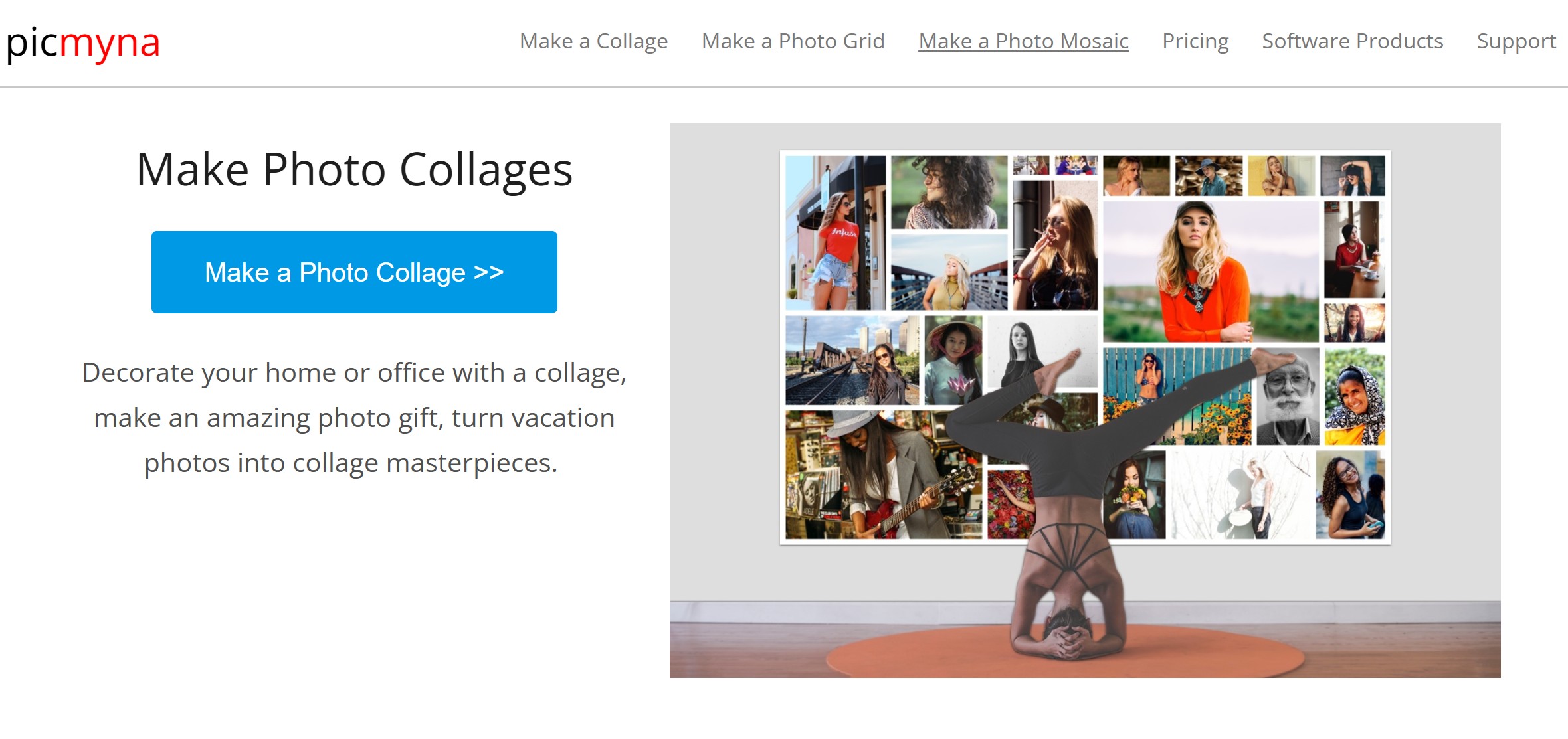
Picmyna is a great free mosaic maker option to use online. You don't need to download the software and install it on your system. Just browse the app and start using its mosaic filter. This is the best part of using an online Picmyna mosaic maker. The mosaic creator is very easy to use and the images are all watermarked. It also includes many other free features for making collages and picture grids.
4. Photo Mosaic Creator
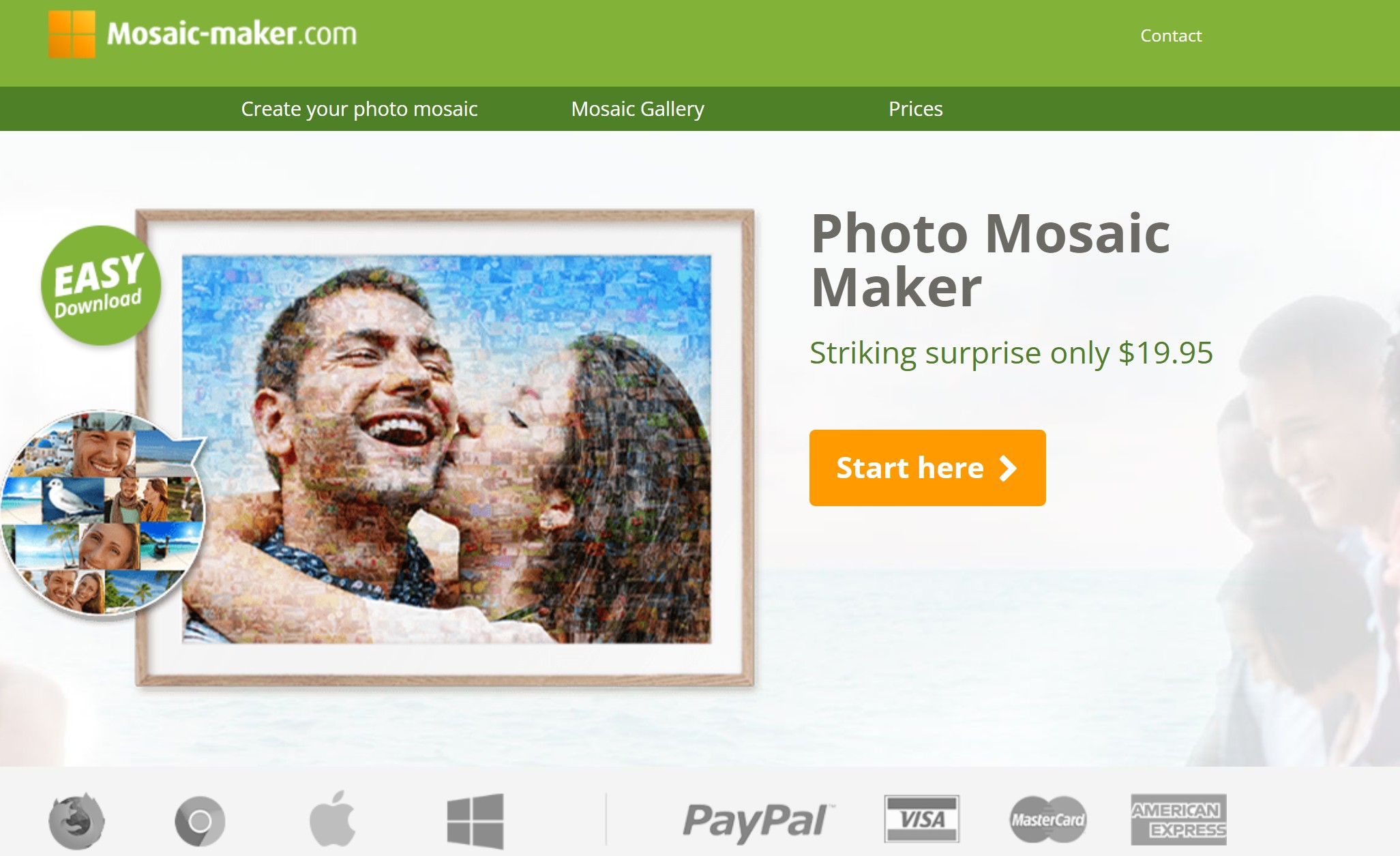
You can make photo mosaics with this online photo mosaic creator software. The tool is very easy and simple to use. You can create a mosaic just by uploading the images. The mosaic maker also makes it easy to create amazing and interesting mosaics. After the mosaic is done, you have the option to download the file in a high resolution in three different versions.
5. Fotor
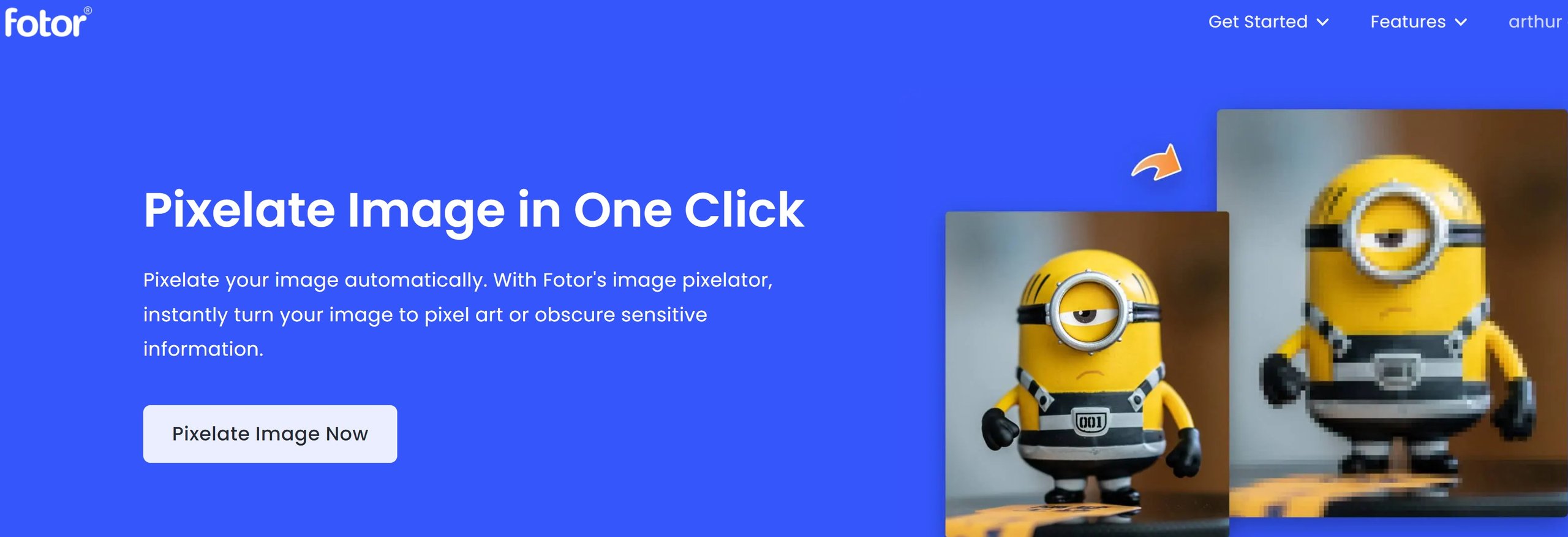
Just like VanceAI, Fotor can be used to make your photo enhanced with different tools. Also, it is another amazing online mosaic art that does not just create powerful mosaics but also edit photos. The mosaic option helps you add abstract yet interesting mosaic effects to your images. This helps in distorting and pixelating an image easily.
It also blurs different image parts and hides a few things so the areas that you don't want in the mosaic are hidden and converted into mosaic art quickly.
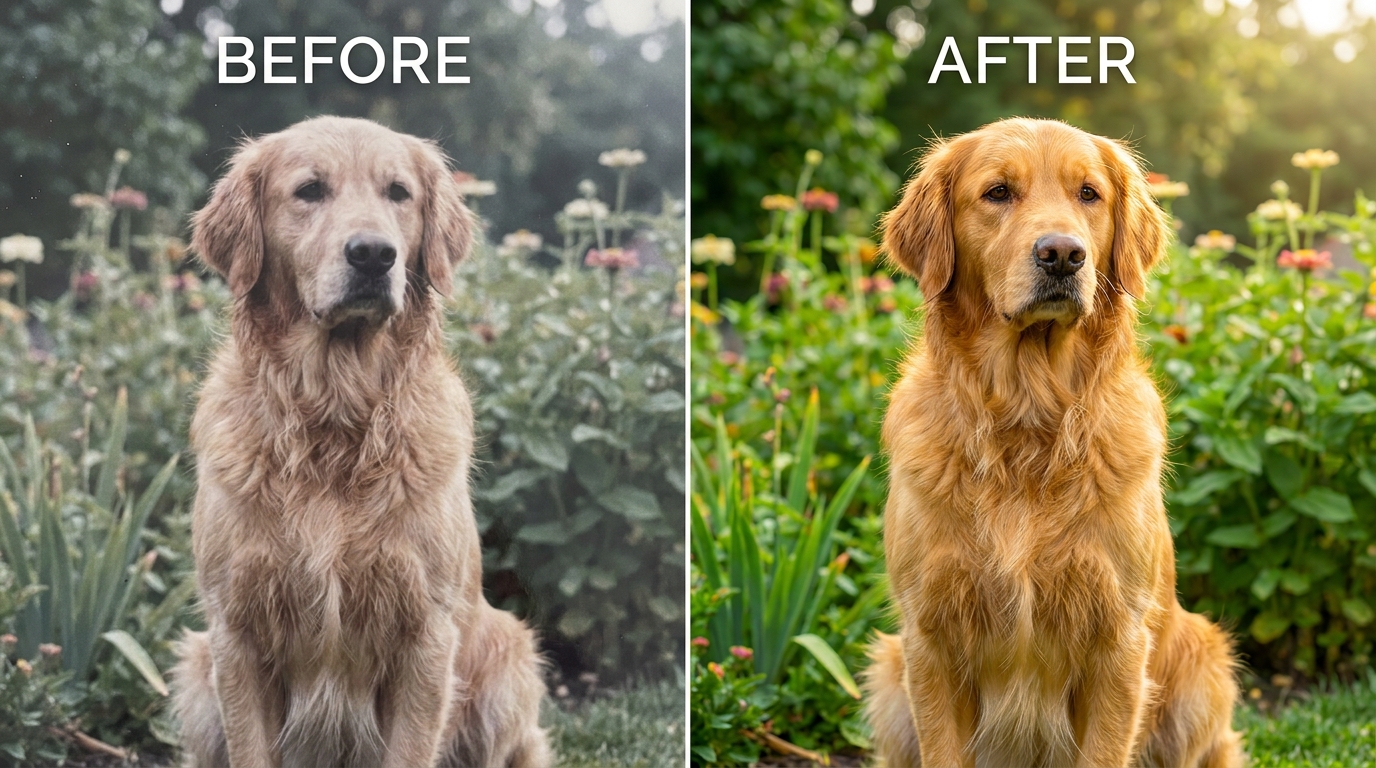
Tip: a mosaic is only as sharp as its source photos. Enhancing low-resolution or faded images first — as shown above — keeps the final mosaic crisp instead of blocky.
Frequently Asked Questions
What is a photo mosaic maker?
A photo mosaic maker is a tool that recreates one large image out of many small photos or colored tiles, either for print or digital display.
Which is the best free photo mosaic maker?
Mosaically is the most beginner-friendly free option, while Picture Mosaics suits large print projects. The best pick depends on whether you want quick fun or high-resolution output.
How do I make my photo mosaic look sharp?
Start with high-quality source photos. Enhancing low-resolution images with an AI photo enhancer before building the mosaic keeps fine detail from turning blocky.
Is VanceAI a photo mosaic maker?
No — VanceAI does not build mosaics, but it prepares the photos you feed into a mosaic maker by enhancing resolution, sharpness and color so the final result looks clean.
Is VanceAI free to use?
VanceAI lets you preview enhancements for free, then downloads use its credit system so you only pay for what you process.
How does VanceAI's credit system work?
Monthly plans start at Starter (.95/100 credits), Standard (.95/200), Pro (.95/500) and Premium (.95/1000), plus pay-as-you-go, with unused credits rolling over up to 5x.
How many photos do I need for a mosaic?
Most makers recommend a few hundred to a few thousand tile images for good detail; more tiles means a sharper, more recognizable mosaic.
Can I print a photo mosaic in high resolution?
Yes. Tools like Picture Mosaics export print-ready files. For crisp prints, first boost your main image DPI — see our guide on increasing image DPI.
Do photo mosaic makers work on mobile?
Several, including Mosaically and Fotor, offer web or app access that works on phones, though large projects are easier on desktop.
What is the easiest way to edit mosaic tile photos?
Batch-edit them for consistent brightness and color first. Quick web editors such as Picuki-style tools help standardize tiles before assembly.
Conclusion
Mosaic making is an art. It is loved by art lovers and photographers all around the world. It gives us an amazing option to use different moments and turn them into one big picture to make it more memorable. All the above-mentioned mosaic maker tools are wonderful for creating high-quality mosaic art. The images can be downloaded into a high-resolution format of your choice. If you want to give your Mosaic art images a higher resolution, VanceAI provides you with an excellent image quality enhancer.
Best of all, all the above mosaic makers are free to use. So, if you are looking for a mosaic creator tool and want to make a few of your memories more special for yourself, then don't hesitate to use one or all of the mosaic making tools reviewed above. They don't have a lot of different features from each other and that's why they are included in our list of 5 best photo mosaic makers to use online.


