Bring old and damaged photos back to life
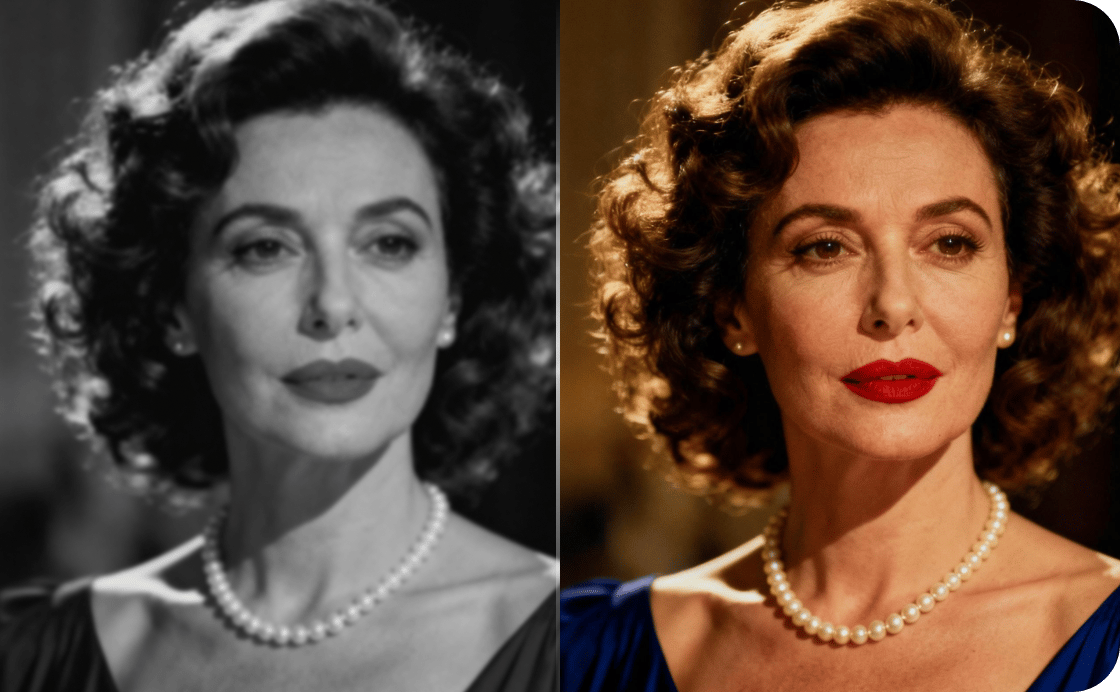
VanceAI removes scratches, tears, stains, and creases from old photos in a single pass, and automatically corrects faded color and sepia tones. Faces are the hardest part of restoration. Our model recovers skin texture, eyes, and hair so restored portraits look like the person you remember.
Drag your image here, or
Free to start. No watermarks, no credit card.
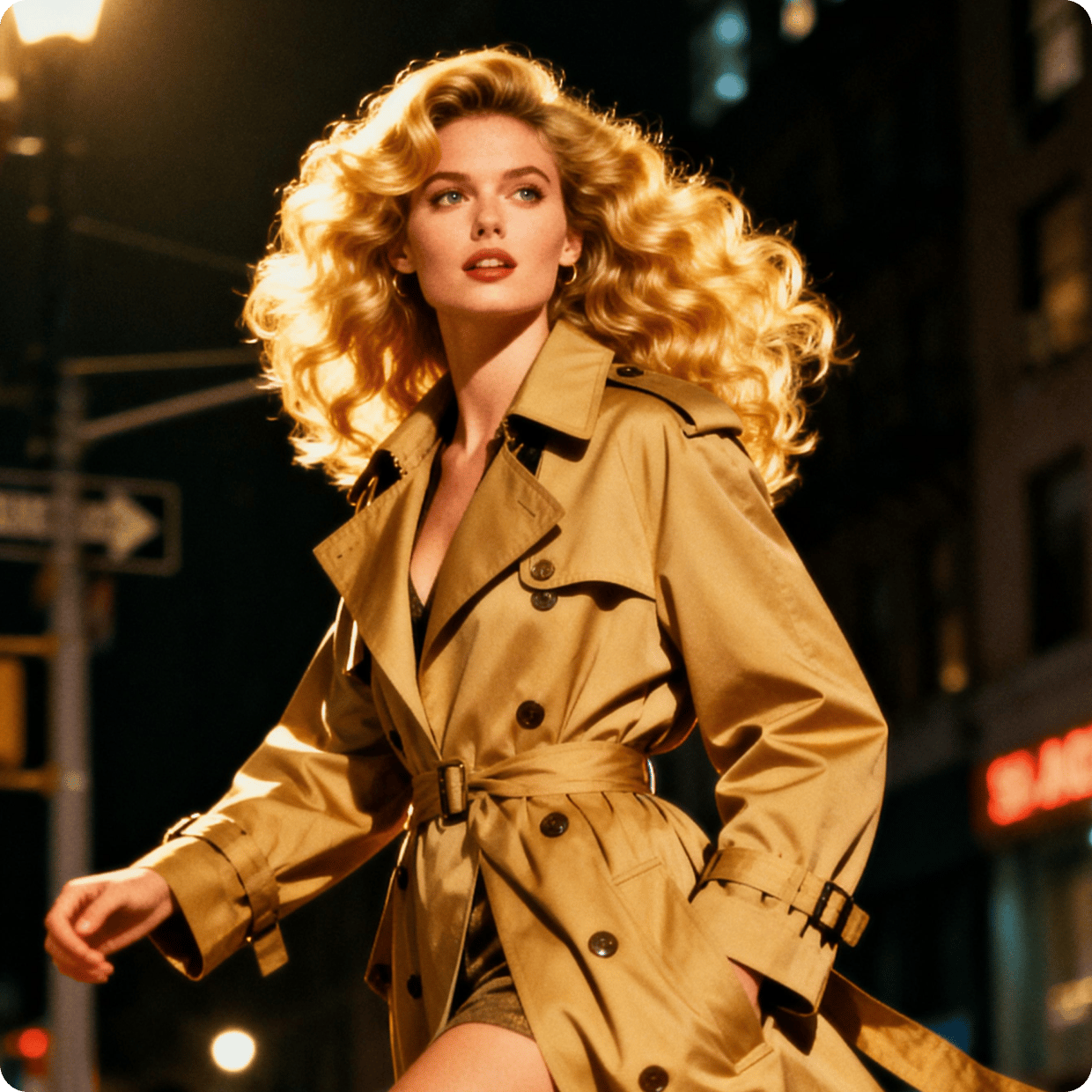
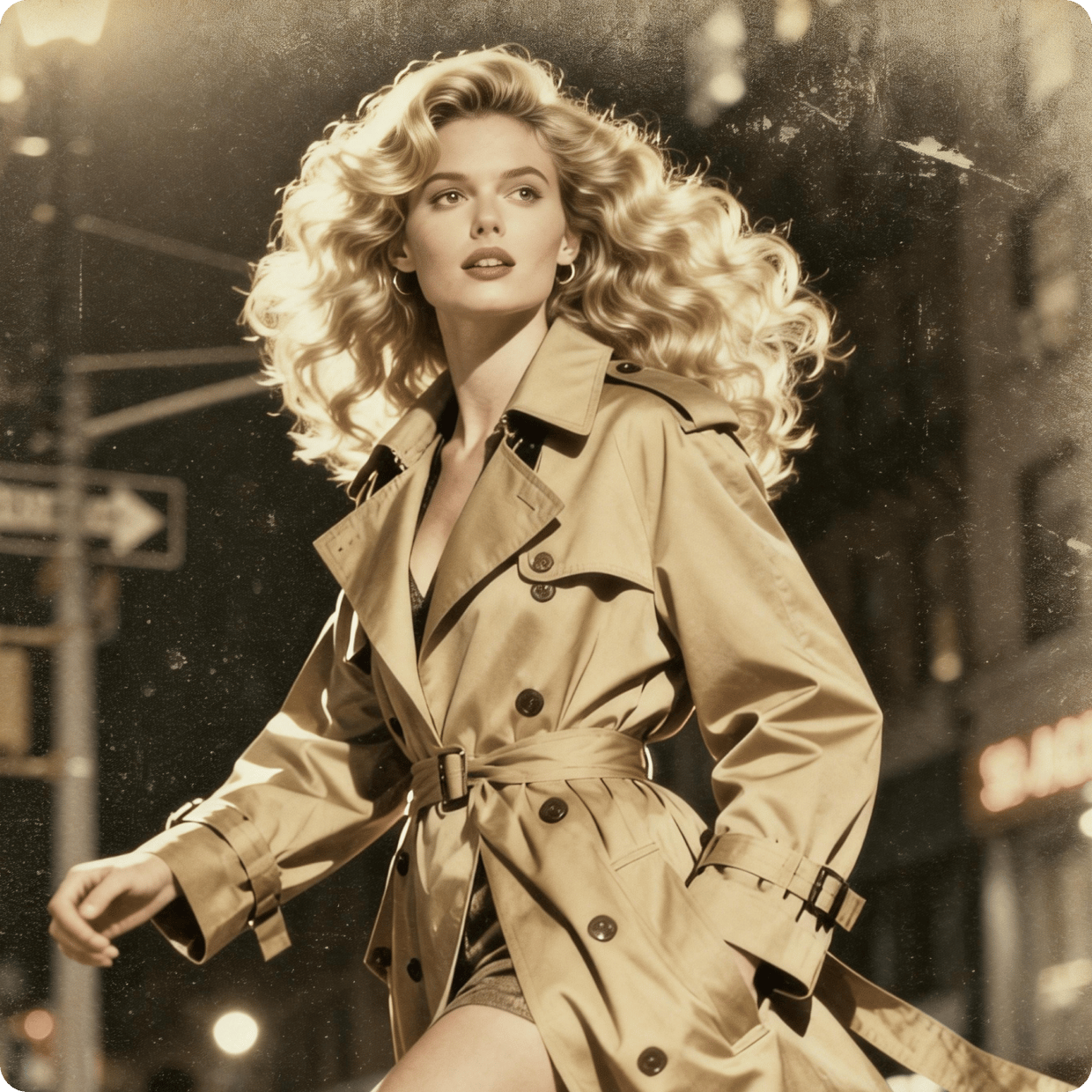
VanceAI brings the tools to take unusable assets and upgrade them to save the day.
Trusted and loved by


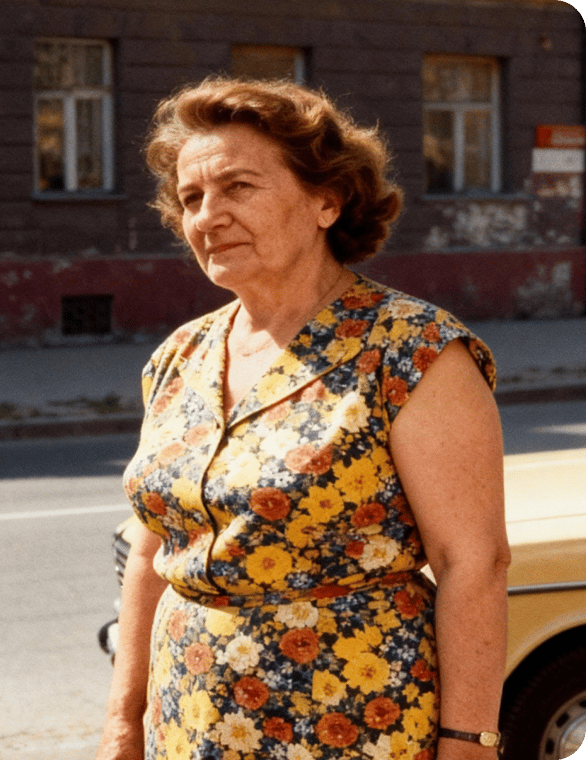
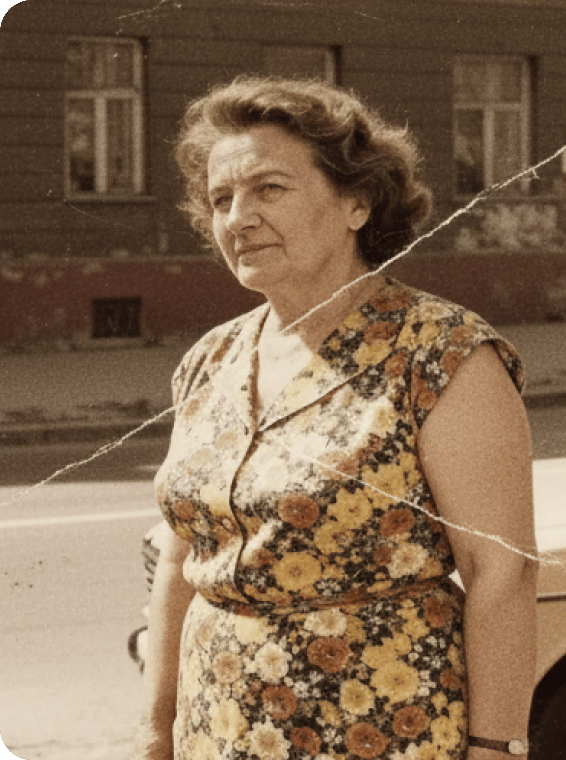
Restore damage, scratches, and tears from old photos
VanceAI removes scratches, tears, creases, and spots from old photos in a single pass, then automatically corrects faded color and sepia tones. The model identifies damaged areas, fills in what's missing, and rebuilds detail that decades of wear have erased.
Remove scratches and creases

Recover face detail that ordinary restoration misses
Most restoration tools repair the damage but leave faces looking blurred and lifeless. VanceAI specifically recovers face detail: skin texture, eye sharpness, and hair fineness, so restored portraits look like the person you remember instead of a smoothed-out approximation.
Sharpen blurry portraits

Revive family memories from any archive
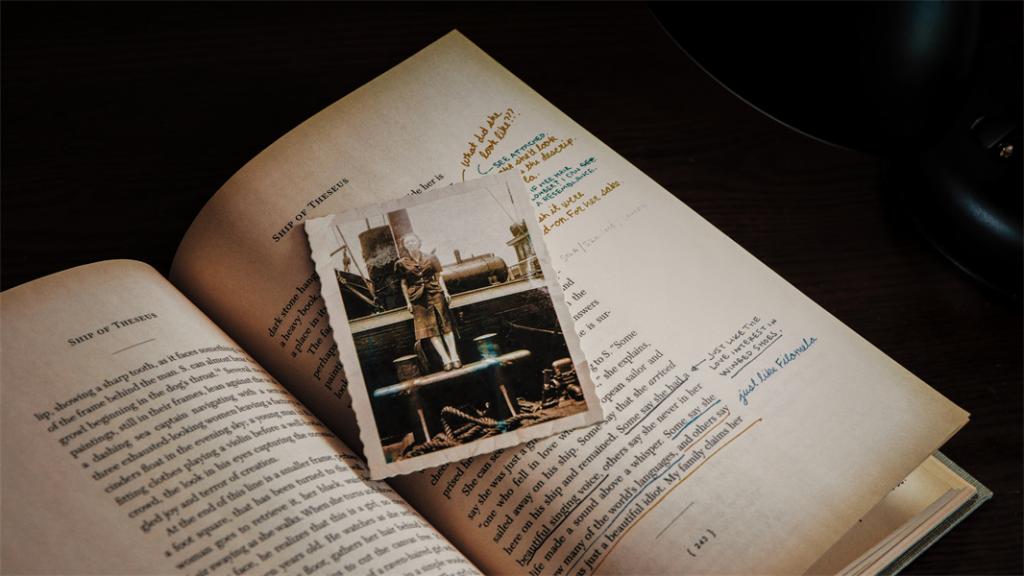
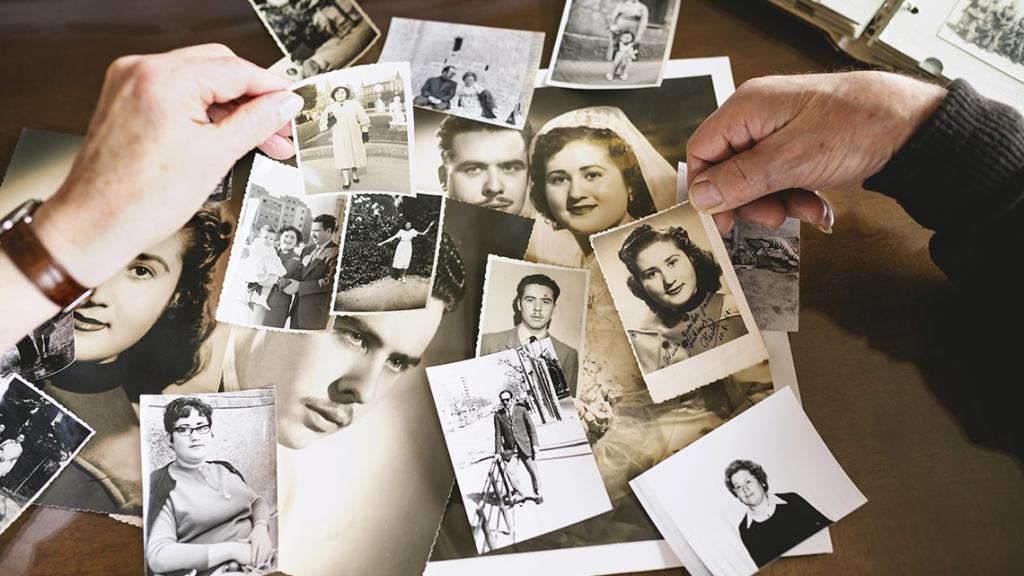
Family photo boxes, attic albums, and scanned negatives all hold memories that fade further every year. VanceAI restores any old photo in seconds, with the option to add color to black-and-white memories or push faded prints back toward their original tone.
Revive faded memories
Restore photos online or offline in batch
Restore a single photo from any browser, or run hundreds through VanceAI for PC in a single batch. The desktop app processes faster, keeps every file on your machine, and maintains consistent restoration quality across the whole archive.
Batch restore on desktop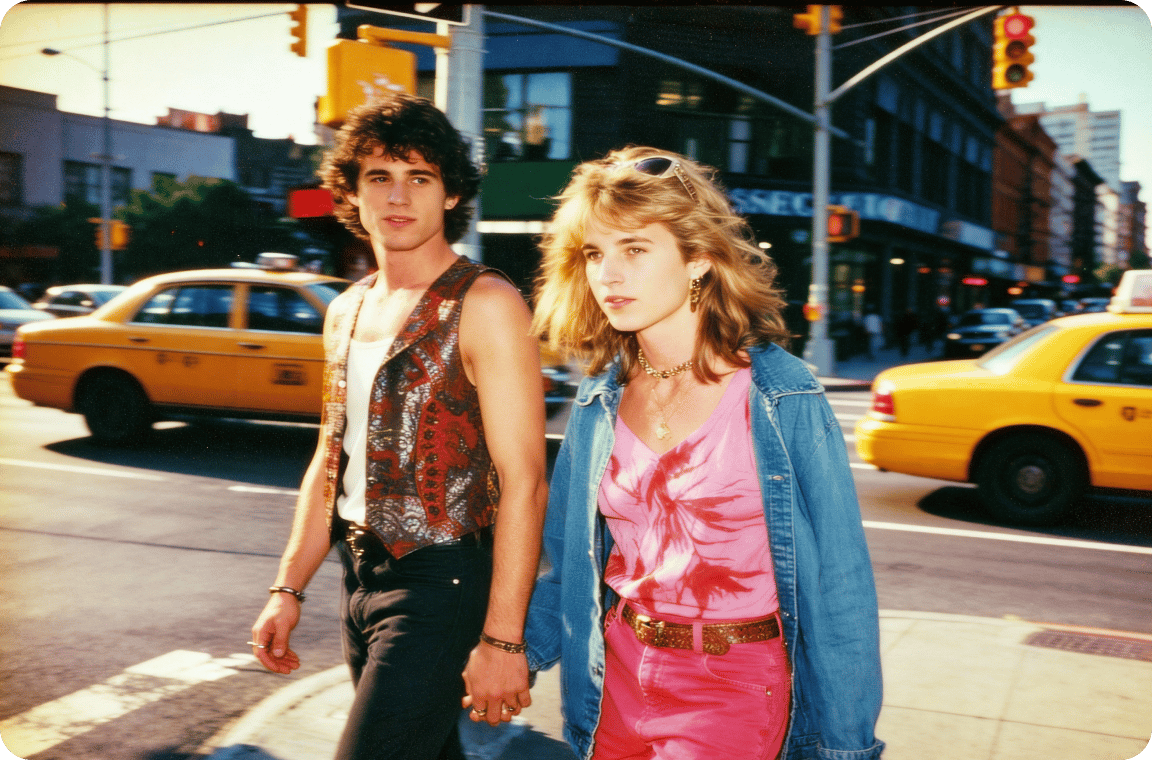
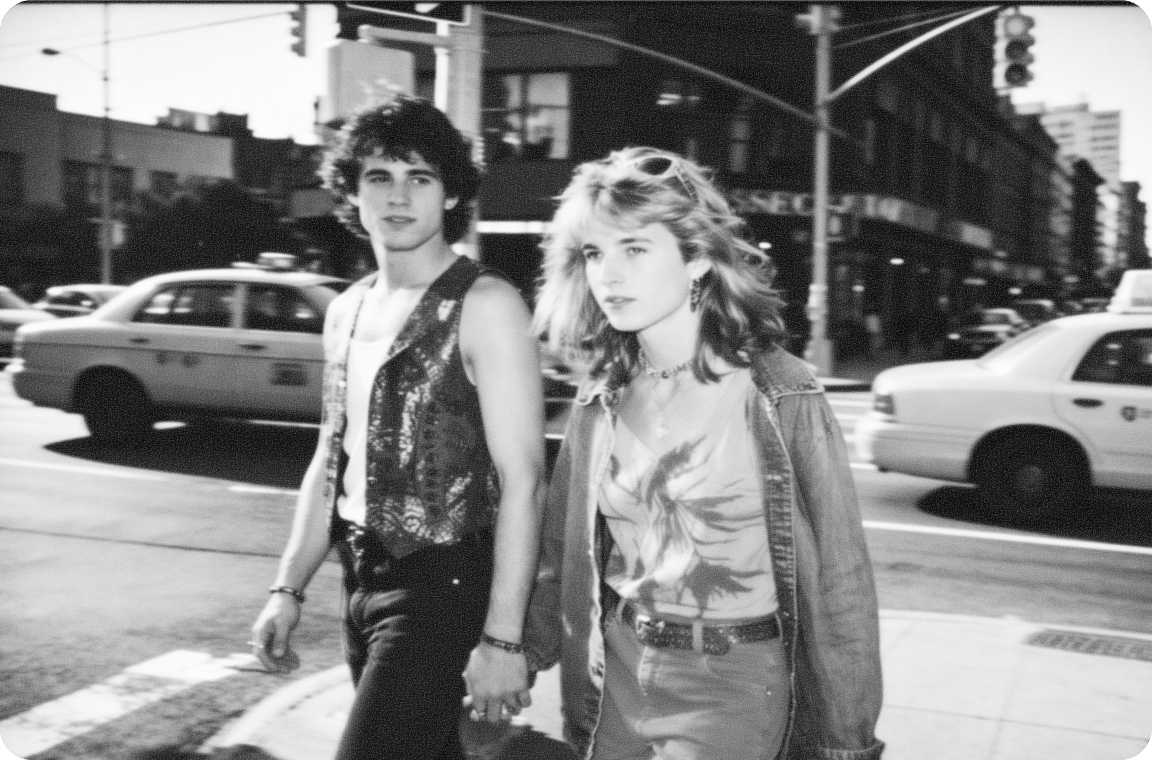
Restore, colorize, and upscale any image to print-readiness
Heritage photos often need all three: damage repair, colorization, and resolution boost for print. VanceAI chains restoration, colorization, and upscaling in one workflow, so a faded black-and-white print becomes a sharp, full-color, print-ready image without leaving the app.
Make a print-ready heirloomThe world's top restorer model.
Precision-built for the artists and creators
who agonize over every frame
Repair all damage
VanceAI removes scratches, tears, stains, and creases from old photos in one pass, no manual brushwork required.
Faces in full detail
Faces are the hardest part of restoration. Our model recovers skin texture, eyes, and hair so restored portraits look like the person you remember.
Complete in seconds
A heavily damaged photo restores in under ten seconds, where conventional manual restoration can take hours per image.
Private by default
Every uploaded image is encrypted in transit and permanently deleted within 24 hours of processing.
Trusted by 9,800,000 users worldwide



FAQs
VanceAI's photo restorer is trained on millions of vintage photographs to remove scratches, sepia tones, tears, cracks, and spots from old damaged photos in seconds. The web app runs in any browser, and VanceAI for PC handles batch restoration on Windows for archives, family albums, and historical collections.
Upload your old photo to the restorer and the model repairs damage, sharpens faces, and corrects faded color automatically. No editing experience required. Once restored, chain the result with VanceAI's upscaler to enlarge for poster prints or family album reprints.
Yes. The free tier lets you preview the restored result with no watermark. Sign-up credits cover three free restorations before you decide on a plan, and paid tiers handle unlimited old photo repair.
Scratches, tears, creases, water stains, sepia and yellowing, fading, mold spots, dust, and cracked emulsion. The model handles each in one pass, even on heavily damaged or partially torn prints. For black-and-white originals, chain the restorer with VanceAI's colorizer to add period-accurate color.
VanceAI's restorer produces sharper detail recovery on faces, cleaner scratch removal on damaged prints, and more natural color when colorizing black-and-white originals. Independent reviews at Topten.AI and AI Tools List rank it among the best restoration tools of 2026. Try it free and compare side-by-side with any other restorer.
Yes. The web app restores one photo at a time on the free plan. For batch restoration of full archives or family albums, download VanceAI for PC, which processes hundreds of photos in a single run on Windows.
Ready to restore?
VanceAI's AI photo restoration repairs damaged, faded, and scratched pictures in seconds. Restore old photos with one click, chain with the colorizer to bring black-and-white memories to life, or run batches through VanceAI for PC for full family archives.