Turn your photos into line drawings and sketches
VanceAI converts any photo into a clean line drawing or sketch in one pass, no tablet, no tracing, no manual line work. Choose from pencil sketch, ink line drawing, anime outline, and architectural sketch, each with the line weight and shading style of the technique it's named after.
Drag your image here, or
Free to start. No watermarks, no credit card.
VanceAI brings the tools to take unusable assets and upgrade them to save the day.
Trusted and loved by


Sketch any photo as a line drawing
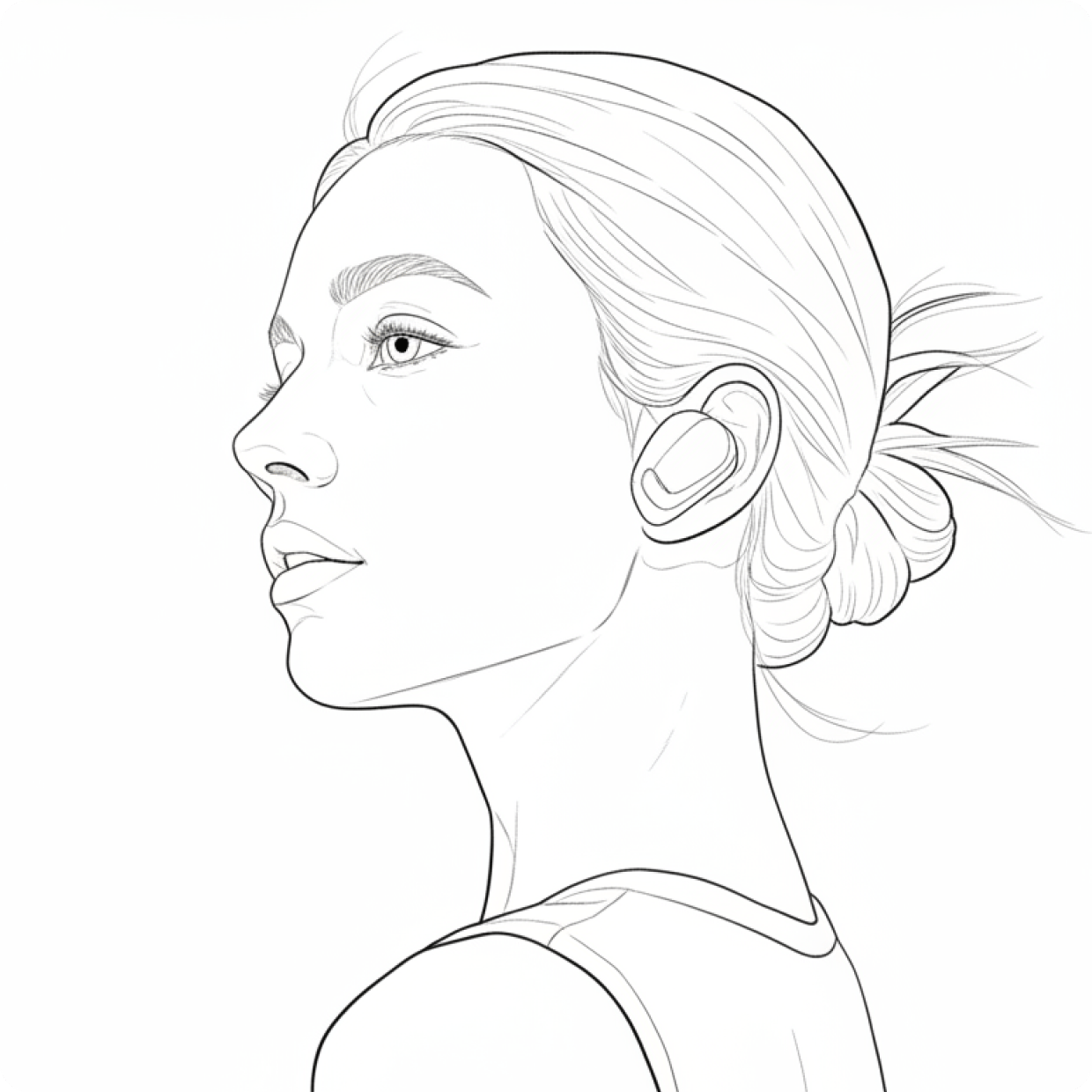
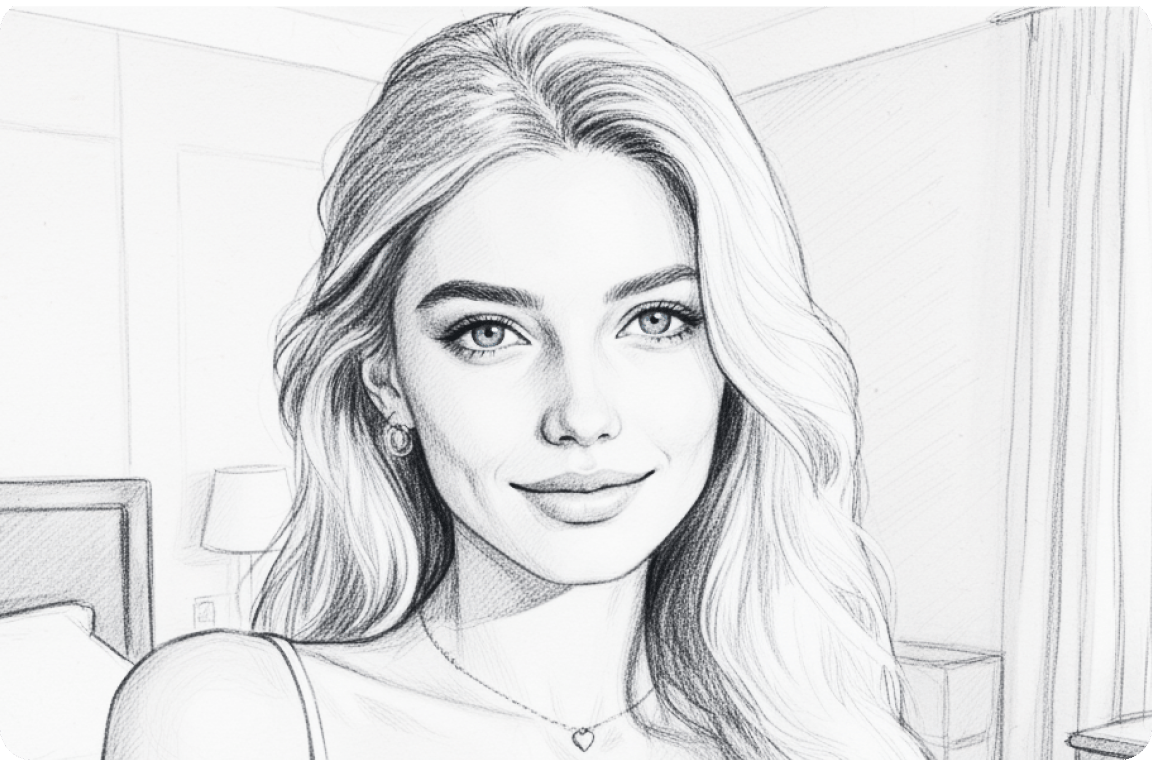
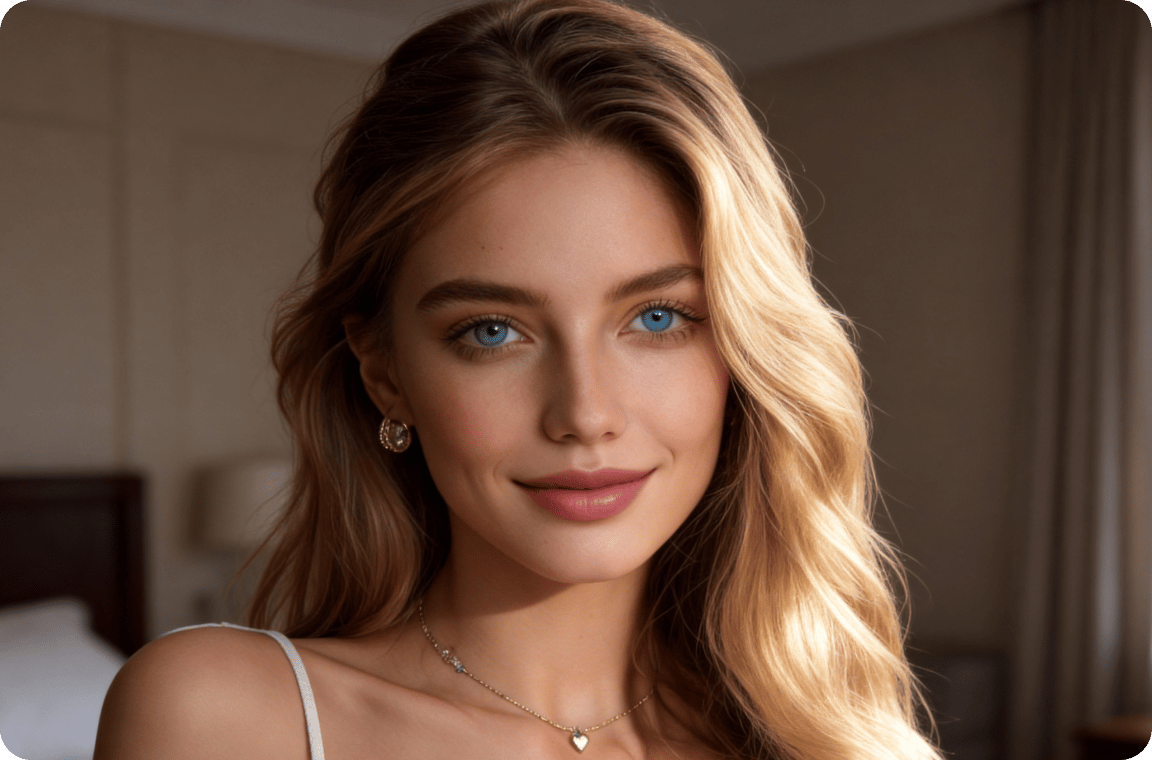
VanceAI converts any photo into a clean line drawing in one pass, with no tablet, no tracing, and no manual line work. Our sketcher is trained on millions of drawings by real artists, so the output reads as drawn rather than as a filter applied over a photo. Drop in a portrait, a landscape, or a still life and get a line drawing back that captures the structure of the subject without the photographic detail. Perfect for sharing, printing, or using as a reference for further hand work.
Convert any photo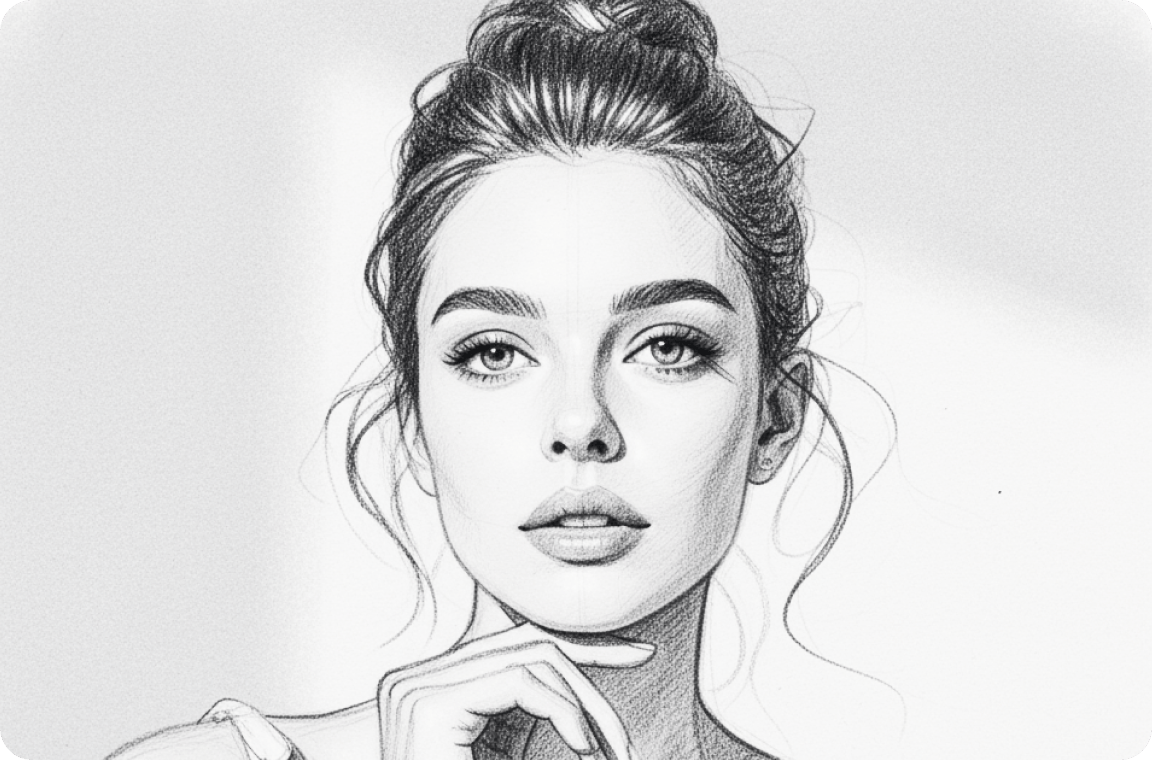
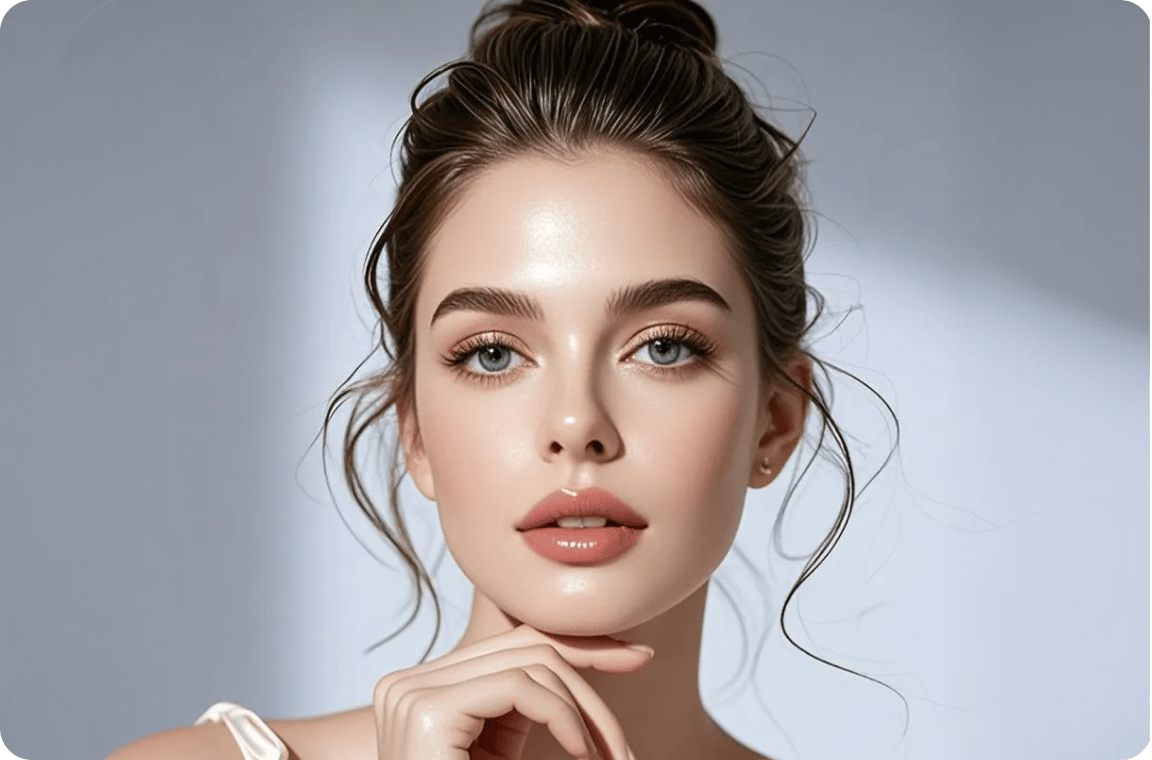
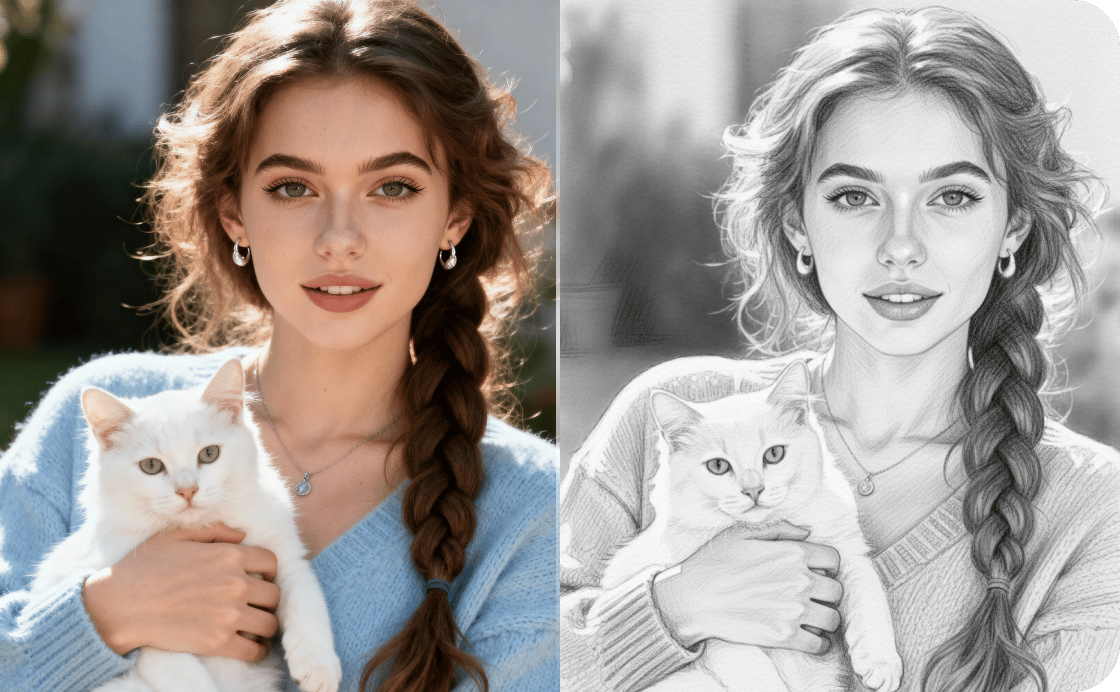
Turn your selfie into a pencil portrait
A pencil portrait by hand takes an artist hours. VanceAI generates one from any selfie in seconds, with the line weight, shading, and graphite texture of a real pencil sketch rather than a filtered photo. Drop in a portrait and get a pencil version back, ready for sharing, framing, or printing as a personal gift. The model preserves the structure of the face while reinterpreting the photo into the marks a real artist would make.
Sketch your portraitThe world's top sketcher model.
Precision-built for the artists and creators
who agonize over every frame
Photo to sketch
VanceAI converts any photo into a clean line drawing or sketch in one pass, no tablet, no tracing, no manual line work.
Every sketch style
Choose from pencil sketch, ink line drawing, anime outline, and architectural sketch, each with the line weight and shading style of the original technique.
Frontier models deployed
Our sketcher is trained on millions of drawings by real artists, so the output reads as drawn rather than as a filter applied over a photo.
Private by default
Every uploaded image is encrypted in transit and permanently deleted within 24 hours of processing.
Trusted by 9,800,000 users worldwide


FAQs
Open VanceAI in any mobile browser, upload your photo, and the model converts it into a line drawing in seconds. No app install required, and the same workflow runs on Android, iPhone, or desktop.
Upload your selfie or portrait to VanceAI, and the model converts it into a sketch in seconds: pencil, line drawing, anime outline, or architectural style. Once you have the sketch you want, chain it with the upscaler to enlarge for prints or framing.
Photoshop's line-drawing process requires layers, manual tracing, and filter stacking. VanceAI generates the line drawing in one pass, running in the browser with no install required and no local storage used.
Upload your photo to VanceAI's sketcher and pick the pencil model. The AI converts the photo into a clean pencil line drawing in seconds, with line weight and shading style matching real pencil work rather than a digital filter.
Ready to sketch?
VanceAI's AI sketch converter turns any photo into a line drawing, pencil sketch, or anime portrait in seconds, with no tablet and no manual line work. Pair with the upscaler to push your sketch to print resolution for framing, sharing, or wall art.