
Have you ever wondered if others found you attractive? This is something everyone thinks of regardless of whether they identify as an introvert or an extrovert. By the way, improving photo quality is also a good way to leave a good impression on others.
Your life is shaped depending on the perception of what people think about you. Thanks to the power of AI and controversial analysis, it is now possible. Attractiveness scale TikTok brings just the thing that you need to have an idea of what others think about you! AI Image Enalrger is a tool powered by AI that allows your photo looks better through pixelating with only a few clicks. Why hesitate? Come to try it.
What Is the Attractiveness Scale on TikTok?
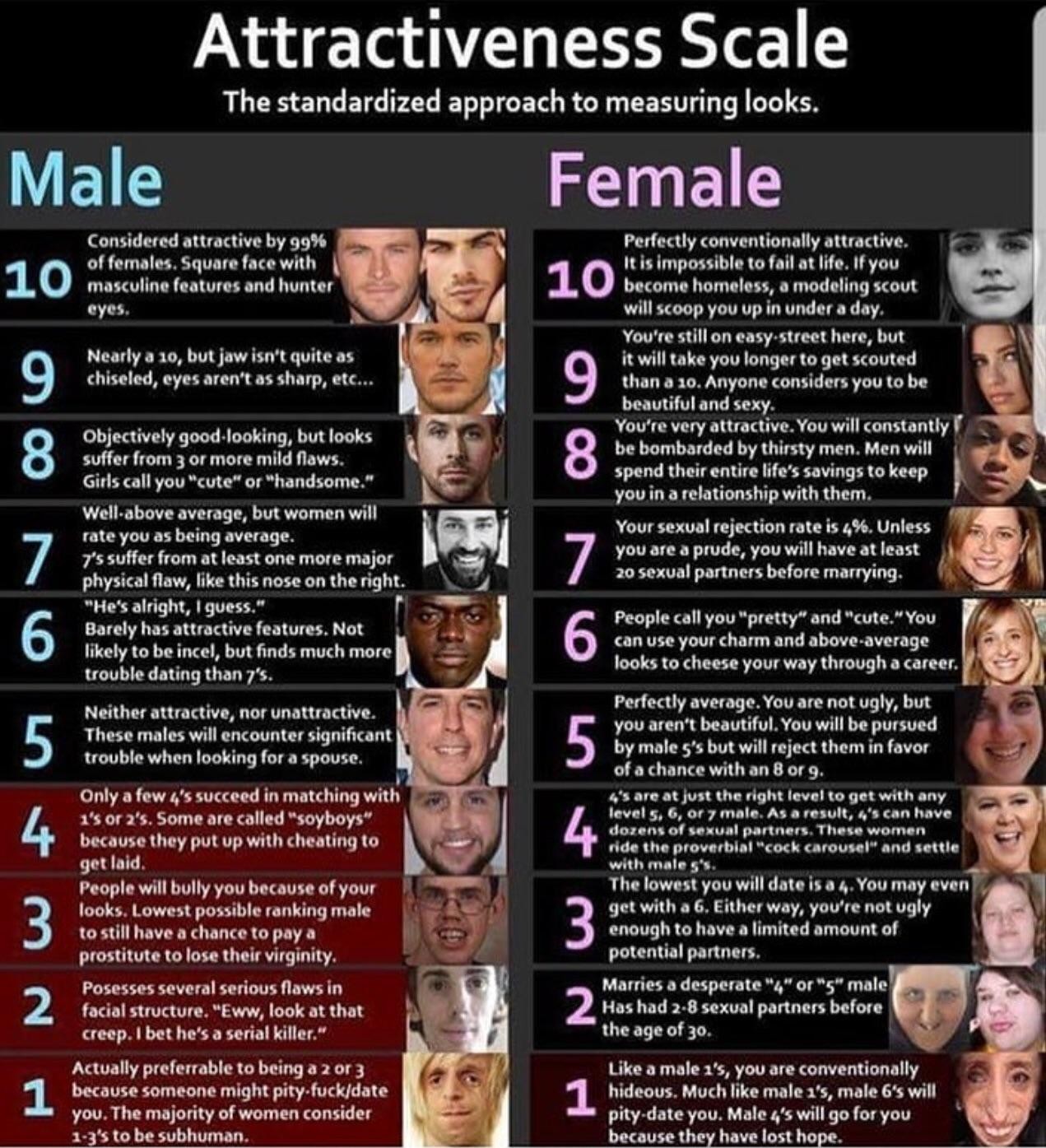
The Attractiveness Scale on TikTok uses an AI filter to compare your facial features and expressions against widely loved face shapes online. It assigns a score and rates your face on an attractiveness scale of 1 to 10.
Behind the scenes, the filter analyzes your selfie or live video for features that resemble a popular face match in the underlying database, then assigns an overall score. Like every viral AI face filter, users have mixed opinions — some love the playful score, others avoid it. Either way, getting consistently fair results from these tools depends heavily on the quality of the photo or video you feed in: lighting, focus, and resolution all influence the AI's read on your features.
How to Do the Attractiveness Scale on TikTok
Using the Attractiveness Scale filter is straightforward. Follow the five steps below to score yourself in a single short video.
Step 1: Search "Shape Shift" in TikTok
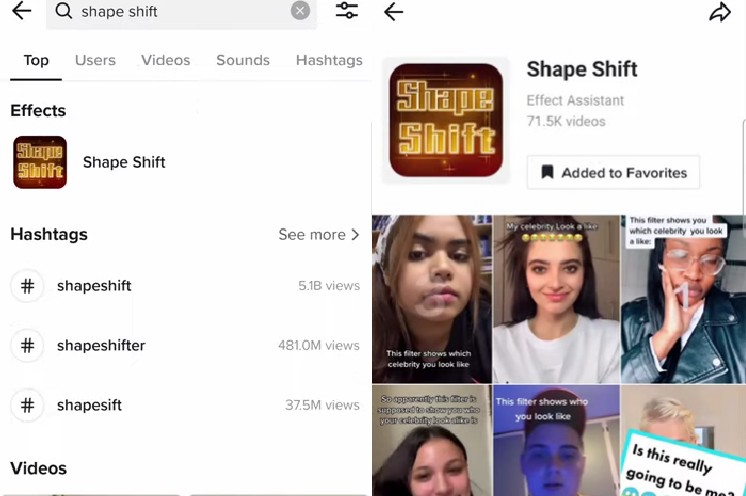
Type Shape Shift into the search box at the top of the TikTok app. You'll see the Attractiveness Scale topic surface near the top of the results. Tap See more to browse all videos using the filter.
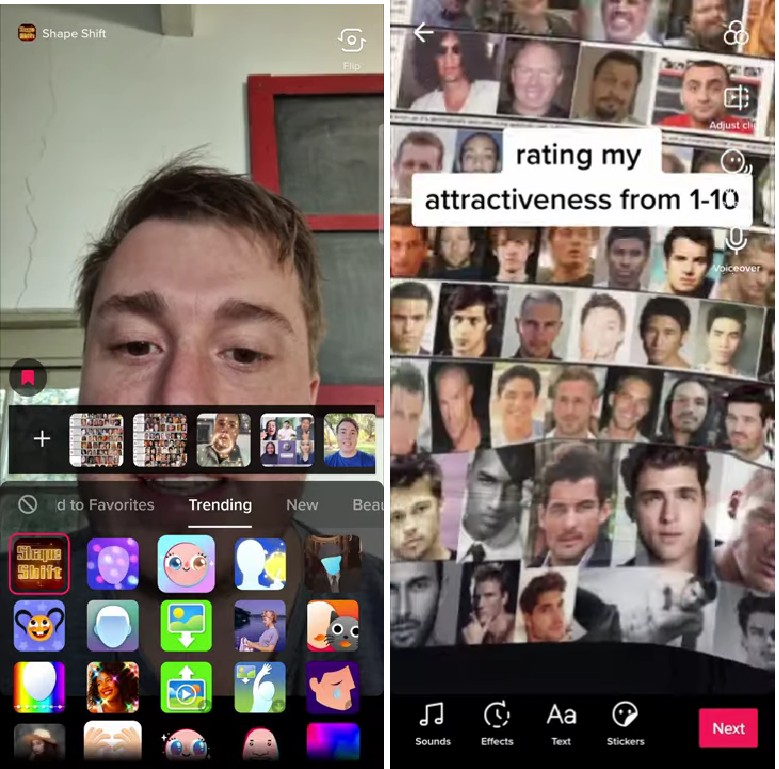
Tap any video that uses the filter, then choose Shoot with this filter to load the camera with the same effect applied.
Step 2: Pick the Attractiveness Scale Effect
In the camera screen, tap Effects and find the Attractiveness Scale filter inside the trending or face-effects category. The filter icon usually shows a face with a numeric scale overlay so it stands out from regular beauty filters.
Step 3: Record Yourself
Now record yourself. The filter will assign a score between 1 and 10 according to its standard scale based on the facial features it detects in the frame. For the most consistent score, record in well-lit conditions and keep the camera steady — sharper inputs produce more reliable results.

Step 4: Read the Scale
The numeric overlay on screen is the AI's score. The Attractiveness Scale uses a 1–10 range with intermediate values shown live on top of your face. Save the recording to your draft if you want to repost with reaction overlays.
Step 5 (Alternate): Shapeshift Filter
You can also try the Shapeshift filter from the same Effects menu. Instead of returning a numeric score, it identifies the closest celebrity match for your facial features — another playful way to see how the AI ranks you.
Best 7 Alternatives to the TikTok Attractiveness Scale
TikTok wasn't the first platform to run an AI attractiveness scale, and it won't be the last. Several dedicated apps and websites use the same approach with their own databases and scoring models. Here are the top picks worth trying.
| App or Site | Price | Strength | Limitation | Platform | Score |
|---|---|---|---|---|---|
| Prettyscale | Free | Dependable results from a thorough database | Each step blocked by ads | Web | 3.5 / 5 |
| The Vanity Face | Free | Available on iOS and Android, only 4 points to optimize | Score can vary on the same face | Mobile | 4 / 5 |
| Beauty Meter | Free | Instant results, simple UI | Ads + occasional UI bugs | Mobile | 3 / 5 |
| FaceRate | Free | SOC + AI for better matches, constantly updated | Local processing limits accuracy | iOS only | 4 / 5 |
| Photoeval | Free | Refined UI, addresses racial bias | Beauty is subjective by definition | Web | 4.5 / 5 |
| Hotness.ai | Free | Transparent backend disclosure | Same face can return different scores | Web + Mobile | 4 / 5 |
| Attractivenesstest | Free | Easy to use, quick results | Inconsistent across angles | Web | 3.5 / 5 |
1. Prettyscale
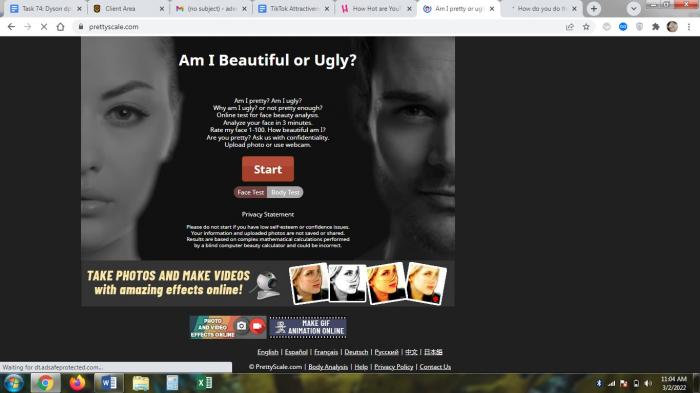
Prettyscale takes a different approach to facial analysis — you manually adjust the key points so the platform understands which features to score. In testing, the experience was a bit laborious because the site asked us to adjust 16 different points before any rating was assigned.
Pros
- Dependable results
- Very thorough database
Cons
- Each successive step is blocked by ads
2. The Vanity Face
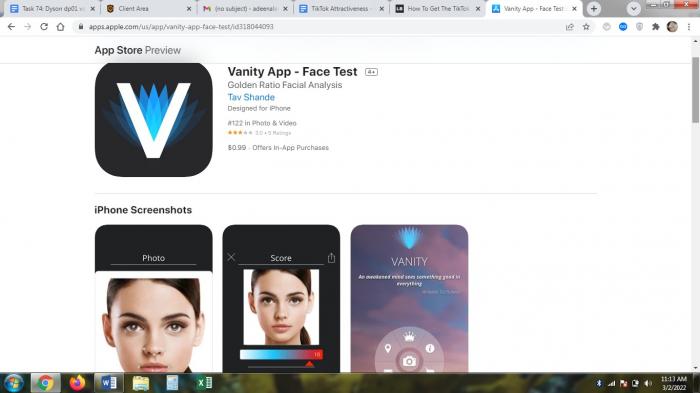
The Vanity Face test app brings a similar adjustment-based approach. You take a selfie or upload a photo, then adjust a few key facial points to teach the app where your features are. The app then evaluates your attractiveness on a numeric scale. Don't be fooled by the women on the marketing page — Vanity Face evaluates both male and female faces.
Pros
- Available on popular mobile platforms
- Only 4 points need optimization
Cons
- Score can change for the same face
- Needs a detailed photo for consistency
3. Beauty Meter
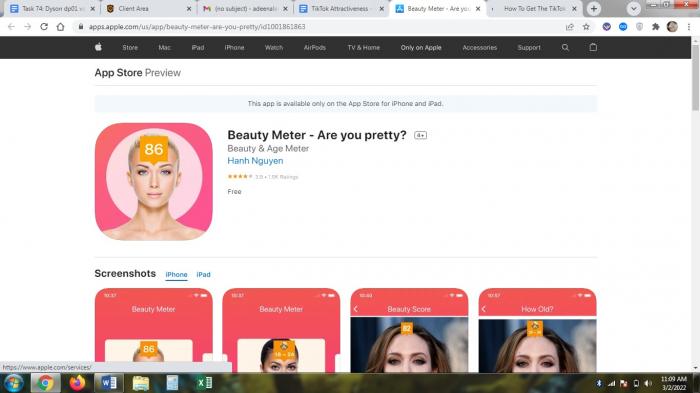
Beauty Meter is simpler than many of its counterparts — you just select a photo and the app returns a result. There are no complex steps and results are almost instant. The app is free to use and download, though some users wonder how the underlying model is trained.
Pros
- Quick results
- Simple UI
Cons
- Ads can hamper the experience
- UI is simple but can feel buggy
4. FaceRate
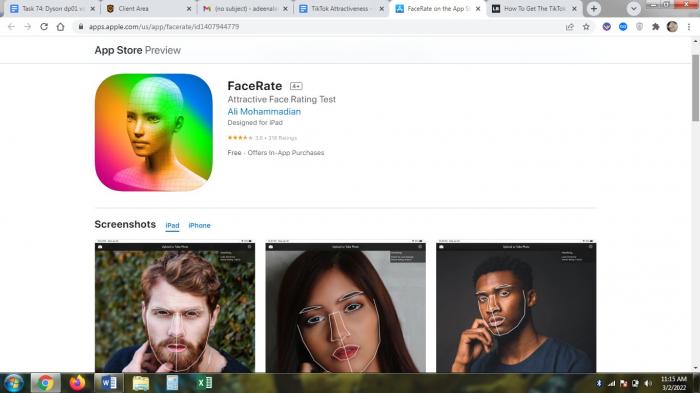
FaceRate is optimized for Apple devices. The app uses machine learning and on-device AI to analyze your face from a selfie or photo. The database updates frequently, which improves the recognition engine over time.
Pros
- SOC + AI combination for better matches
- Constantly updated
Cons
- Local processing can limit accuracy
- Angled shots produce inconsistent results
5. Photoeval
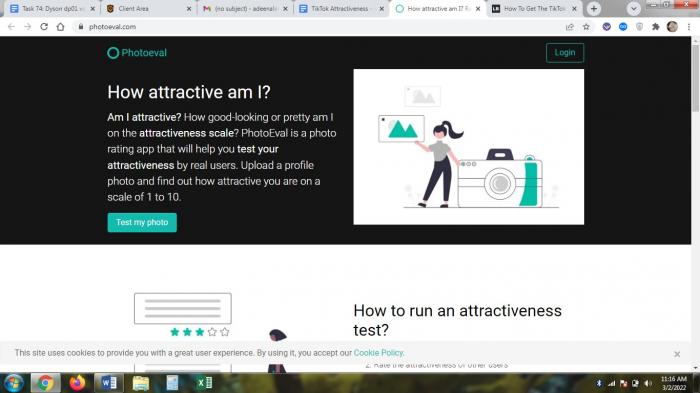
Photoeval brings a unique take — it uses real people to evaluate others rather than relying solely on AI. The result tends to be more nuanced and addresses racial bias better than pure-AI tools. Photoeval is one of a kind in how it balances discretion, privacy, and accurate results.
Pros
- Refined UI
- Actual realistic results
Cons
- Beauty is inherently subjective
- Privacy measures are in place but risks always exist with personal photos
6. Hotness.ai
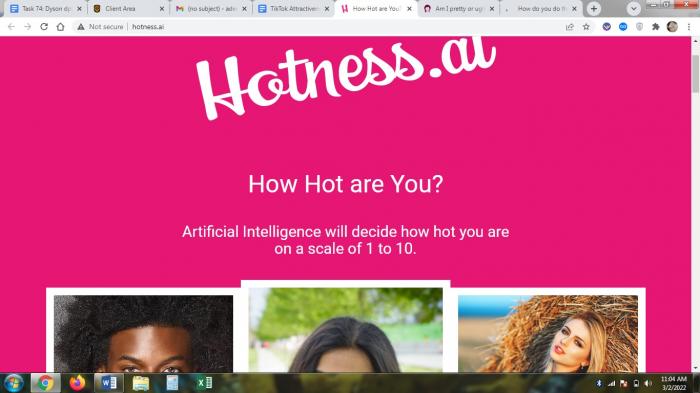
Hotness.ai is simple to use and uses a mix of on-device and off-device machine learning to deliver results. The site is transparent — it tells you which backend API is processing your photo, which is unusual in this category.
Pros
- Transparent operations
- Hybrid on-device + cloud processing
Cons
- Same face can return different scores on retry
- Highly objective scoring may not reflect personal preference
7. Attractivenesstest
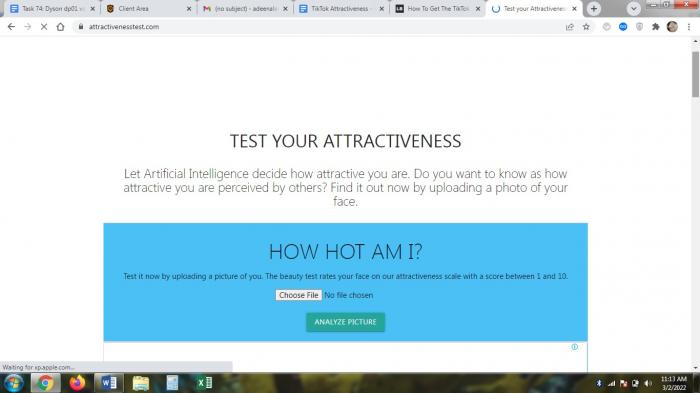
Attractivenesstest is best described as simple and efficient. The site looks unassuming, but the AI engine actually analyzes specific facial regions to compare your features against a reference set rather than assigning random numbers.
Pros
- Easy to use
- Quick results
Cons
- Results can vary across attempts
Using VanceAI Portrait Retoucher Before You Run the Attractiveness Scale
The condition of your skin can cause attractiveness scale tools to rate you lower than they would on a better-lit, sharper photo. Before running the test, you can clean up the input image with VanceAI Portrait Retoucher — it handles basic facial restoration so the underlying AI sees the features rather than the blemishes.
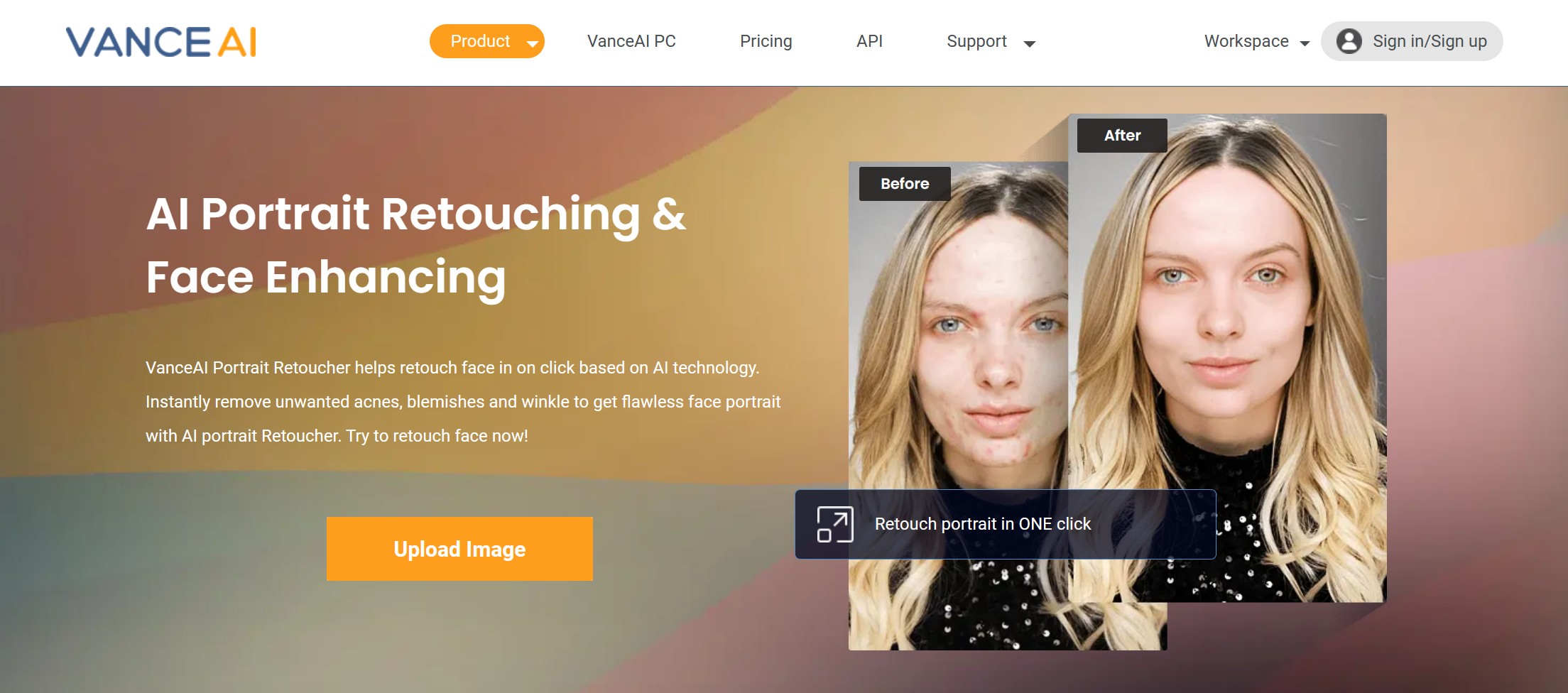
Portrait Retoucher can remove acne, smooth fine lines, fix blotchy skin, and enhance face resolution — common pre-test fixes that change how the AI reads your features. After retouching, upload the cleaned photo to any of the seven alternatives above for a more consistent score.
If your selfie is blurry from camera shake or a bad autofocus pass, the VanceAI Unblur Image tool sharpens the photo before you run the 1–10 attractiveness scale test.
You can also sign up for a free trial — new accounts get 3 free credits per month so you can test the retoucher on real selfies before committing to a paid plan.
Frequently Asked Questions
What is the Attractiveness Scale on TikTok?
The Attractiveness Scale is a TikTok filter that uses AI to score your face on a 1–10 scale by comparing it to a database of widely loved face shapes. Tap Effects → Attractiveness Scale in the camera to apply it during a video.
Where do I find the Attractiveness Scale filter?
Search "Shape Shift" in the TikTok search bar, tap into any matching video, and select "Shoot with this filter" to load it in your own camera. From there, you can also browse the Effects panel and tap into trending face effects.
Is the TikTok Attractiveness Scale accurate?
Not strictly — it's a playful filter, not a scientific measurement. The score depends on lighting, angle, and resolution. The same face can return different scores under different conditions, so treat the result as entertainment rather than feedback.
Why does my score change every time I try it?
The Attractiveness Scale runs on live video frames, so small changes in head angle, expression, and lighting between attempts will change the model's read. To get a more consistent score, record in even lighting with a still camera and keep your expression neutral across attempts.
Can I run the Attractiveness Scale on a photo instead of a live video?
The TikTok filter is built for live video, but several alternatives in this article (Prettyscale, The Vanity Face, Beauty Meter, Photoeval) accept a still photo. Pick one of those if you'd rather upload a single image and get a score back without recording yourself.
How do I get a higher score on the Attractiveness Scale?
The most reliable lever is the quality of the input. Record in well-lit conditions, hold the camera steady, and keep your expression natural. Touching up your photo first with VanceAI Portrait Retoucher (acne removal, blemish smoothing, resolution boost) noticeably improves how AI tools read your features.
Is the Attractiveness Scale safe to use?
The TikTok filter is built into the app and follows TikTok's data policies. Third-party attractiveness sites and apps each have their own privacy posture — read the data policy before uploading a photo, especially with sites that retain photos for model training.
What's the difference between the Attractiveness Scale and the Shapeshift filter?
The Attractiveness Scale assigns a 1–10 score based on facial features. The Shapeshift filter finds the closest celebrity match for your face shape instead of producing a numeric score. Both live in the same Effects category on TikTok.
Can VanceAI improve my photo before I run the Attractiveness Scale?
Yes — VanceAI Portrait Retoucher cleans skin, removes blemishes, and enhances face resolution before you upload to any attractiveness tool. For blurry photos, a separate unblur pass restores sharp focus. Cleaner input photos consistently produce more stable scores.
Are there free alternatives to the TikTok Attractiveness Scale?
All seven alternatives in this article are free at the entry level. Prettyscale, Photoeval, and Attractivenesstest are web-based and require no installation. The Vanity Face, Beauty Meter, FaceRate, and Hotness.ai have free mobile apps with optional paid upgrades.
Conclusion
Knowing how others perceive your face can be a fun, lightly humbling exercise — and the AI tools above give you many entry points to test it. Use the TikTok Attractiveness Scale for a quick playful score, run a couple of the seven alternatives to triangulate the result, and clean up your input photo before the test for the most consistent reading. For more selfie-day inspiration, check out our list of great TikTok profile picture ideas.