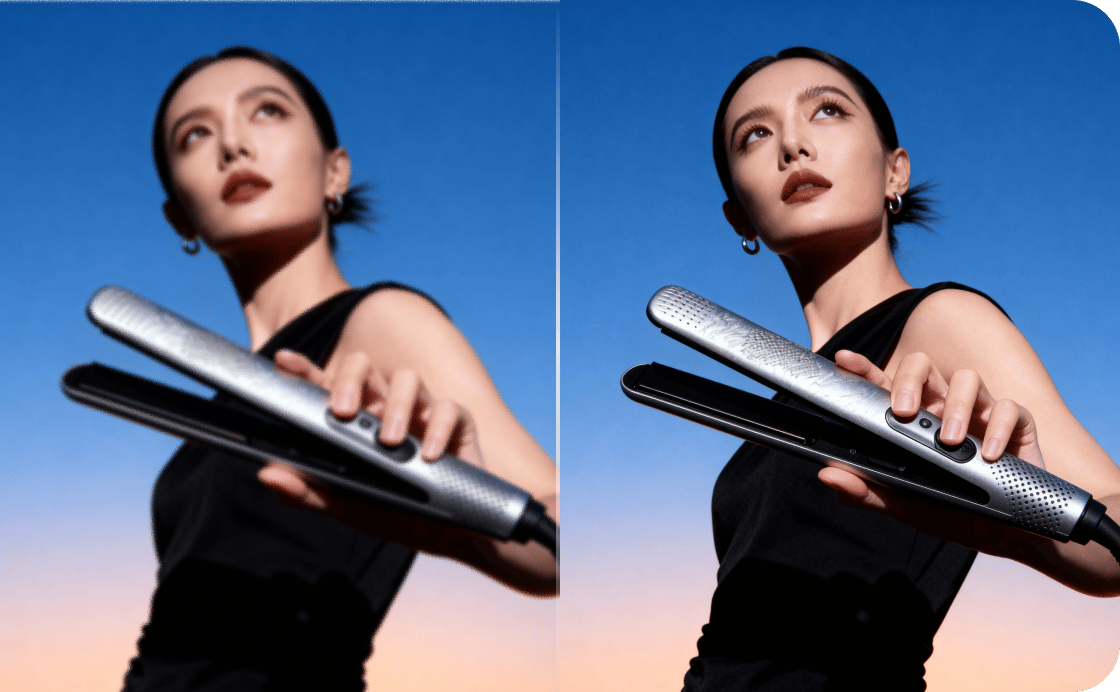
Sharpen your blurry images with one click
VanceAI recovers edge detail from motion blur, lens softness, and out-of-focus shots in a single pass, with no manual masking or layer work. Our sharpener treats faces with care, restoring eyes, skin texture, and hair without the halos or artifacts that conventional sharpening filters introduce.
Drag your image here, or
Free to start. No watermarks, no credit card.
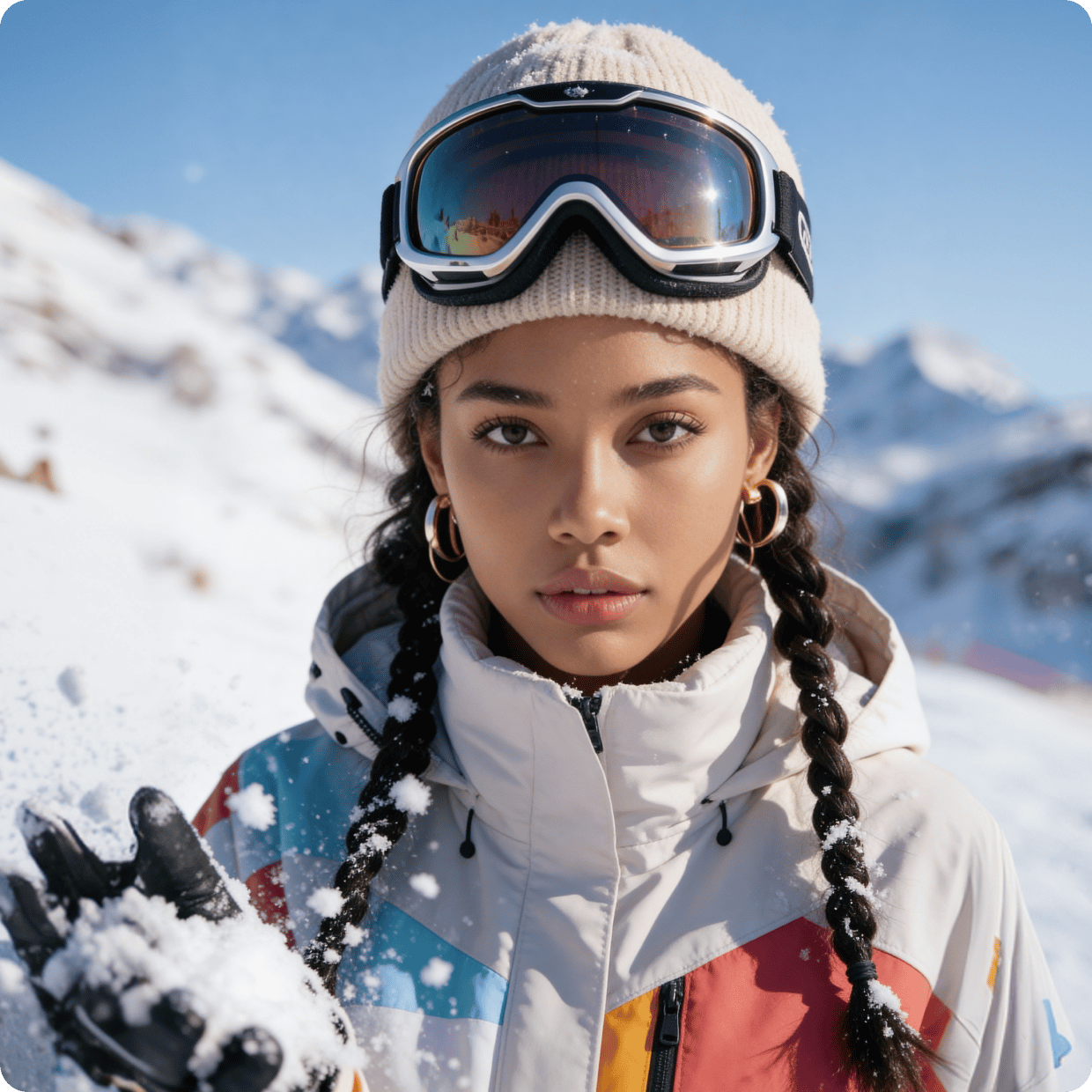
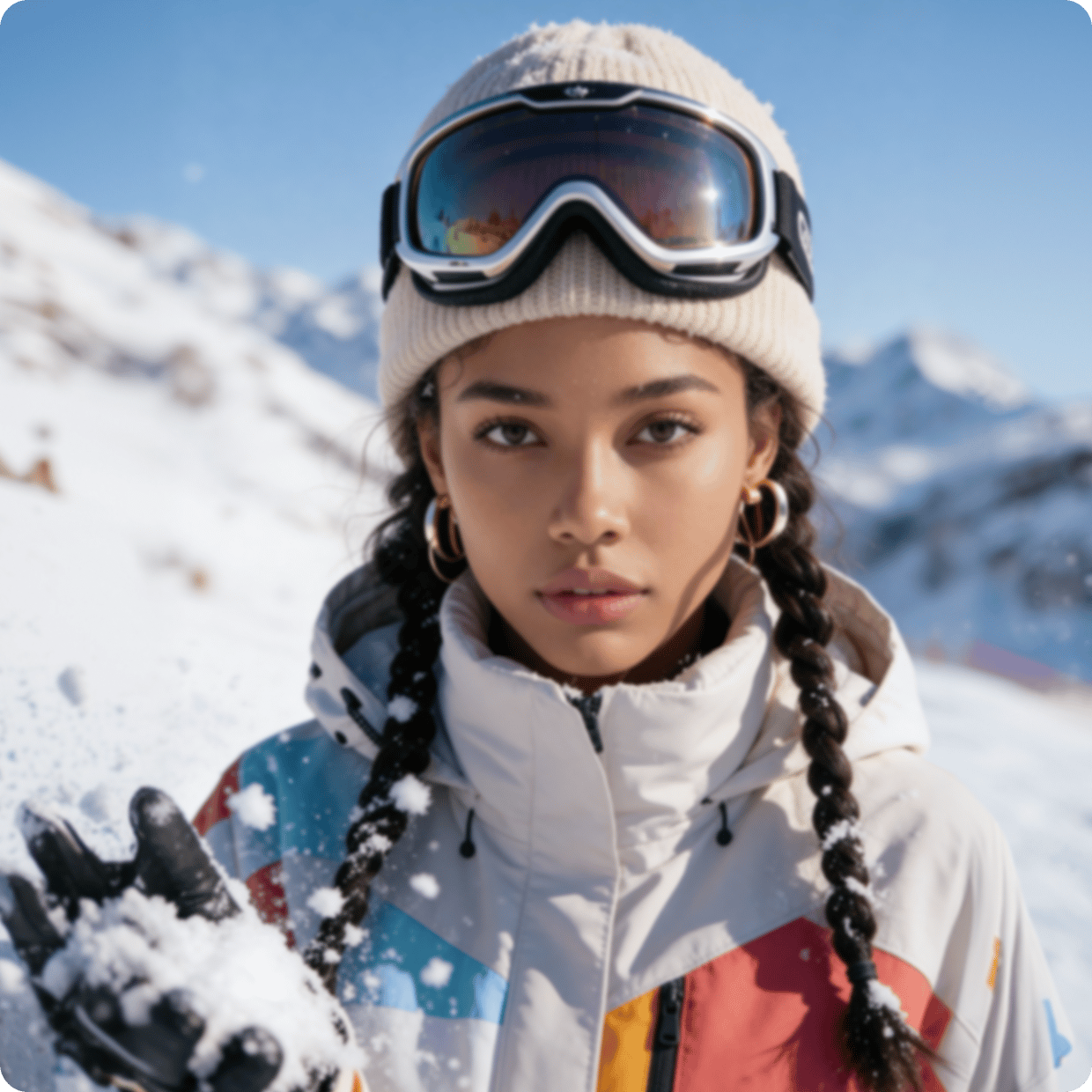
VanceAI brings the tools to take unusable assets and upgrade them to save the day.
Trusted and loved by


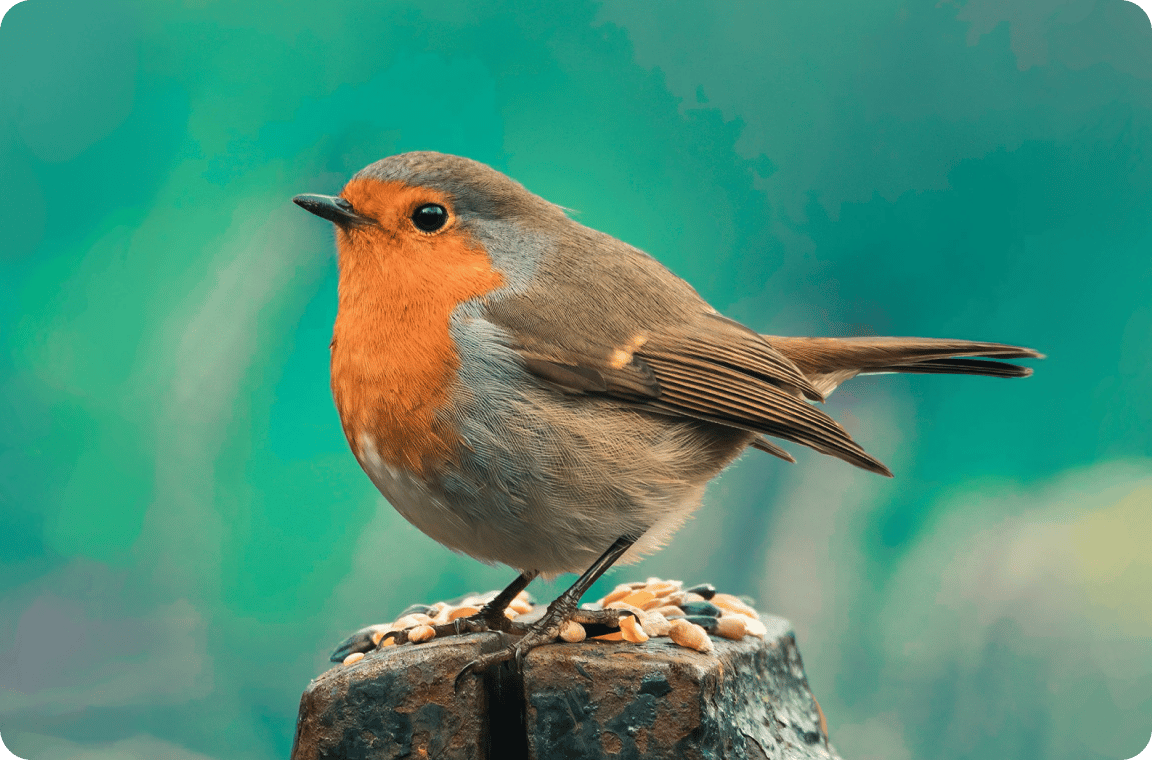
Sharpen any photo with one click
Drop a blurry photo into VanceAI and get a crisp version back. Our sharpener works on portraits, animals, landscapes, and any other content, with no halos and no edge artifacts.
Clarify in one click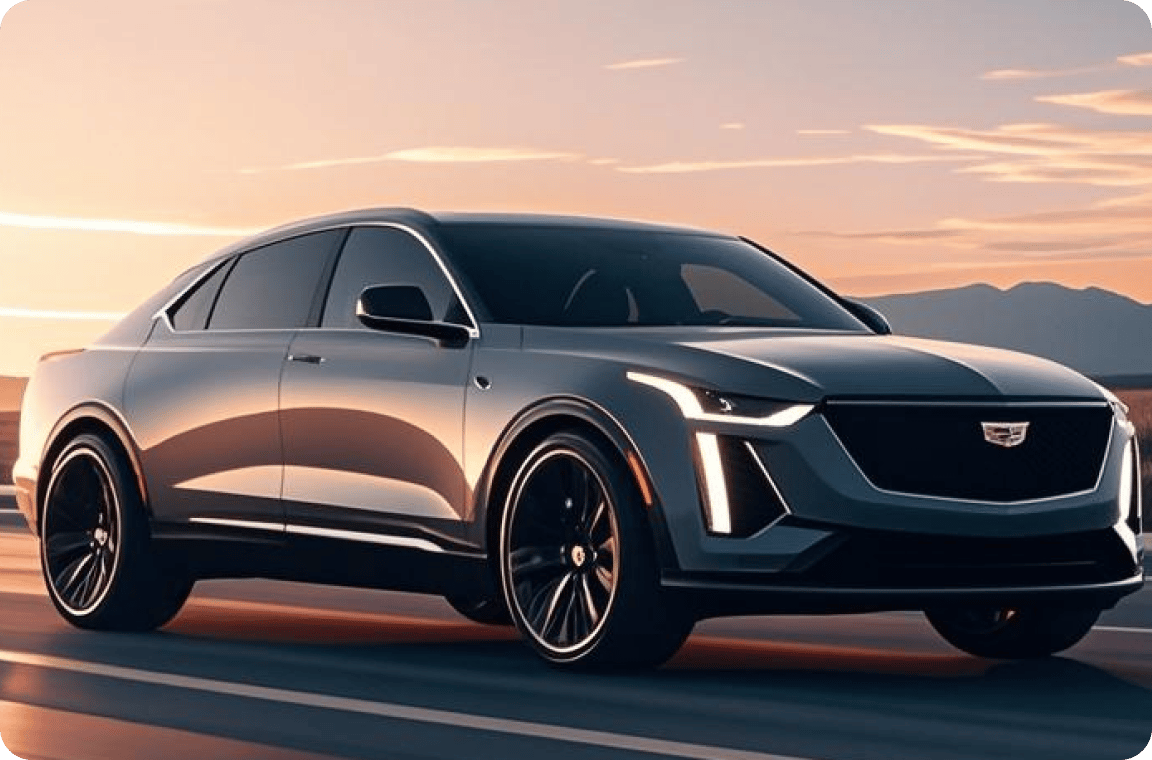

Recover motion blur from moving subjects
Sports, wildlife, weddings, and car photography produce shake-blur even with fast shutters. VanceAI's motion blur model recovers detail from fast-moving subjects where conventional sharpening adds halos and noise.
Rescue moving shots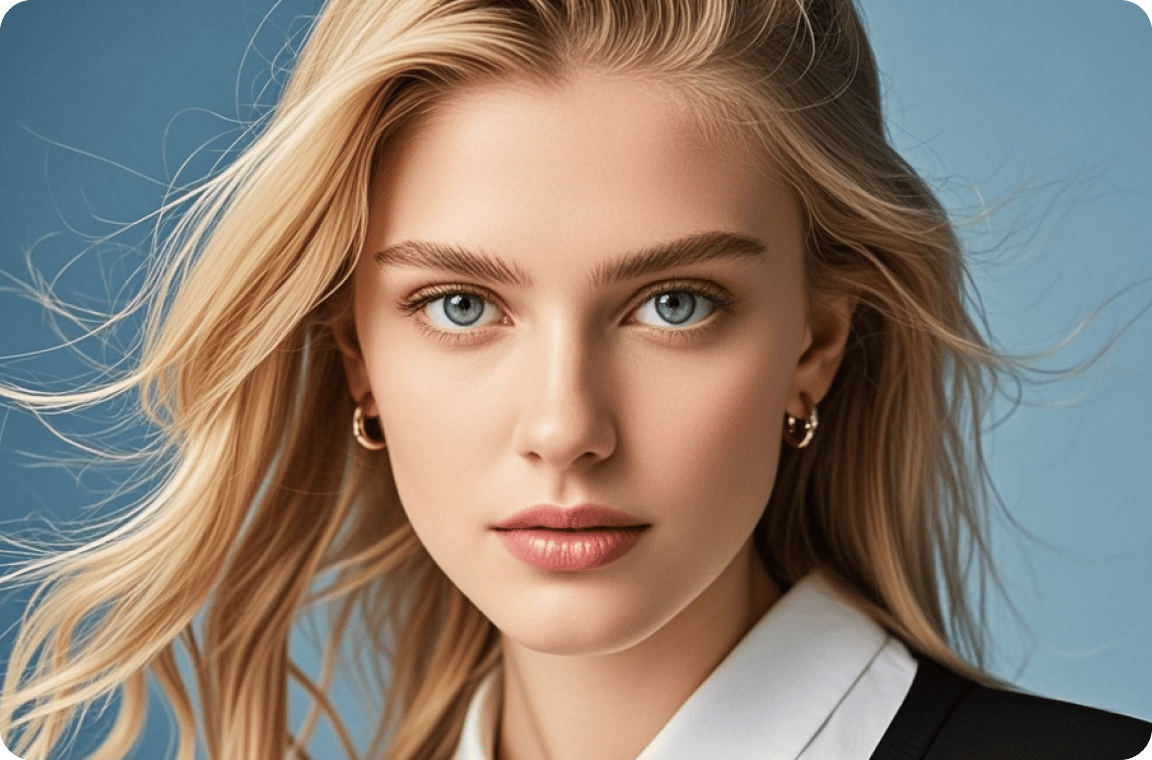
Restore focus to soft and out-of-focus shots
Missed focus is the photographer's most common loss. VanceAI's lens blur model recovers fine detail in fur, feathers, and eyes, restoring the shot you actually intended to capture.
Refocus blurry detail

Batch-sharpen product photos offline
Run hundreds of product shots through VanceAI for PC in a single batch, with consistent sharpening across the whole set. Files stay on your machine, no upload, no cloud, no per-image setup.
Sharpen in batch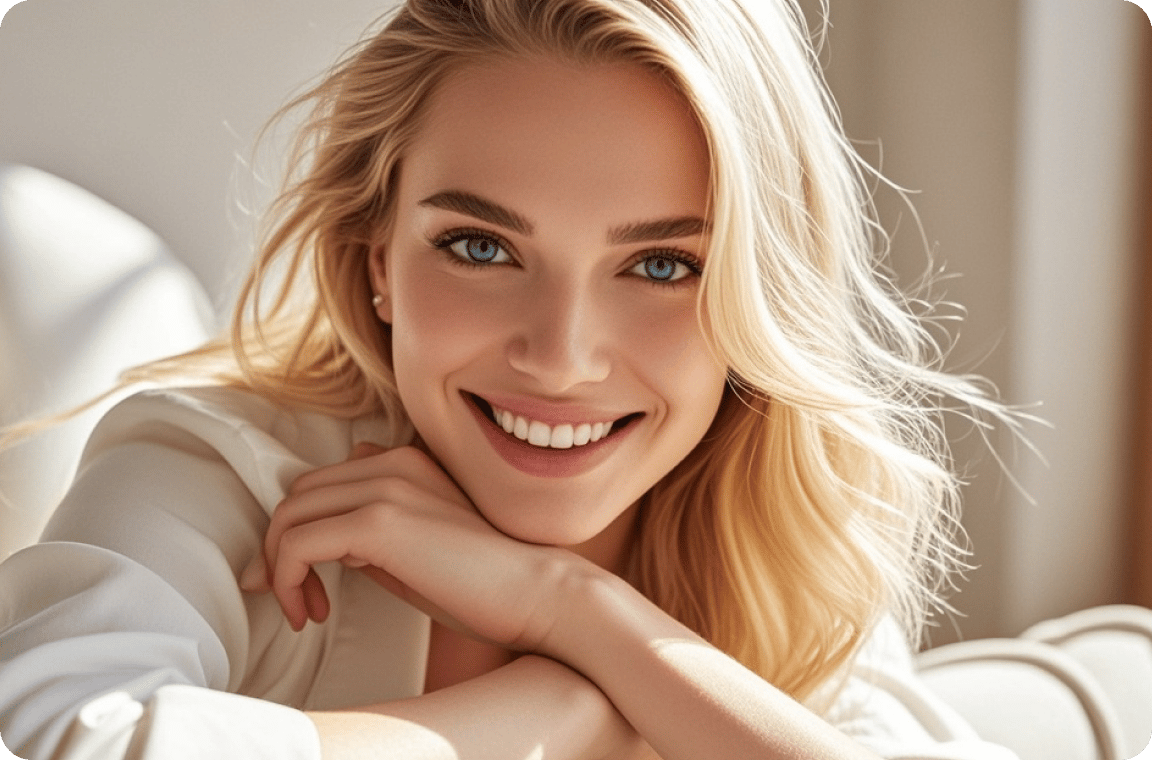
Four sharpening models, one workflow
General, Motion Blur, Lens Blur, and Soft Blur models cover every kind of blur in one tool. Start with three free credits each month and see which model fits your shots, or pick General if you're not sure where to begin.
Compare every modelThe world's top sharpener model.
Precision-built for the artists and creators
who agonize over every frame
Eliminate all blur
VanceAI recovers edge detail from motion blur, lens softness, and out-of-focus shots in a single pass, with no manual masking required.
Faces in full detail
Our sharpener treats faces with care, restoring eyes, skin texture, and hair without introducing the halos or artifacts of conventional sharpening.
Complete in seconds
Sharpening a full-resolution photo finishes in under five seconds, so batches of hundreds clear in minutes.
Private by default
Every uploaded image is encrypted in transit and permanently deleted within 24 hours of processing.
Trusted by 9,800,000 users worldwide



FAQs
Upload your blurry photo to VanceAI and the model recovers edge detail in one pass. The sharpener handles motion blur, lens softness, and out-of-focus shots without the halos or artifacts of conventional filters.
Open VanceAI in any mobile browser, upload the picture, and the model clears the blur in under five seconds. No app install needed. The same workflow runs on Android and desktop browsers.
Motion blur, lens softness, and out-of-focus shots all clean up with dedicated models. Pick the right model for your blur, or use General if you're not sure. No halos, no edge artifacts.
No. VanceAI recovers detail in blurry photos without re-encoding or compressing the source. Output quality matches or exceeds the original, with sharpening applied only to edges rather than smoothing the whole image flat.
Ready to sharpen?
VanceAI's AI image sharpener makes any blurry picture clearer in seconds. Works on portraits, landscapes, product shots, and wildlife, free in any browser and on any device.