See AI video colorization in action
Colorize, restore, and perfect your footage — all in one automated workflow.
Authentic color from black and white footage
Unlike static filters that simply tint an image, VanceAI analyzes each frame for object types, lighting direction, and historical context to apply colors that feel realistic. Grass reads as grass. Skin reads as skin. Sky reads as sky.
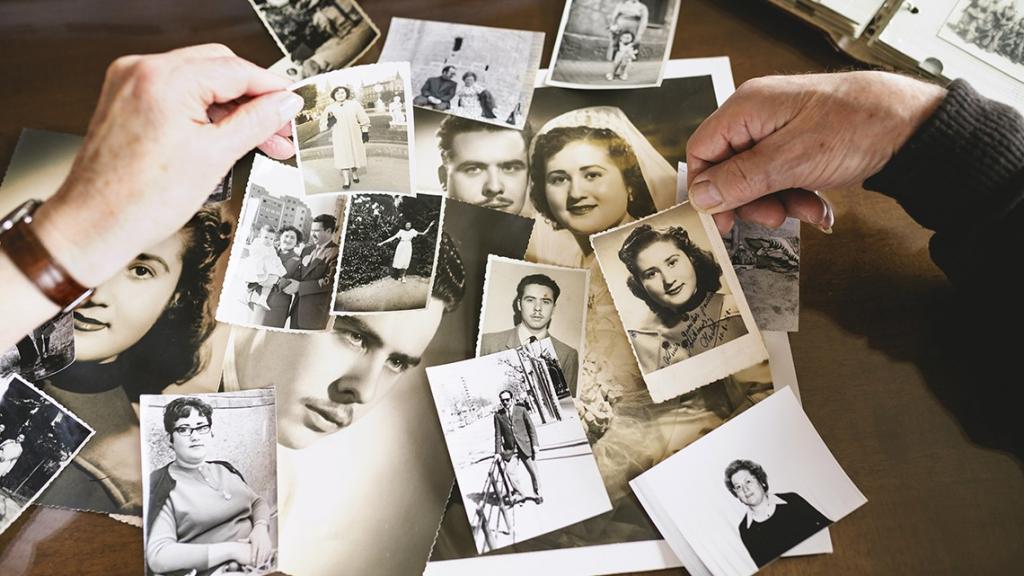
8mm home films • family archives • classic cinema • documentary footage
No flickering, locked color across every frame
Frame-to-frame color consistency is what separates professional colorization from amateur results. VanceAI's temporal engine tracks every object through the clip and ensures color assignments stay stable even through camera movement and motion blur.
Long feature films • news reels • wedding footage • historical records
Period-accurate color for historical footage
Historical accuracy matters when colorizing archival footage. VanceAI's model has learned period-accurate tones from decades of reference material, so 1940s clothing reads in wartime palettes, not modern fast-fashion colors.
1920s silent films • wartime footage • postwar documentaries • vintage TV
The world's best video colorization model.
Precision-built for filmmakers, historians, and creators
who care about every frame
Deep-learning colorization
Trained on millions of real-world color images, our neural networks identify sky, foliage, fabric, and skin tones independently, applying the correct palette to each region rather than tinting the whole frame uniformly.
Temporal consistency
Color flickering between frames is the tell-tale sign of poor AI colorization. VanceAI's temporal consistency engine locks color mapping across the entire clip, so skin stays skin and sky stays sky from the first frame to the last.
Multi-scene detection
Automatic scene-cut detection identifies every transition in your footage and rebalances the color model per scene. Long films and multi-scene compilations are handled in a single pass without manual splitting.
Fast & automated
No manual rotoscoping, no per-frame adjustments, no color keys. Upload your black-and-white video and the AI processes the entire clip, detecting scenes, mapping colors, and ensuring temporal consistency in one automated workflow.
FAQ
Yes. VanceAI Video Colorizer uses deep-learning neural networks trained on millions of real-world color images to automatically identify objects, skin tones, and lighting in every frame, applying authentic, historically accurate colors without any manual work.
VanceAI's temporal consistency engine tracks color assignments across every frame in the clip, not just per-frame independently. This ensures that skin tones, clothing, foliage, and objects maintain stable color throughout the entire video, including through camera cuts, motion blur, and scene changes.
VanceAI Video Colorizer works on 8mm home movies, 16mm film, early video recordings, archival documentary footage, classic black-and-white films, and any other grayscale or monochrome video. For best results, start with a high-quality scan or digital transfer of your original footage.
Yes. VanceAI's automatic scene-cut detection identifies every transition in your footage and rebalances the color model per scene. Long films, documentary compilations, and multi-segment footage are handled in a single upload without manual splitting.
We accept MP4 and MOV files up to 10 GB. The AI Video Colorizer supports a wide range of input resolutions and produces fully colorized video at your original resolution, up to 4K.
Give your black and white footage the color it deserves
Join the 9.8 million artists and creators already using VanceAI to bring black-and-white videos back to life with authentic, flicker-free color.
Upload Now