


What Is Minecraft Animation?
A Minecraft animator brings a dynamic dimension to the popular sandbox game — letting players create animated objects, characters, and scenes that go beyond the in-game possibilities. These animations show up in gameplay showcases, storytelling videos, cinematic shorts, and YouTube content that has built entire creator careers.
Players use dedicated animation apps or in-game tools to craft narratives, showcase builds, or express their artistic vision through animated sequences. The appeal is the same as the game itself: virtually limitless creative space, plus the option to share final renders with a much wider audience than your single Minecraft world. With ray-tracing now available natively, Minecraft animations can look photorealistic — or stay block-faithful, depending on the style you're going for.
5 Minecraft Animation Makers Reviewed
1. Mine-imator
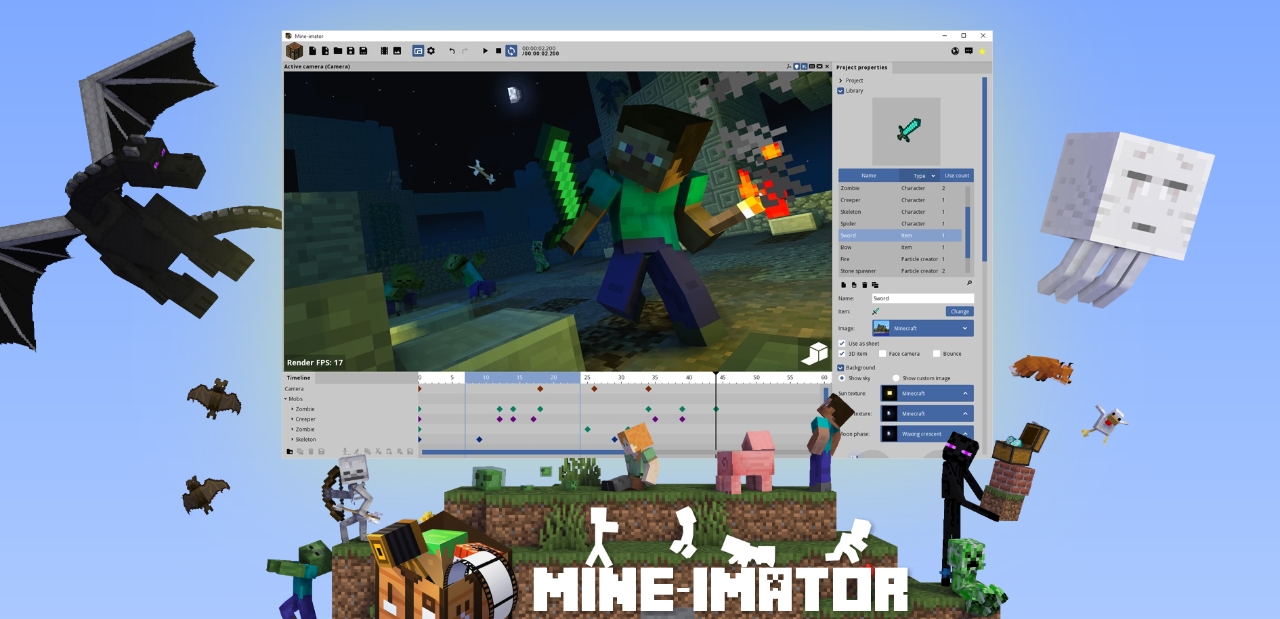
Mine-imator is a Minecraft animator and modeling tool built specifically for Minecraft enthusiasts. It empowers users to create animated videos within a Minecraft-style framework, offering a straightforward platform for bringing virtual creations to life. The intuitive interface and Minecraft-tailored toolset support both first-time animators and seasoned creators, and a vibrant community shares templates, rigs, and tutorials.
Key Features
- Minecraft aesthetic by default, so animations integrate seamlessly with the game's visual style.
- Beginner-friendly interface that lowers the entry bar for animation newcomers.
- Robust character, object, and environment manipulation tools.
- Active community sharing tips, rigs, and templates.
2. Renderforest
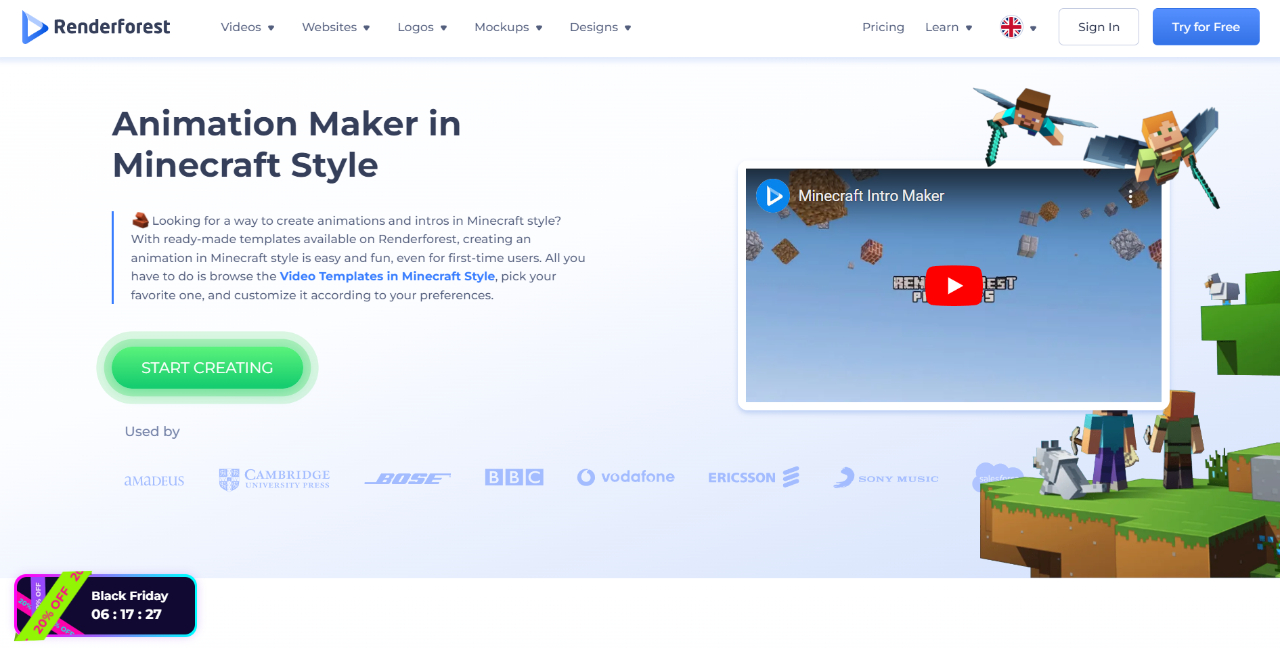
Renderforest is a versatile online platform offering a suite of video creation, animation, and branding tools. Its intuitive interface and large library of customizable templates let you create professional-quality content without advanced technical skills. Beyond Minecraft animation, Renderforest covers general video editing and logo design, which makes it a useful single subscription for content creators working across formats.
Key Features
- Professional output quality across video, animation, and logos.
- Versatile toolkit for promotional videos, animations, and brand identity.
- Streamlined editing — high-volume creators can crank out content quickly.
3. Blender
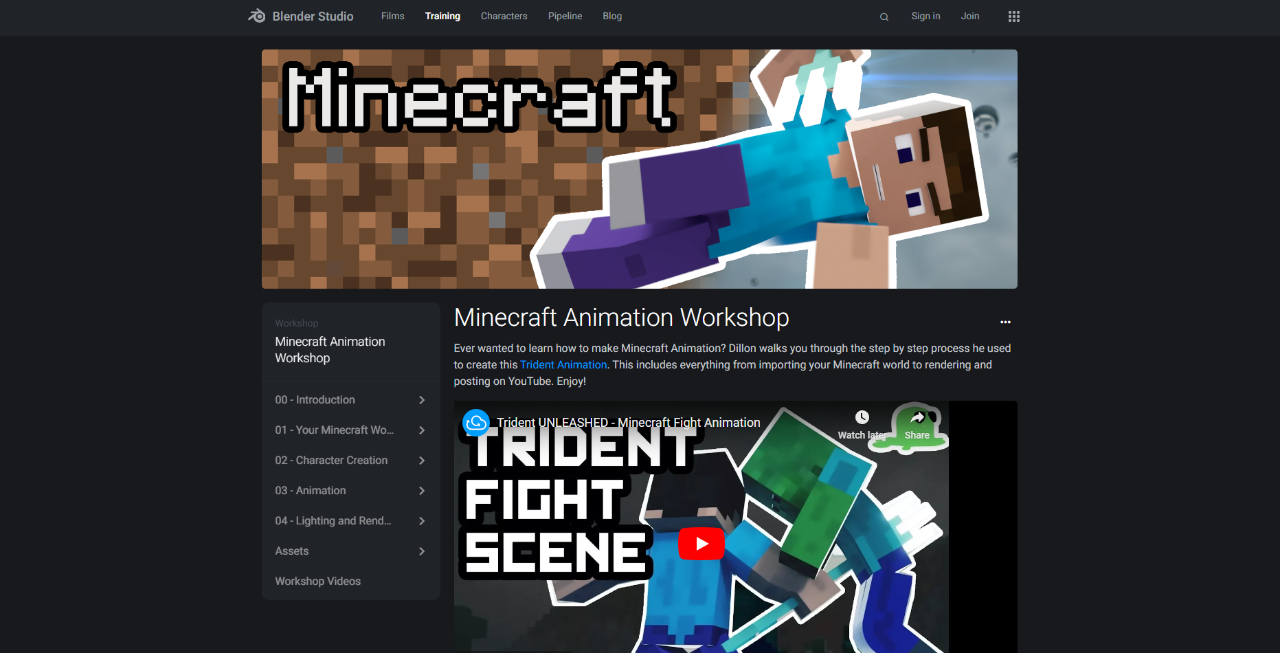
Blender is the comprehensive, professional-grade option — a powerful 3D suite with the deepest feature set on this list. Animators can intricately design and animate Minecraft-style characters, environments, and scenes, with rigging tools for expressive character movement, texturing for Minecraft-inspired materials, and even fluid simulation for water and lava effects. The trade-off is the learning curve: Blender's interface rewards investment but punishes casual use. As open-source software with frequent updates and a massive community, Blender is the long-term answer if you're serious about animation.
Key Features
- Texturing and shading for Minecraft-inspired materials.
- Fluid simulation for water and lava effects in animations.
- Massive open-source community with Minecraft-specific tutorials and rig libraries.
4. Blockbench
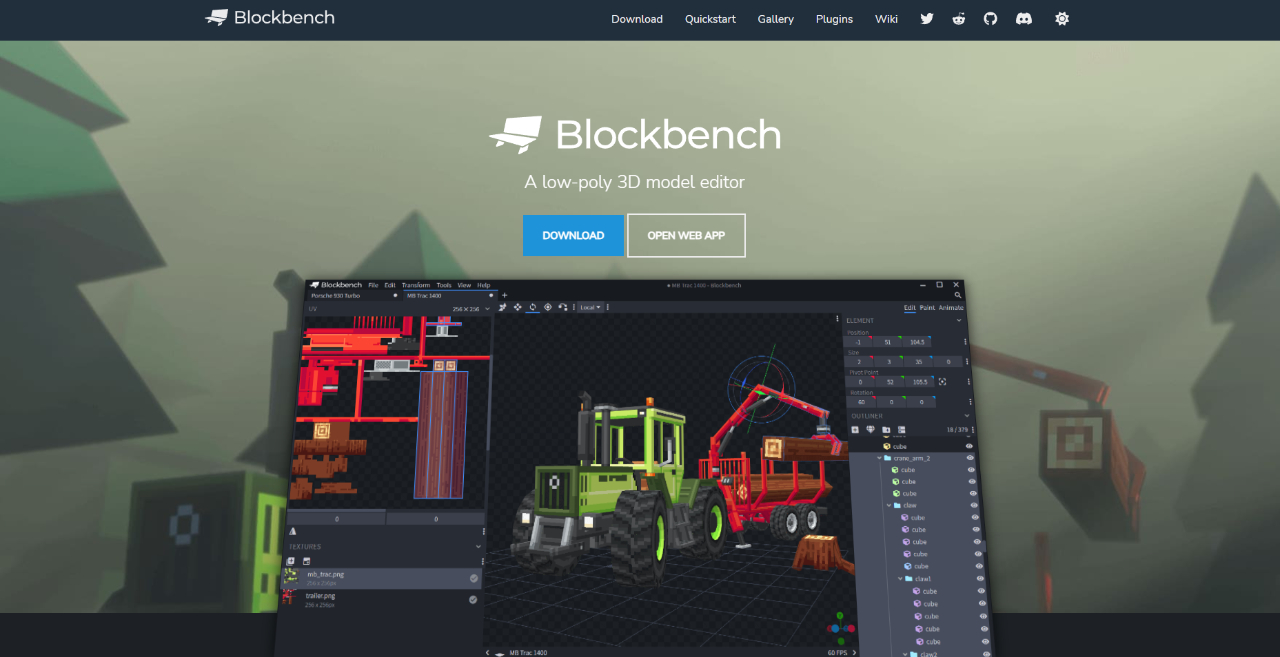
Blockbench is a specialized, user-friendly tool built for creating Minecraft animations and 3D models. It caters to the Minecraft community by offering a streamlined platform for designing 3D models that integrate seamlessly with the game's distinct visual style. Export options make moving designs into Minecraft itself nearly painless.
Key Features
- Minecraft-focused interface that feels natural to players.
- Intuitive 3D modeling tools for Minecraft-style characters, mobs, and objects.
- Texture mapping that aligns with Minecraft's visual language.
- Export options that streamline the design-to-game transition.
5. CapCut
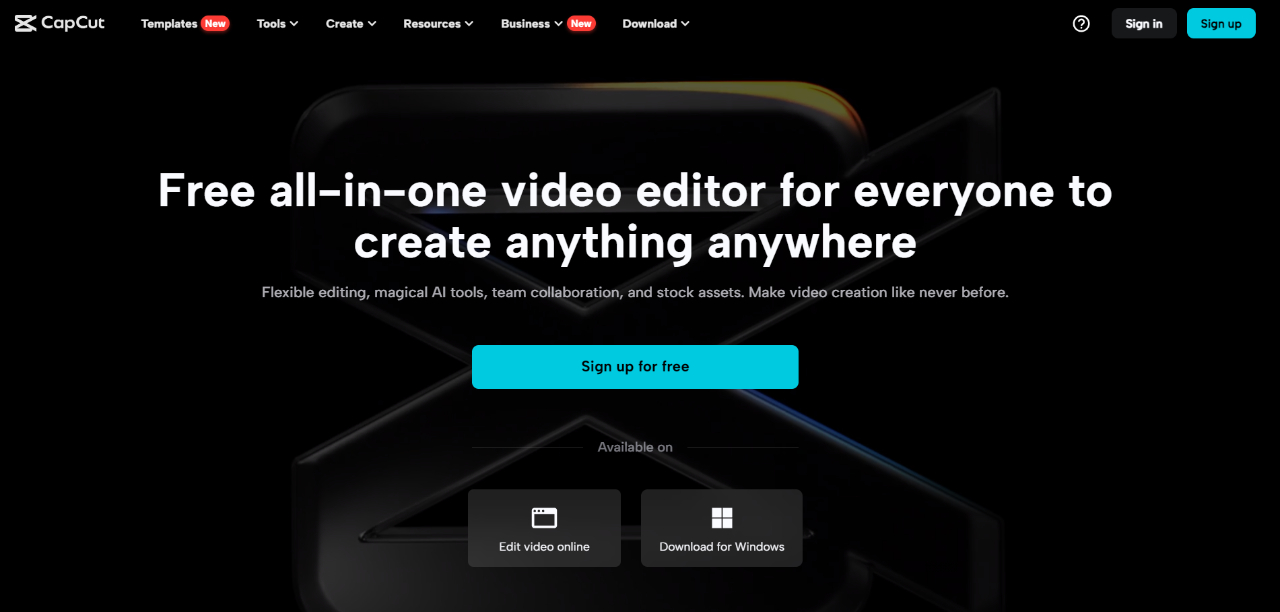
CapCut doesn't offer 3D modeling or animation generation, but it's a powerful post-production tool for refining and polishing finished Minecraft animations. For creators who prioritize simplicity and finish over deep modeling, CapCut handles transitions, titles, audio, and speed control without a learning curve.
Key Features
- Transitions and effects to enhance visual appeal between scenes.
- Text and title overlays for context, narration, or labels.
- Audio editing for background music, voiceover, and sound mixing.
- Speed control for slow-motion or fast-motion sequences.
Bonus: Upscale Your Final Minecraft Render with VanceAI Anime Upscaler
Once you've rendered the animation in your tool of choice, the final pass that often gets skipped is upscaling. Many Minecraft animators export at 1080p because of render-time constraints, then publish at YouTube's 4K resolution. The VanceAI Anime Upscaler is a strong fit for this final step — it's trained on illustration and cartoon-style frames (which closely matches Minecraft's flat-color, sharp-edge aesthetic) and preserves the crisp pixel edges instead of smoothing them into photographic textures.
The workflow is simple:
-
Export each animation frame (or a single thumbnail) from your animation tool.
-
Upload to VanceAI Anime Upscaler at 2x or 4x.
-
Re-encode the upscaled frames back into the video timeline.
For thumbnail-only upscaling, you can run the cover frame through the studio in seconds — useful for YouTube thumbnails that need to look sharp at full size.
Frequently Asked Questions
What is the best Minecraft animator for beginners?
Mine-imator and Blockbench are both excellent starting points because both are built specifically for Minecraft, with interfaces and rigs that match the game's visual style. Mine-imator is slightly easier for pure animation; Blockbench is better if you also want to design custom models and skins. Both are free.
What is the most powerful Minecraft animator?
Blender, by a wide margin. It's the same software professional animation studios use, and it produces broadcast-quality output. The cost is the learning curve — plan for several weeks of tutorials before you produce a polished Minecraft animation in Blender.
Are all five tools free?
Mine-imator, Blender, and Blockbench are free and open-source. Renderforest offers a free tier with watermarks and a paid subscription for advanced features. CapCut is free for most personal use, with paid features for advanced commercial workflows.
Which Minecraft animator runs best on a low-spec computer?
Blockbench and Mine-imator are the lightest. Blender is the most demanding — you'll want at least 16 GB of RAM and a recent GPU for smooth playback during the animation process. Renderforest is browser-based, so it offloads heavy lifting to the cloud and runs on any modern computer.
Can I import my existing Minecraft world into these animators?
Mine-imator and Blockbench both support importing Minecraft schematic files (.schematic / .litematic) directly. Blender requires a plugin (jMc2Obj or Mineways) to export your Minecraft world as a 3D model before importing. CapCut and Renderforest don't support world imports — they're best paired with renders made elsewhere.
Do I need to know programming to use these tools?
No. All five tools are visual: drag-and-drop interfaces, timeline-based editing, and parametric controls. Blender supports Python scripting for advanced workflows, but it's not required for animation.
How long does it take to make a 1-minute Minecraft animation?
For beginners using Mine-imator or Blockbench, expect 8–15 hours from idea to export. For Blender, expect 25–40 hours including learning time on the first project. Renderforest can produce a templated 1-minute animation in under 30 minutes for simpler styles.
What resolution should I render at?
Render at 1080p for YouTube and TikTok, 4K if you have render time to spare and target a long-life channel. If you rendered at 1080p but want to publish at 4K, upscale the final video with VanceAI Anime Upscaler — the model preserves the sharp pixel edges of the Minecraft aesthetic better than generic photo upscalers.
Can I add voiceover and music to a Minecraft animation?
Yes — CapCut is the easiest tool for audio post-production. Render the animation in Mine-imator, Blender, or Blockbench, then import the video into CapCut to add voiceover, background music, sound effects, and titles.
Which tool exports back to Minecraft in-game?
Blockbench is the only tool on this list with direct in-game export for custom models, skins, and animations. Mine-imator exports to video. Blender's exports can be imported back into Minecraft with effort, but it's not a one-click flow.
Conclusion
Minecraft animator applications give players the choice to further enhance the creative experience in one of the most-played games of all time. Each tool fits a different sweet spot: Mine-imator and Blockbench for beginners and Minecraft-specific work; Blender for serious 3D animation; Renderforest for fast templated output; CapCut for polishing the final cut. Pair your animator of choice with VanceAI Anime Upscaler as a final-pass quality lift before publishing — sharper outputs consistently earn more watch time and shares.


