Why GIF Memes Are Still a Reach Multiplier in 2026
If you've ever wondered how those perfectly-timed GIF reactions in chats get made—or you've spotted a still image and instantly thought "that needs to be a loop"—you're already halfway to making your own. I'm a GIF emoji lover; chats without them feel flat, and once I started making my own, I realised the toolkit has only got better. The first problem you'll hit is image clarity—blurry stills make ugly loops—and that's the one place an AI photo enhancer earns its keep before you even open a GIF tool. I tested ten meme-GIF makers across 2026 and ranked them on three things: how fast you can ship a finished meme, how good the output looks at platform compression, and whether the price tag matches the workflow. Below is what I learnt.
Comparison Table: 10 GIF Meme Maker Tools at a Glance
| # | Tool | Best For | Free Tier | Paid From | Watermark on Free |
|---|---|---|---|---|---|
| 1 | Imgflip | Fastest classic image-macro memes | Yes | $9.95 / mo Pro | Yes |
| 2 | Kapwing | Browser editor + collaborator workflow | Yes (limited) | $16 / mo | Yes |
| 3 | Animaker | Animated character explainers | Limited | $10–$49 / mo | Yes |
| 4 | Clideo | Quick browser GIF + meme converter | Limited | $9 / mo | Yes |
| 5 | Filmora | Full video editor that exports GIF | Free editor | $49.99 / yr | No (paid) |
| 6 | Giphy | Search + share existing GIFs | Yes (full) | API paid | No |
| 7 | Adobe Photoshop | Pro-grade meme + timeline animation | Trial only | $9.99 / mo | No |
| 8 | Promo | Templated social-video memes | Limited | Paid | Yes |
| 9 | Petpet Generator | One-click "petpet" pat-style GIFs | Yes | Free | No |
| 10 | Gifs.com | Browser-based meme from any URL | Yes | Paid | Yes |
10 Best Meme GIF Generator Tools (2026 Edition)
There are many different ways to create GIF memes, but the following GIF meme maker tools are some of the best out there, selected based on customer reviews, output quality, and how well each one fits a specific workflow. Keep reading to find which one fits yours.
1Imgflip
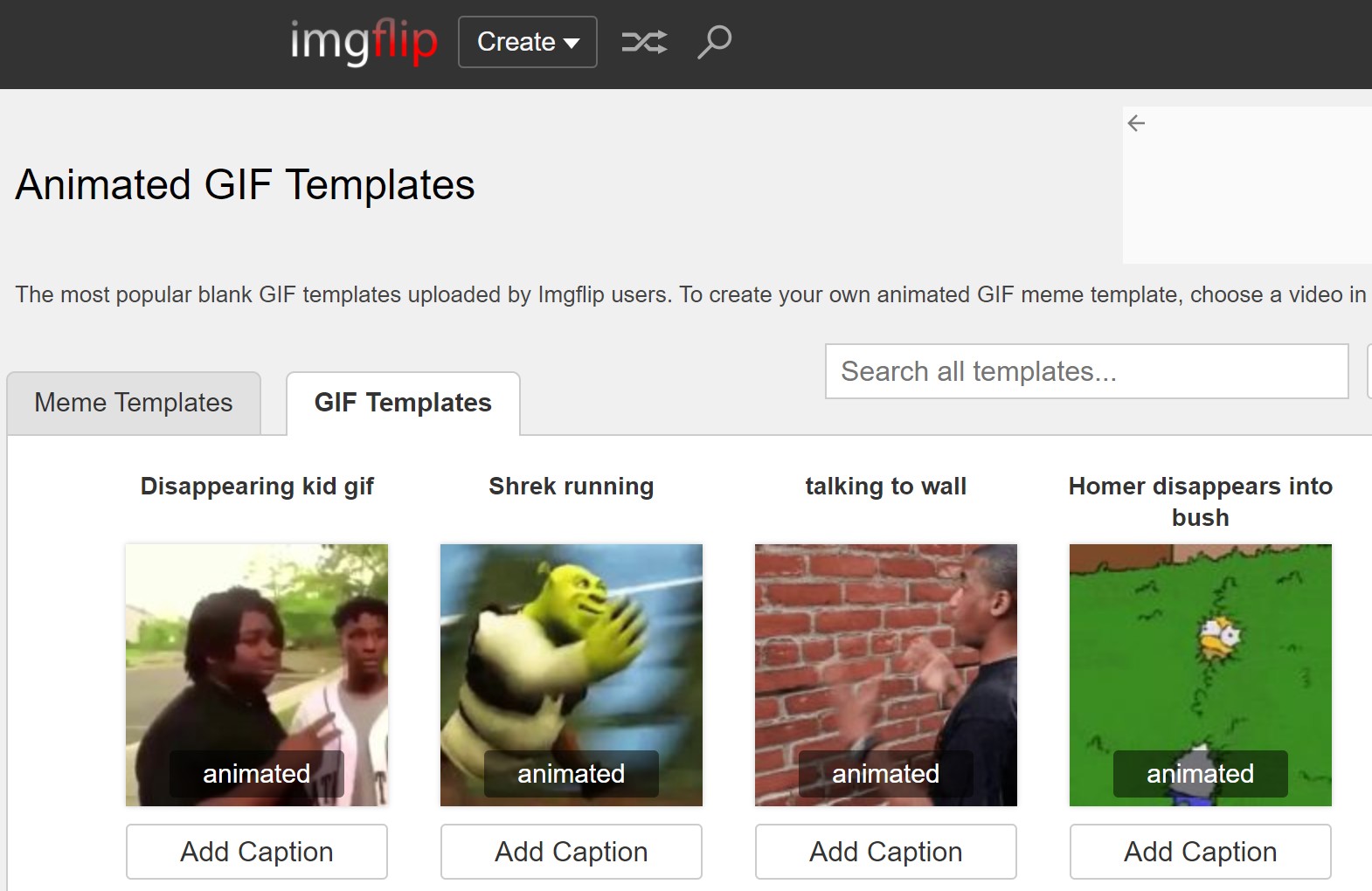
Imgflip is the fastest path from blank canvas to image-macro meme on the web in 2026. It is free, browser-based, and has more than one million regular users. The feature set covers text overlays, shapes, stickers, animation timelines, filters, and an image-to-GIF converter. It also integrates with BGremover when you want to remove the background from a source photo before turning it into a looping meme—handy for the "drop subject onto a chaotic background" reaction format that's everywhere right now. Customer support is fast for a free tool, which is rare. Paid Pro tier removes the Imgflip watermark and unlocks the longer video durations.
2Kapwing
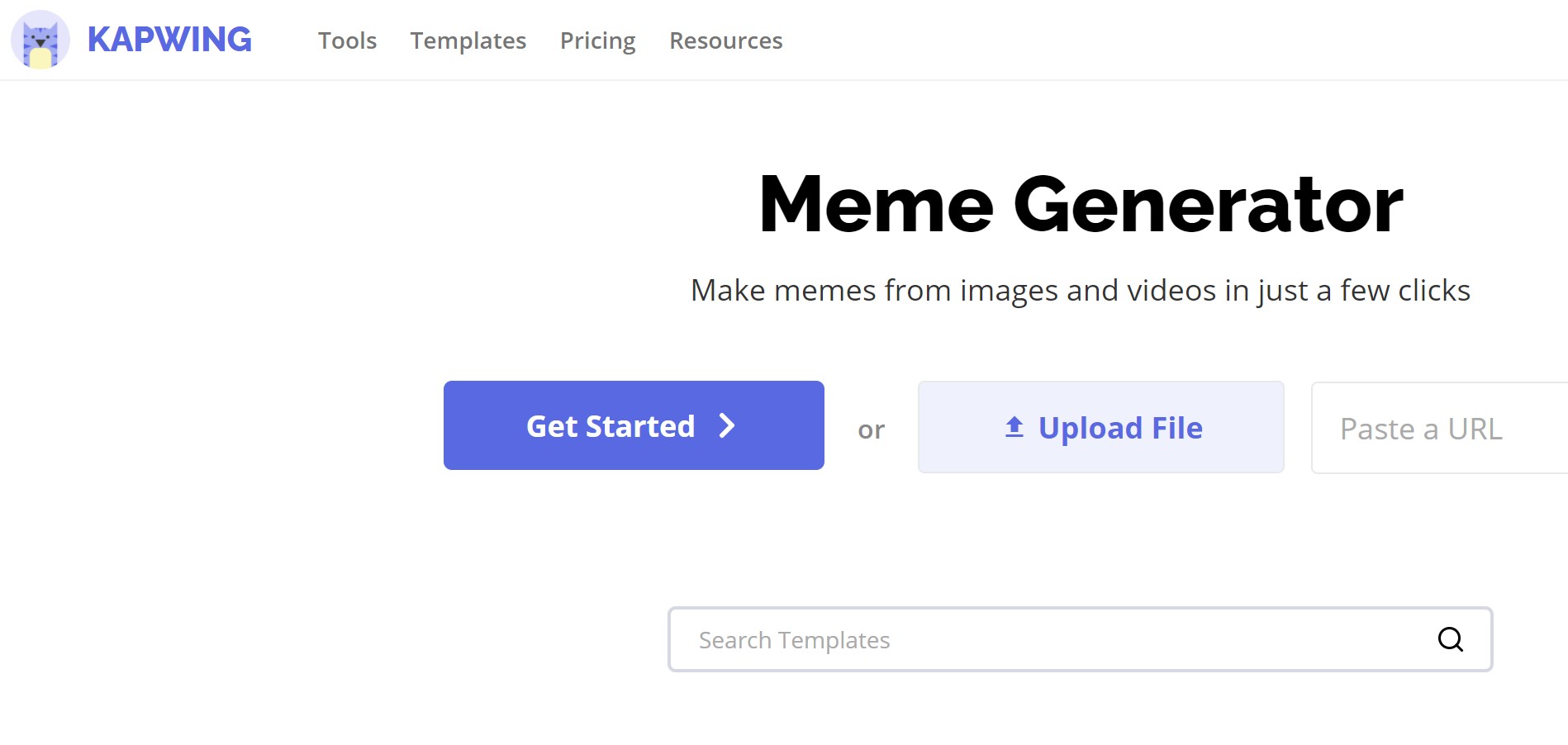
Kapwing is the editor of choice when you want to collaborate on memes—it's a browser-based studio that lets multiple people edit the same timeline. The basic feature set (text, stickers, filters, crop, trim) is free; advanced features like background music, subtitles, and longer exports require the $16 / month subscription. Output quality is consistent, the UI is intentionally simple, and it has become a default for social-media managers who churn out multiple variations of a meme per day. Free users get a small Kapwing watermark; paid tier removes it.
3Animaker
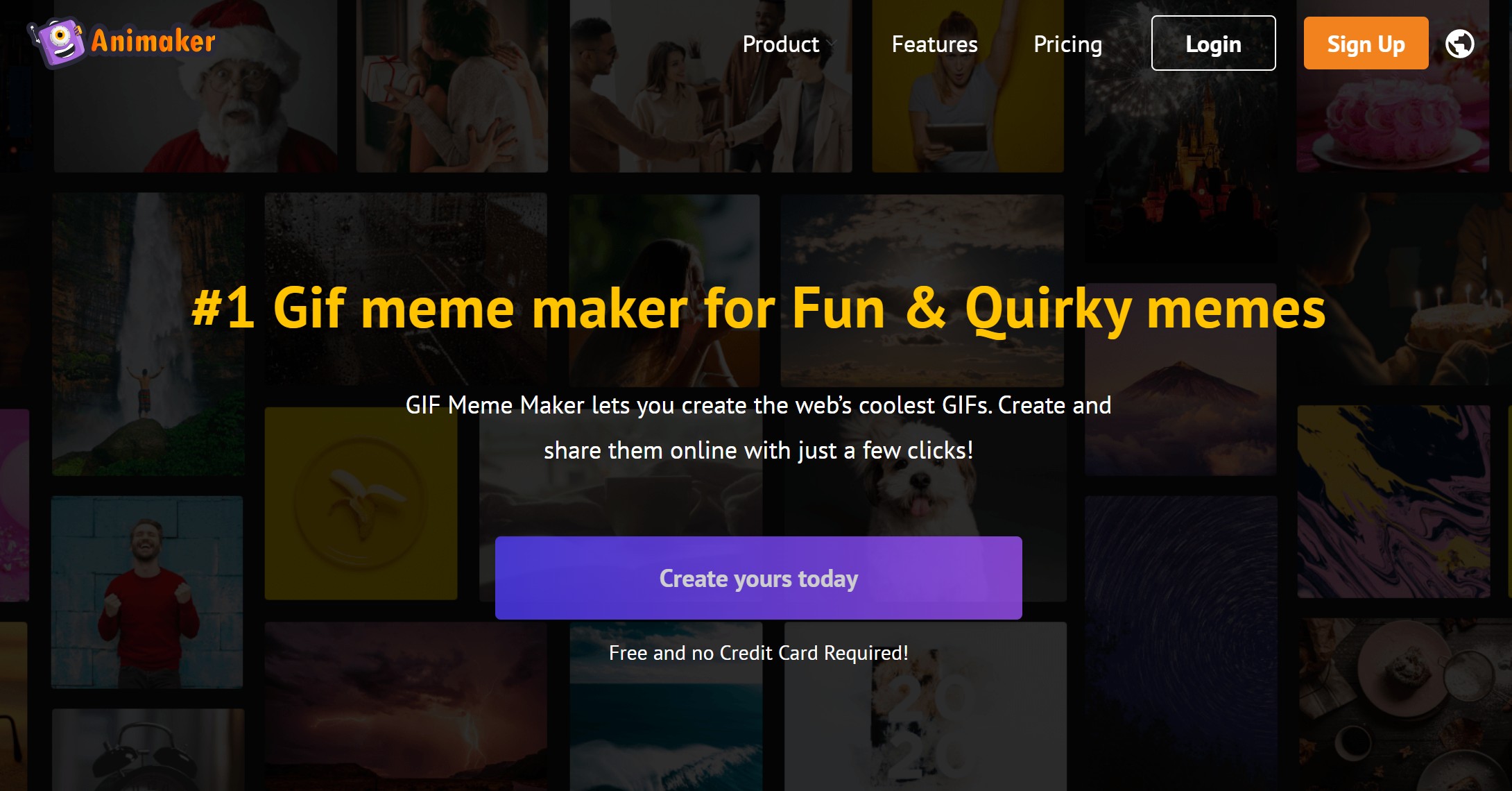
Animaker is for the meme creator who wants character animation, not still-image macros. Four pricing tiers—Basic $10 / month (Facebook-only publishing), Starter $19 / month (YouTube + Facebook + watermark control), Pro $49 / month (custom voiceover), Enterprise (custom). The character library is large, but the export ratios and durations are gated by tier. If you're making memes that involve characters reacting to a punchline, Animaker is overkill on the simple side and underpowered for full broadcast videos—but it lives nicely in the middle.
4Clideo
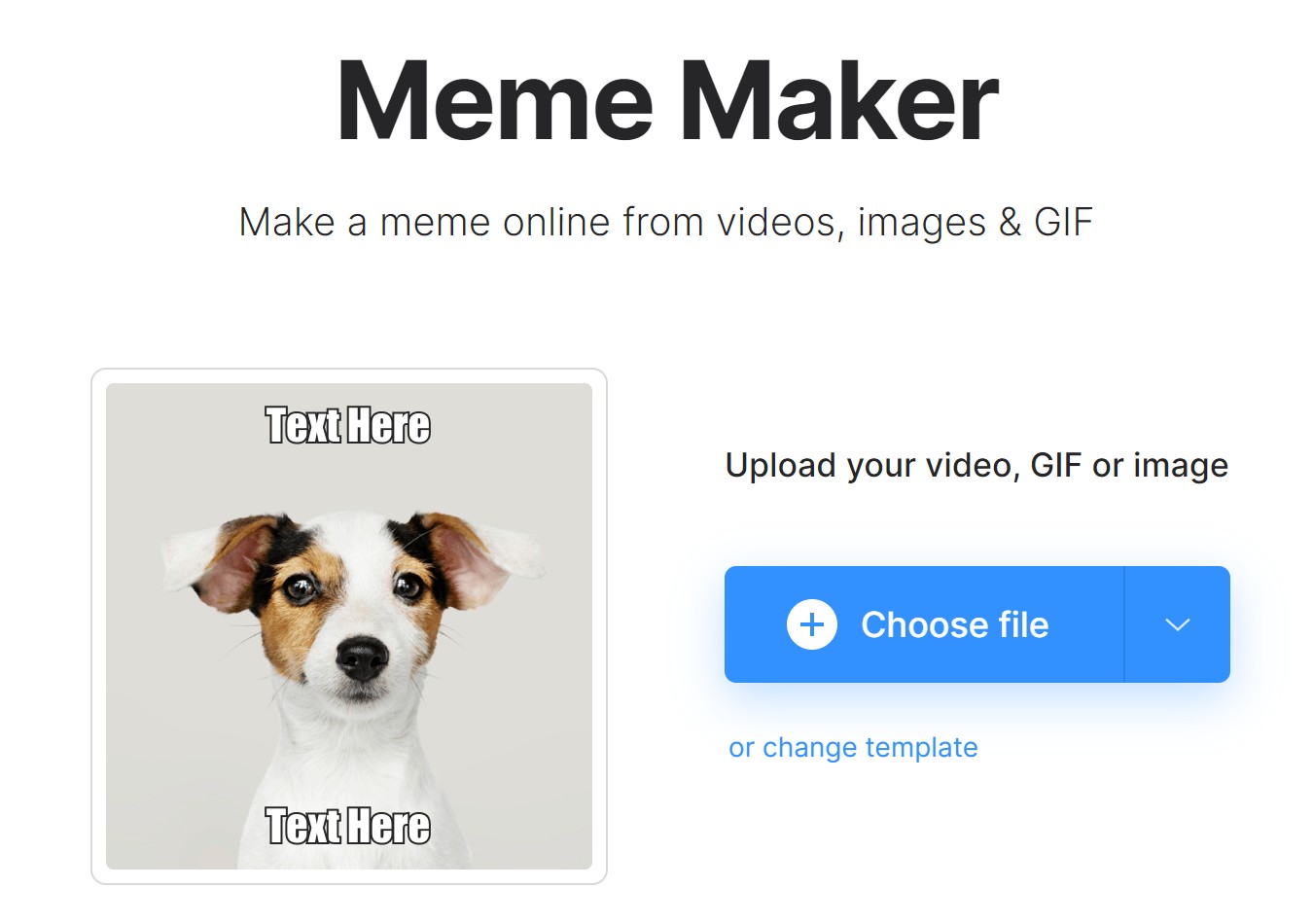
Clideo is the lightweight browser tool for "I just need a GIF from this clip, now." It costs $9 / month for the unlimited tier and the free tier covers occasional users. The interface is clean, the upload-trim-export cycle is fast, and the conversion handles GIF, MP4, and WebM. If you need to make your subject transparent before turning it into a meme, route through a background remover first—it makes the resulting loop pop on coloured chat backgrounds.
5Filmora
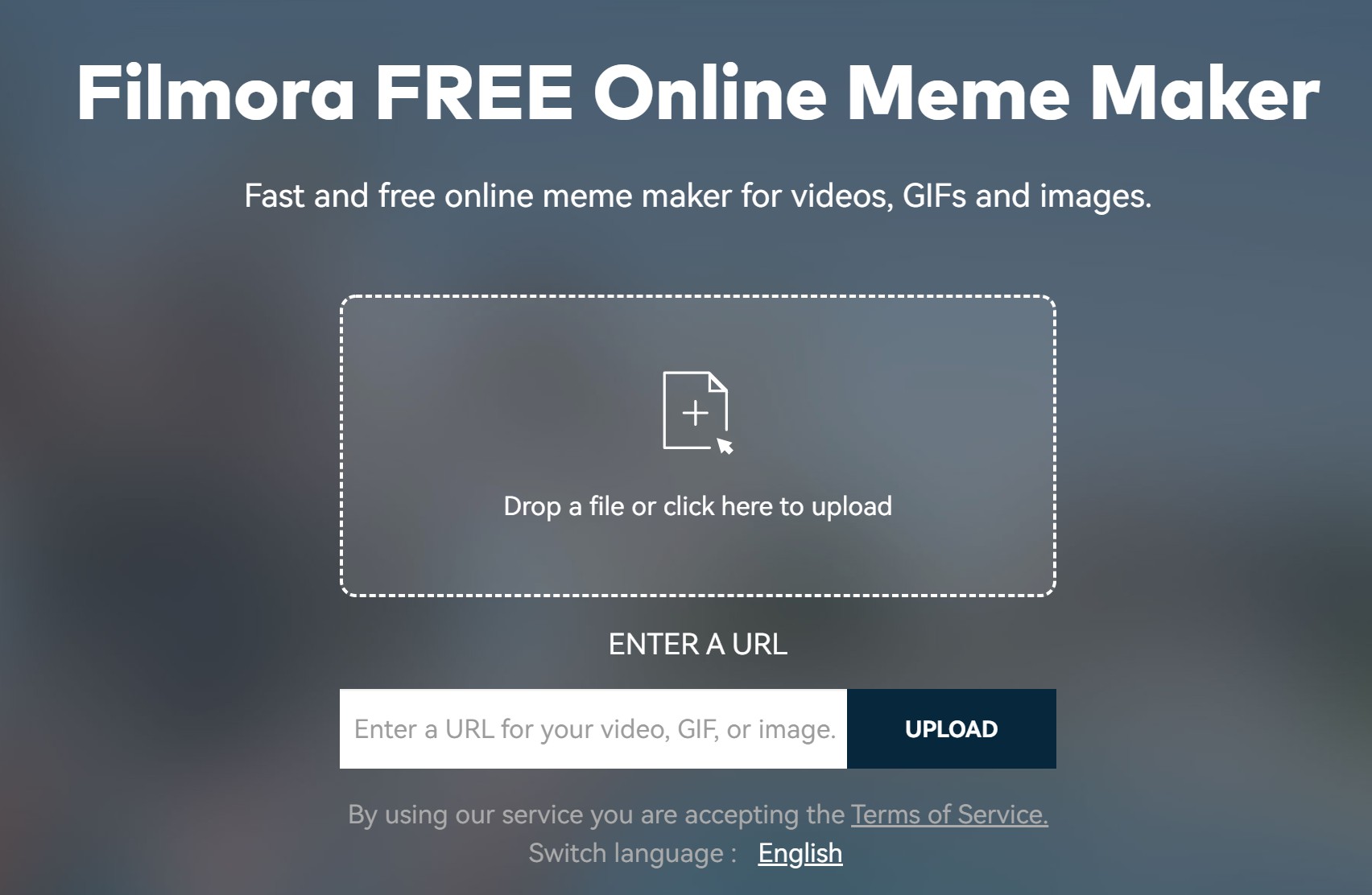
Filmora is a full video editor that happens to export GIF. The free editor is feature-rich, and the paid tier ($49.99 / year) removes Filmora's intro watermark and unlocks 4K export. For memes specifically, Filmora is overkill—but if you already use it for YouTube or short-form work, exporting the same project to GIF for chat use is two clicks. No watermark on exported memes once you've paid, which is rare at this tier.
6Giphy
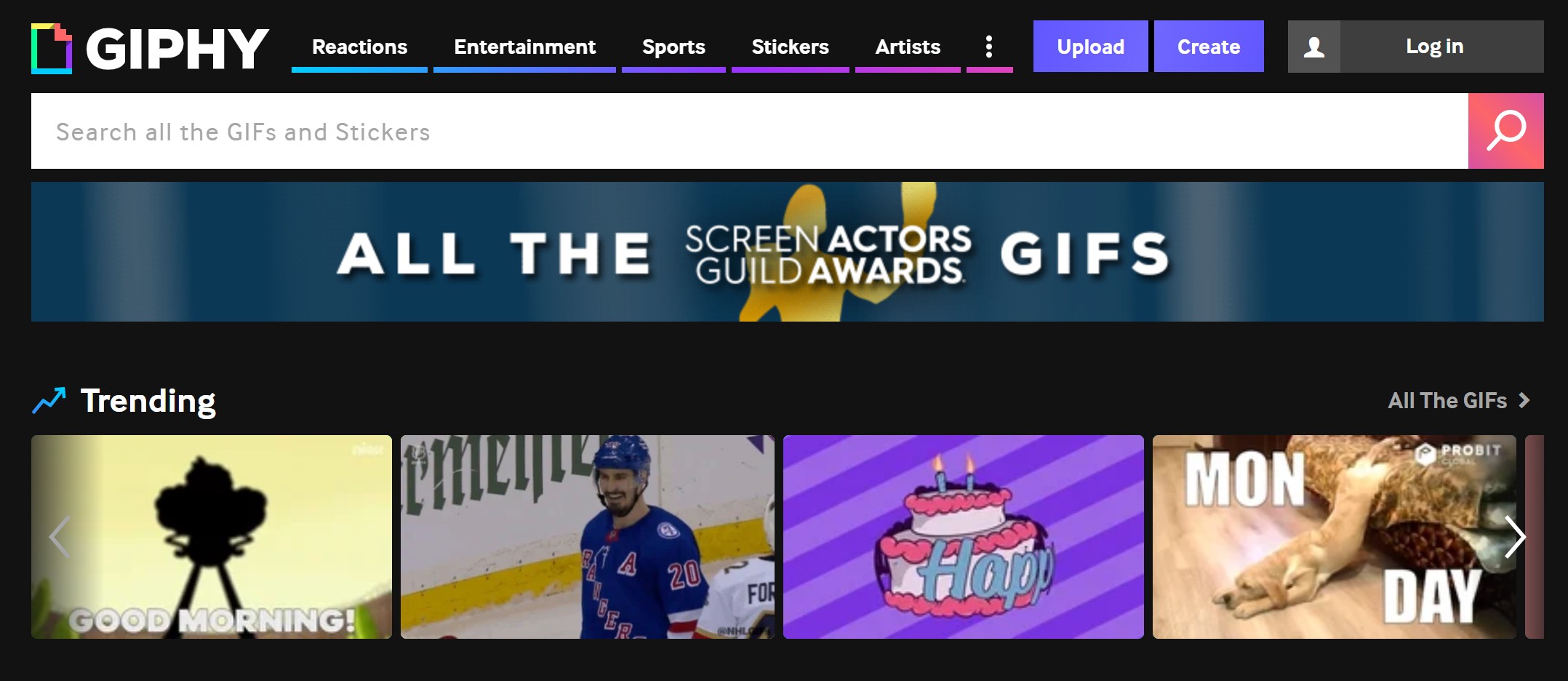
Giphy is the world's largest GIF search engine with over 150 million animations indexed. It's free with no ads. The only feature that's not free is downloading the original MP4 source file—the GIF is always free to grab. Giphy also offers a creator workflow ("Custom") where you upload your own image or short clip and turn it into a GIF, plus an API for developers. Native iOS and Android apps exist but most usage is via desktop. If you don't like the original background of a clip before posting, run it through a background remover for cleaner foreground action.
7Adobe Photoshop
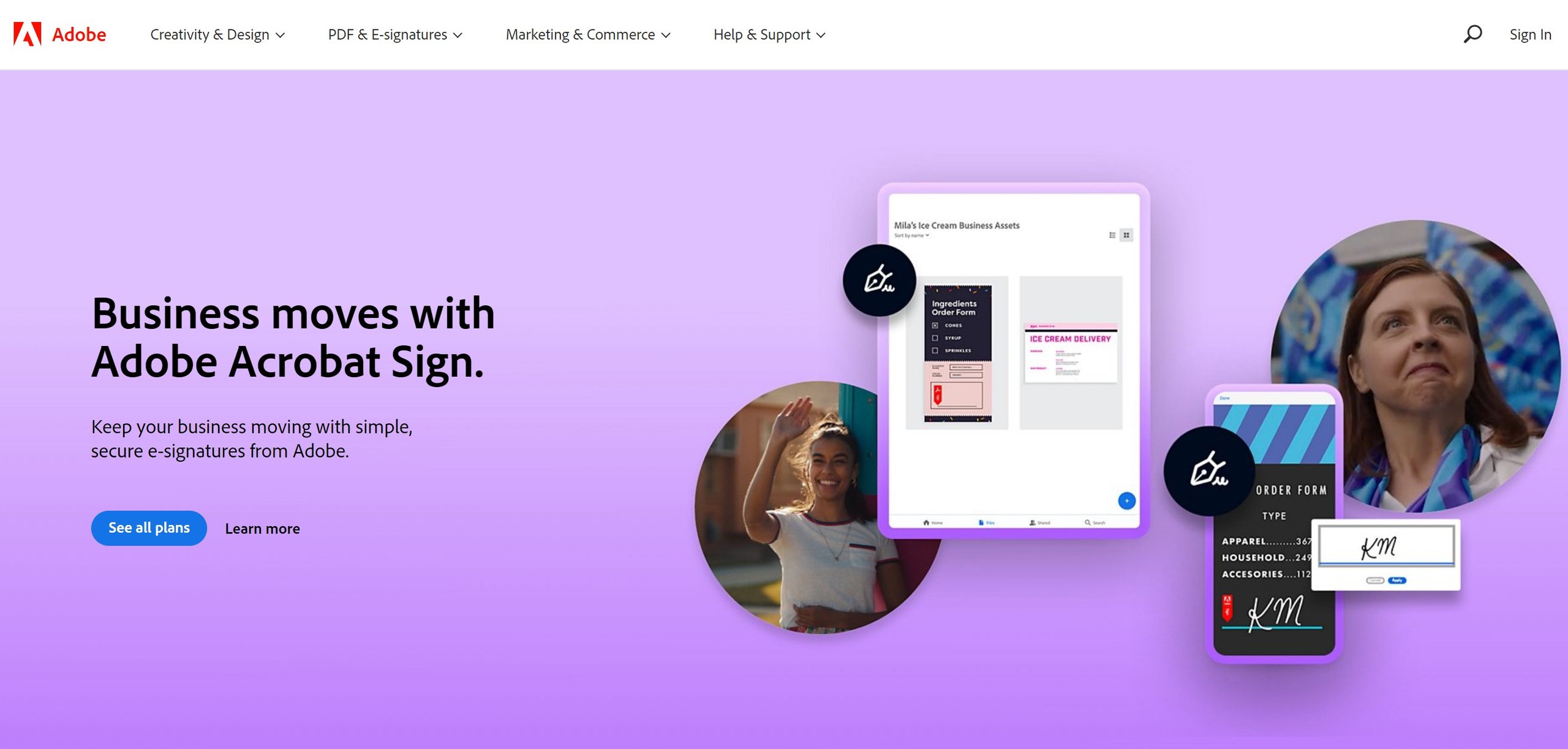
Adobe Photoshop's Timeline panel can produce frame-by-frame GIF animations, and the level of control is unmatched—rotoscoping, custom curves, alpha-channel transparency, the works. The $9.99 / month Photography plan gives you access. The trade-off is the learning curve: making a 3-second meme in Photoshop takes maybe 20 minutes on your first try and 5 minutes once you know the panels. Worth it if you're producing high-end loops for clients; overkill if you're just shipping reaction GIFs to a group chat.
8Promo
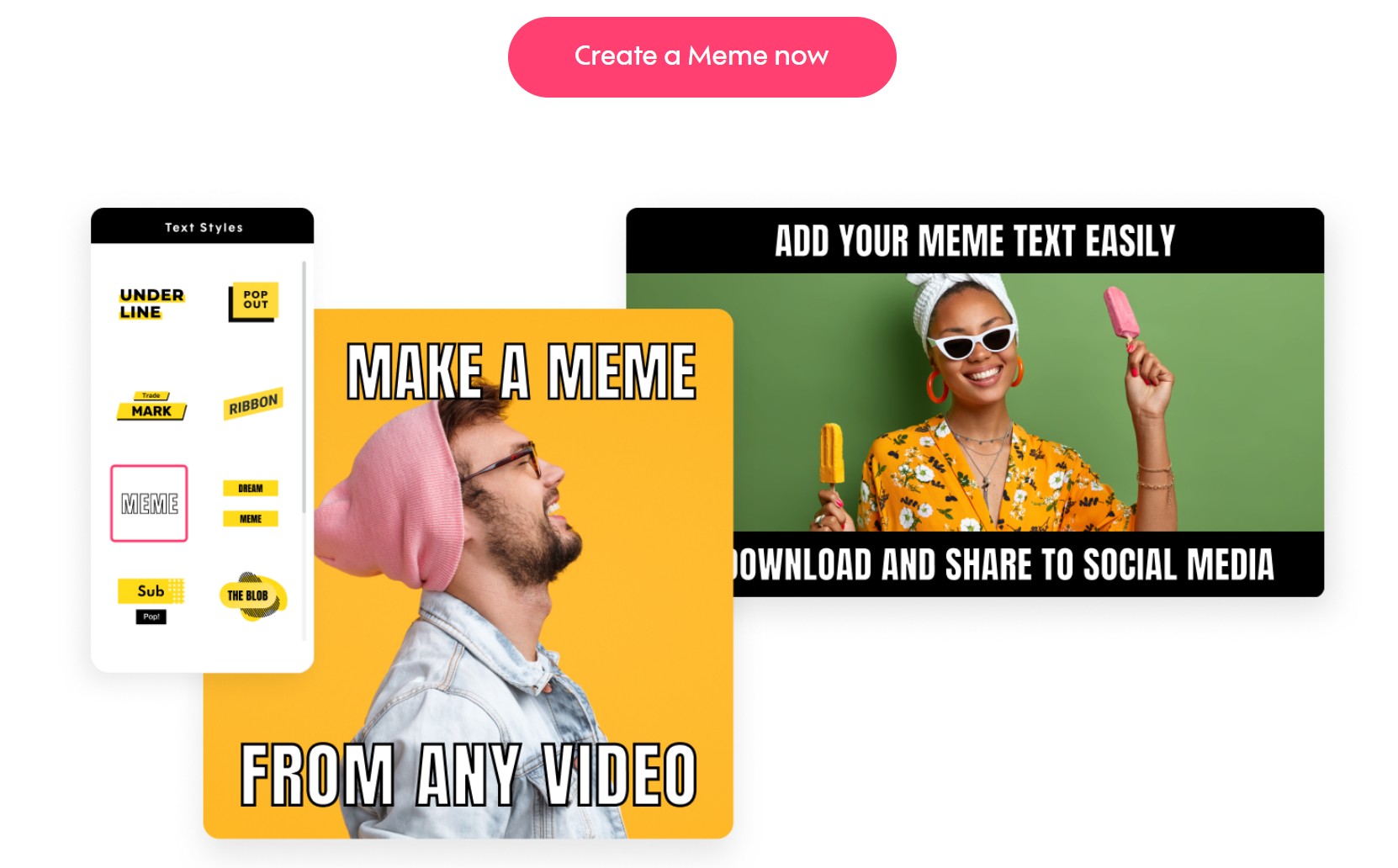
Promo is a templated meme-and-short-video maker. Pick a template, swap text, export. The free plan has download limits and adds a Promo watermark; paid tiers remove both. Strong asset library for brand-aligned memes (logo overlays, brand colour presets), which makes it popular with marketing teams that need on-brand reaction GIFs in volume. For pure personal-use memes the watermark on the free tier is a deal-breaker—pick a different tool.
9Petpet Generator
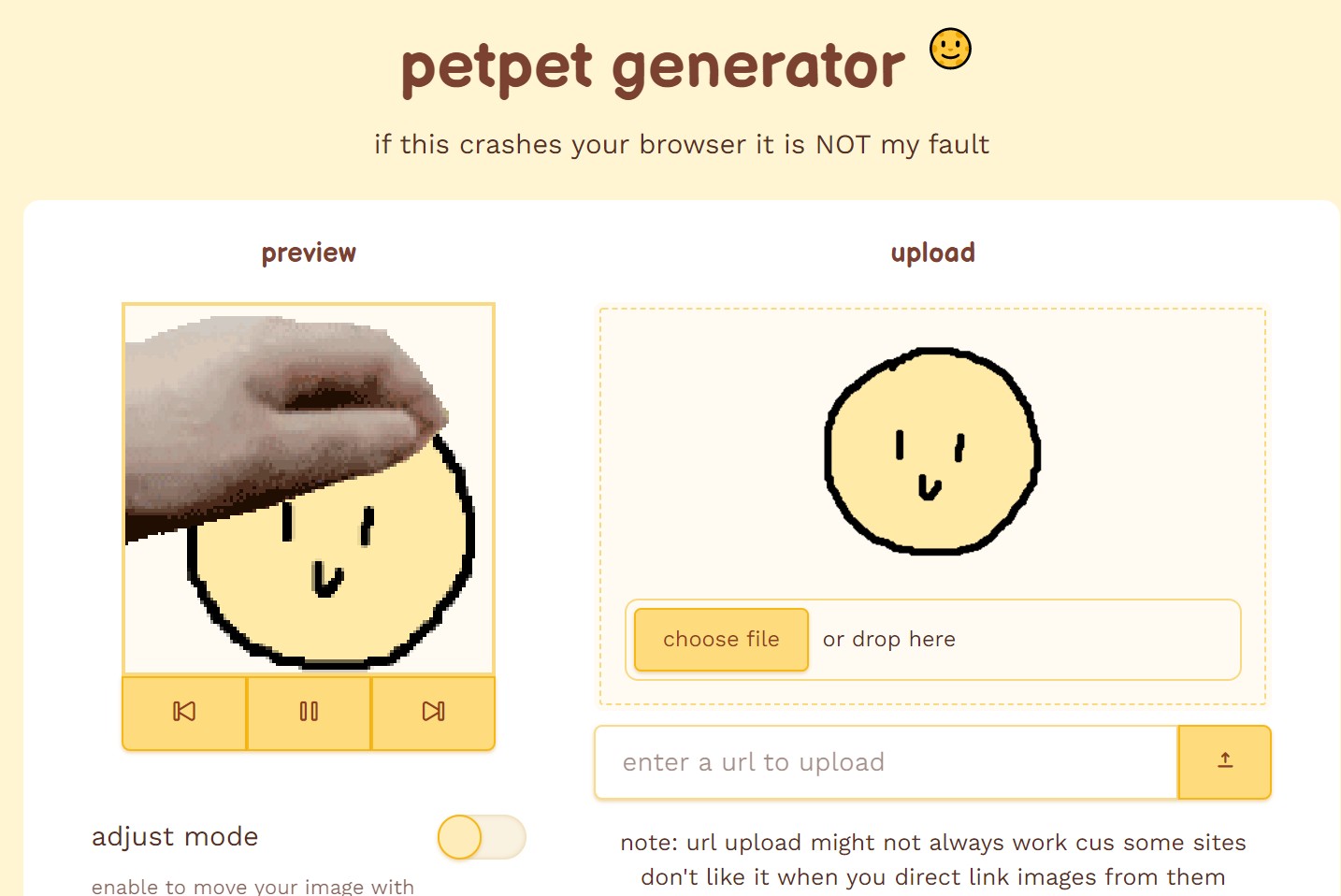
The Petpet Generator does one thing: takes any image you upload and turns it into the "pat-pat-pat" looping meme format that's a Discord and Reddit staple. It's free, browser-based, and there's an iOS app. UX opinions vary—some find it instantly obvious, others say the upload-export flow has rough edges. Functionally it's reliable for the petpet format and not really meant for general meme making. For background changes before generating, see change background on Instagram.
10Gifs.com
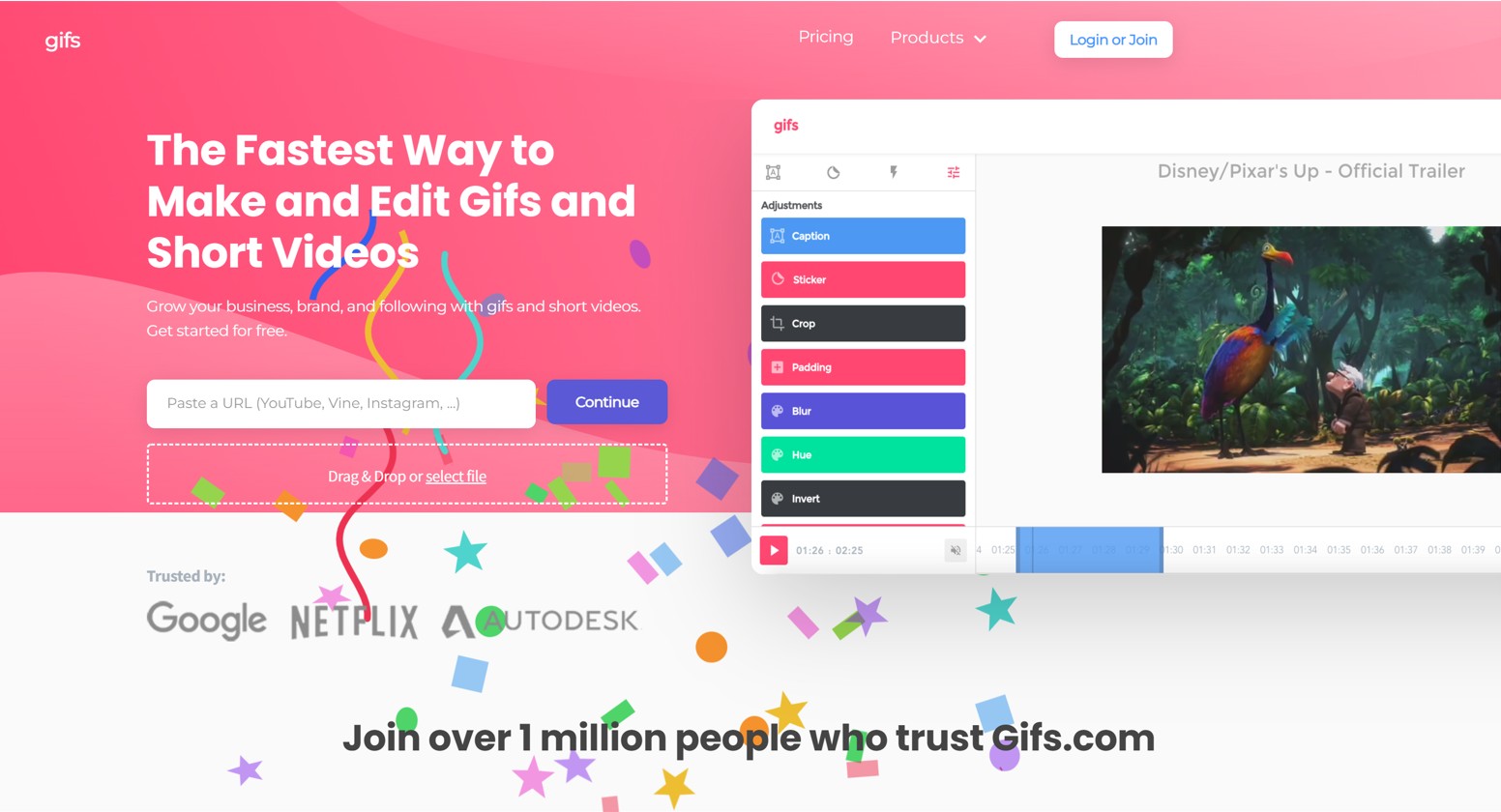
Gifs.com lets you paste a YouTube URL, pick the start and end second, add captions or filters, and export as GIF. It's the right tool when your meme idea starts from someone else's video. Free tier has a small Gifs.com watermark on the output; paid tier removes it. Customizable text overlays let you build the classic top-and-bottom text macros directly from any URL—much faster than downloading the video, editing in another tool, and exporting.
How to Pick the Right GIF Meme Maker for Your Workflow
For pure speed on classic image macros, Imgflip. For collaborative editing, Kapwing. For character animation memes, Animaker. For URL-to-GIF from existing video, Gifs.com. For high-end frame control, Adobe Photoshop. For "just grab an existing reaction," Giphy (no creation needed). For petpet-style loops, the Petpet Generator is the dedicated path.
Conclusion
There are plenty of meme GIF makers available in 2026 for creating custom animated memes. Some are free, some require a monthly subscription, and a few sit in the middle with credits or trial-based pricing. All ten tools on this list offer features that help you ship a meme—whether you're after a 30-second quick laugh for a group chat or a polished loop for a brand campaign. Pick the tool that matches your starting material (still image, video URL, or character-from-scratch), your output platform (social, chat, embedded site), and your tolerance for watermarks on the free tier. The best meme is the one you actually post, so optimise for friction-out, not feature count.
Frequently Asked Questions
1What is the best free GIF meme maker in 2026?
Imgflip and Giphy lead for free use. Imgflip is best when you're creating from scratch with text macros; Giphy is best when you just want to grab an existing reaction GIF and post it. Both work without an account, both are browser-based, and both are 100% free for personal use.
2How do I make a GIF meme from a video on YouTube?
Use Gifs.com. Paste the YouTube URL, drag the timeline to your start and end second, add caption text overlay (top + bottom for the classic macro look), and export. The free tier adds a small watermark; paying removes it. Other tools that read YouTube URLs include Kapwing and Clideo.
3Do I need Photoshop to make GIF memes?
No. Photoshop's Timeline panel produces frame-perfect loops with alpha-channel control, but for 95% of social-media memes the browser tools (Imgflip, Kapwing, Gifs.com) are faster and produce indistinguishable output on platform-compressed playback. Use Photoshop only when you're producing client work that demands exact frame control.
4How do I remove the watermark from a GIF meme maker?
Pay for the tool's paid tier. Imgflip Pro, Kapwing Pro, Filmora paid, and Gifs.com paid all remove watermarks. For free output without watermarks, Filmora's free editor and Giphy do not add watermarks at all—but Filmora is a full video editor (steeper learning curve) and Giphy doesn't really "create" memes from scratch in the same way.
5How big should a GIF meme file be for Discord, Slack, or WhatsApp?
Discord allows up to 8 MB for free users (50 MB for Nitro). Slack allows 25 MB. WhatsApp accepts much larger but compresses heavily on send. For all three, aim for under 5 MB to be safe across most users. Trim duration to under 4 seconds, drop frame rate to 15 fps, and use 480p resolution—this combination usually fits while still looking smooth.
6How do I make a GIF meme transparent?
Run your source image or first frame through a background remover before importing into your GIF maker. VanceAI's BGremover handles this in a single click for static images. For video-source GIFs, you'll need a tool like Photoshop or Filmora that supports alpha channels in the GIF export—not all GIF makers do.
7Can I add subtitles to a GIF meme?
Yes—use Kapwing or Filmora. Kapwing has a dedicated subtitle workflow that lets you type captions on a per-second timeline. Imgflip and most other simple GIF makers only support static top-and-bottom text macros, not time-coded subtitles.
8What's the difference between a GIF meme and a video meme?
GIF memes are silent, loop infinitely, and play inline in chats without a click. Video memes have sound, don't auto-loop, and usually need a click to play in chat apps. GIF is the right format for reactions; video is the right format for jokes that need audio (sound bites, music drops).
9How long should a GIF meme be?
The sweet spot is 2–4 seconds. Long enough to read the caption and watch the punchline land, short enough to loop without losing attention. Anything past 6 seconds usually feels too long for chat use.
10Are GIF memes good for SEO or website traffic?
GIF memes themselves don't move SEO needles directly, but they boost dwell time and social shares, which signal engagement to search engines. Use GIFs sparingly on landing pages (they're big files), more freely on blog posts and social embeds. For social-driven traffic, GIF memes outperform static images on Twitter, Reddit, and Discord in 2026.