VanceAI for PC
The complete VanceAI suite, installed on your Windows machine. Run unlimited photos through every model, no credits required.
- Upscale by up to 40x with no quality loss
- Fix pixelated photos and increase resolution in seconds
- Recover detail from motion blur, lens blur, and soft focus
- Clean noise and grain without smoothing skin to wax
Upscale by up to 40x with no quality loss
VanceAI's AI image upscaler is trained on millions of photos to handle every subject differently: portraits, landscapes, architecture, plants, animals. The model identifies what's in the frame, then reconstructs missing pixels with the texture, edge structure, and color logic that subject demands, rather than applying the same upscaling treatment to everything.


Specialized models for every kind of photo
VanceAI for PC enlarges any image, from already-high-resolution photos that need to scale further, to compressed low-quality files that need rebuilding from scratch. The image enlarger works the same way on both: identify the subject, suppress compression artifacts, then add real detail rather than smoothed approximations.

Face enhancement
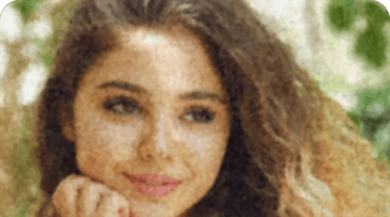
Faces are the hardest part of any upscaling job. VanceAI's face enhancement model is trained specifically to recover skin texture, eye detail, and hair strands in low-resolution portraits, where general upscalers blur them into the surrounding pixels.
Compression artifact removal
Heavy JPEG compression leaves blocky edges, banding, and chroma noise that get worse as you upscale. VanceAI for PC detects and suppresses these compression artifacts during the upscale pass, so the output looks like a clean original at the larger size.
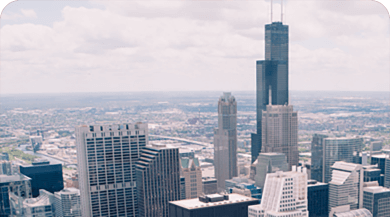
Pixel reconstruction
Upscaling means inventing pixels that don't exist in the source. VanceAI for PC reconstructs those missing pixels from the model's understanding of what the subject actually looks like, rather than averaging neighbors or applying a sharpening filter on top.
Sharpen any blurry photo with one click
Most sharpening filters apply the same edge-detection pass to every pixel, which amplifies noise and leaves halos around faces. VanceAI's AI image sharpener identifies the type of blur in your photo, picks the matching model (motion, lens, or soft), and recovers edge detail without introducing artifacts.
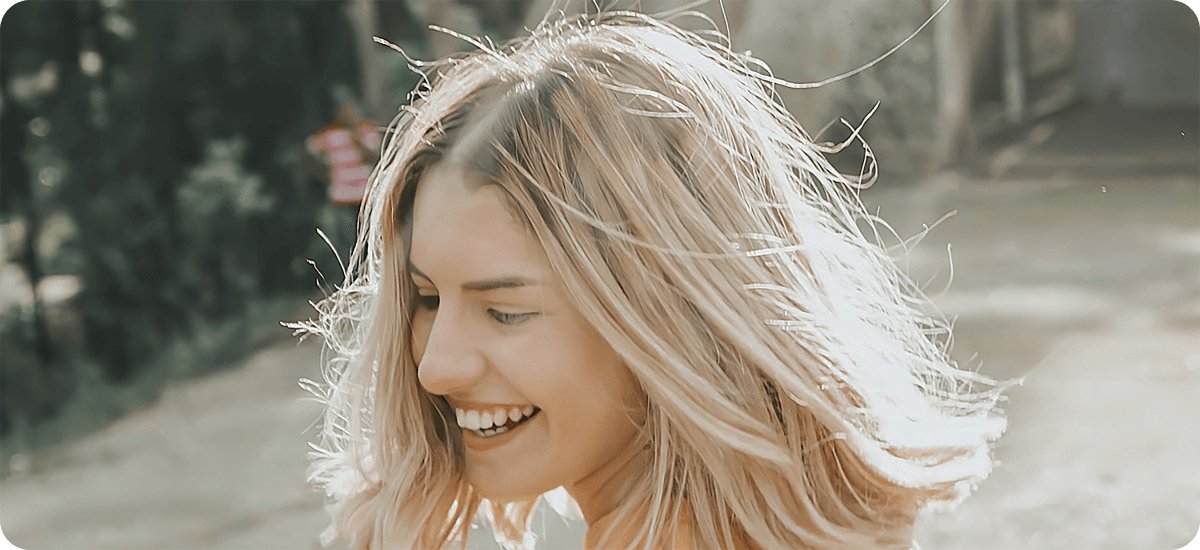
Recover every detail you've lost
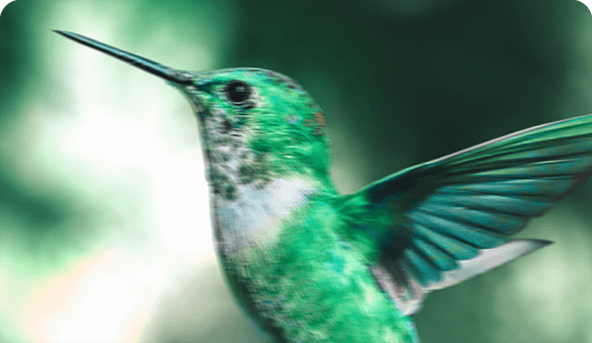
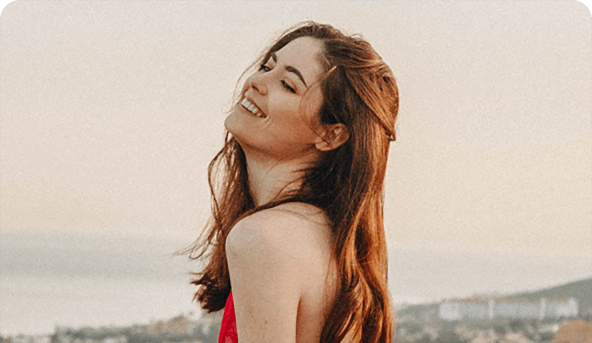
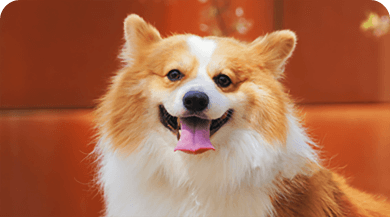
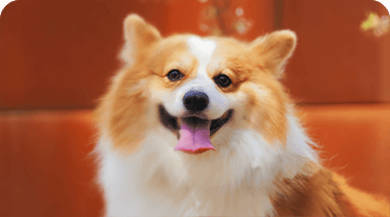
Detail that looks lost is usually still there in the pixels, just suppressed by blur, noise, or compression. VanceAI's AI image sharpener brings it back: pore-level skin texture in portraits, individual fur strands in pet shots, leaf edges in landscapes, all without the over-sharpened plastic look that traditional filters produce.
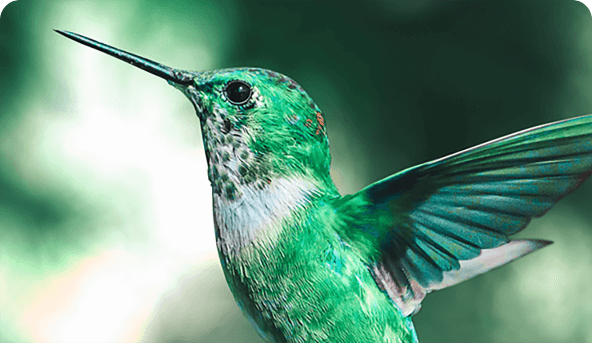

Clear out the noise without losing detail
Traditional denoising tools smooth out noise by averaging neighboring pixels, which kills fine detail along with the grain. VanceAI for PC's denoise AI is trained on millions of clean and noisy image pairs, so it knows the difference between real texture (skin pores, fabric weave, fur strands) and sensor noise, and removes only the noise.
Natural denoising
The denoised output reads as if the photo had been shot at a lower ISO, with the same composition, colors, and detail intact. No plastic smoothing, no waxy skin, no blurred backgrounds.
Detail recovery
Most photos clean up in under five seconds, with the detail that was hidden under the noise now visible: hair strands, fabric texture, distant background elements.
Trained on millions of photos
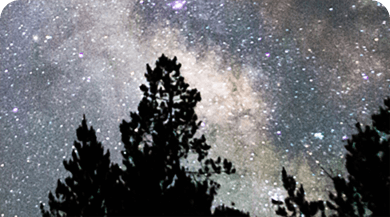
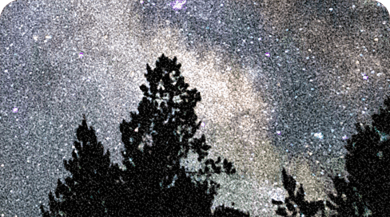
The denoiser is trained on millions of photo pairs covering every common noise type: high-ISO grain, low-light luminance noise, JPEG compression artifacts, chroma noise. New training data gets added regularly, so the model keeps improving.
Keep every real detail intact
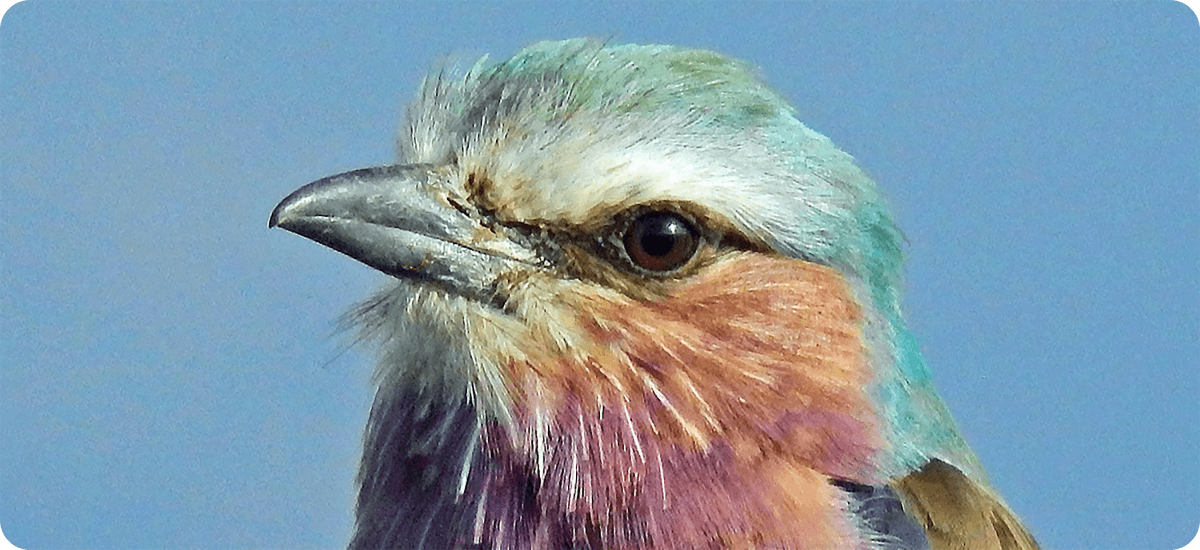
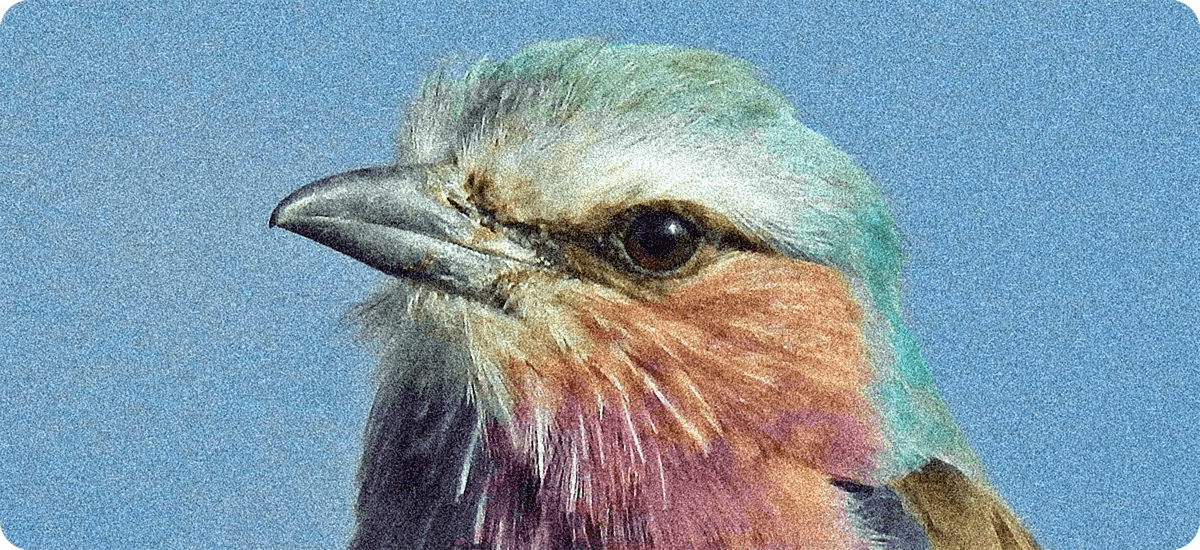
The real test of any denoiser is what survives the cleanup. VanceAI for PC's AI noise reduction preserves the textures most photographers care about: skin pores in portraits, fabric weave in product shots, fur direction in animal photography, leaf detail in landscapes. The grain disappears. The photo doesn't.

Ready to install?
Install VanceAI for PC on Windows and run every model locally. Process unlimited photos, batch hundreds at once, and keep every file on your machine.