Quick Comparison: 5 Anime Wallpaper Sites at a Glance
Before diving in, here is a quick decision table so you can match each anime wallpaper site to your actual use case — phone lock screen, ultrawide desktop, or a sharp 4K TV background.
| Anime Wallpaper Site | Free Download | Variety of Categories | Native Resolution | Best For |
|---|---|---|---|---|
| Wallpapers.com ⭐ | Yes | Very high (aesthetic, cute, girly, pink, dark) | Mostly 1080p–4K | Beginners who want anything in one place |
| Unsplash | Yes | Lower (curated artistic shots) | Up to 5K original | Designers who want a clean, artistic vibe |
| Pinterest — Anime Background | Yes | Curator's mix (mostly aesthetic) | Variable (Pinterest compresses) | Mood boards and discovery |
| Wallhaven | Yes | Medium (tag-based search) | Often 4K and ultrawide | Power users who want filters and SFW/sketchy toggles |
| Wallpaper Access | Yes | Medium | 1080p–4K | Quick HD downloads without sign-up |
5 Best Anime Wallpaper Websites Reviewed
These five sites cover most of what anime fans actually search for — high-quality anime wallpaper, aesthetic backgrounds, fan-art posters, and character art such as Pain Naruto, Maid-Sama, or Demon Slayer key visuals. Where the source resolution does not match your screen, the closing section explains how to upscale to 4K with VanceAI Anime Upscaler.
1. Wallpapers.com — The All-Rounder for Anime Fans
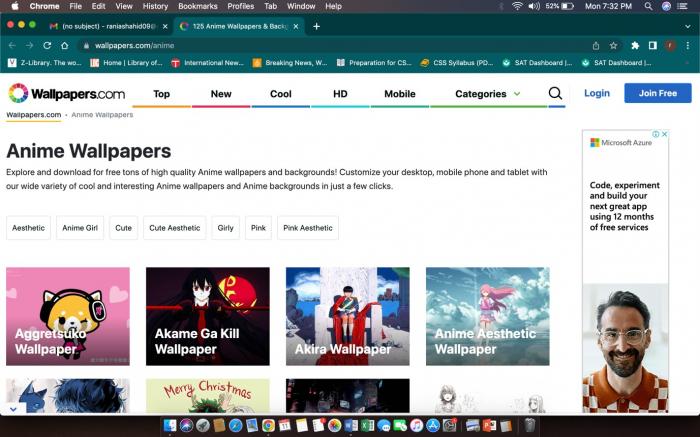
Wallpapers.com is the easiest entry point for newer anime fans. The anime hub is well-tagged: aesthetic, anime girl, cute, cute aesthetic, girly, pink, pink aesthetic, dark, and Christmas-themed sets all sit under one search bar. You will find everything from anime drawing wallpaper to anime city wallpaper to character art and seasonal sets.
In day-to-day testing, the catalog feels endless — a single search for "Naruto" returns thousands of variations across art styles, time periods, and aspect ratios. The downside is the catch-all nature of the library: a small share of uploads are low-resolution or upscaled-from-thumbnail, so a few wallpapers look noticeably softer on a 1440p monitor. When that happens, run the image through an AI image enhancer to restore detail before setting it as your background — see the step-by-step in the anime filter and enhancement guide.
Pros
- Largest catalog of the five sites
- Strong tag system across aesthetic and character searches
- Direct free download, no sign-up required for most images
Cons
- Occasional account or download ads on the page
- A minority of uploads are low-resolution and need upscaling
2. Unsplash — High-Quality, Designer-Friendly Anime Backgrounds
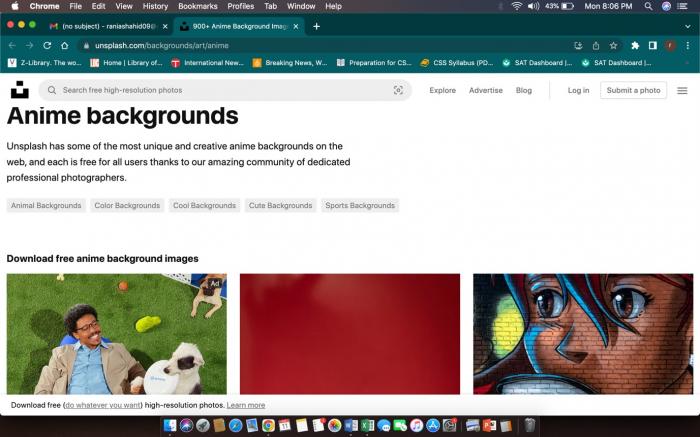
Unsplash leans artistic. The anime backgrounds collection is curated rather than crowd-uploaded, so quality is consistently high — many shots are produced by professional photographers and illustrators who release them under a permissive Unsplash license.
This makes Unsplash a great pick if you want a wallpaper that does not look like fan art. Animal-inspired anime, city-skyline anime, and abstract color-block anime backgrounds all show up under different search filters. The trade-off is variety: you will not find every character or fandom here, and many results drift outside strict "anime" territory into general illustration. Resolutions are usually generous (up to 5K on the original asset), but assets are not standardized to a single aspect ratio — so a wallpaper that looks perfect on a portrait phone may leave letterboxes on an ultrawide monitor.
Pros
- Consistently high original resolution
- Editorial-quality curation
- Free commercial use under the Unsplash license
Cons
- Smaller catalog and limited fandom coverage
- Mixed aspect ratios — some manual cropping needed
3. Pinterest — Anime Background Boards
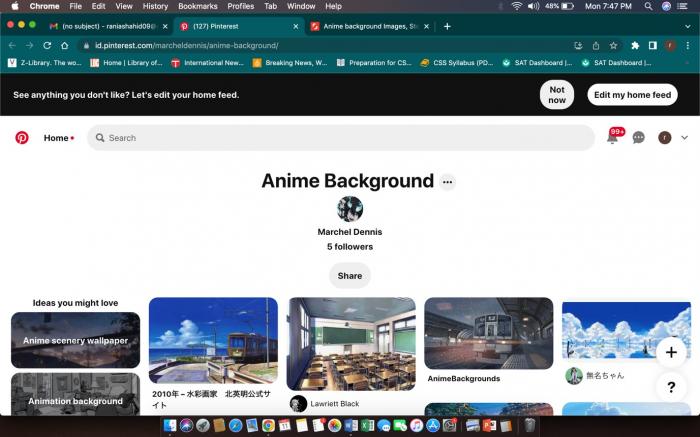
A curated Pinterest board is one of the fastest ways to discover anime wallpapers you would not search for directly. The marcheldennis "anime-background" board collects hundreds of aesthetic and colorful illustrations in a single feed.
Pinterest is ideal for mood-boarding or building a personal collection across multiple devices. The catch is technical: Pinterest re-compresses uploads, so wallpapers can look softer than the original artist's file. For dense illustrations such as cityscapes or anime portraits with fine line work, the compression is visible on a high-density screen — that's the point at which AI upscaling pays off. See the related walkthrough on how to upscale 480p to 1080p for the underlying workflow.
Pros
- Frictionless discovery — one feed of curated picks
- Easy to save across boards and devices
Cons
- No category structure inside the board
- Pinterest compression softens detail
4. Wallhaven — Power-User Search and Filters
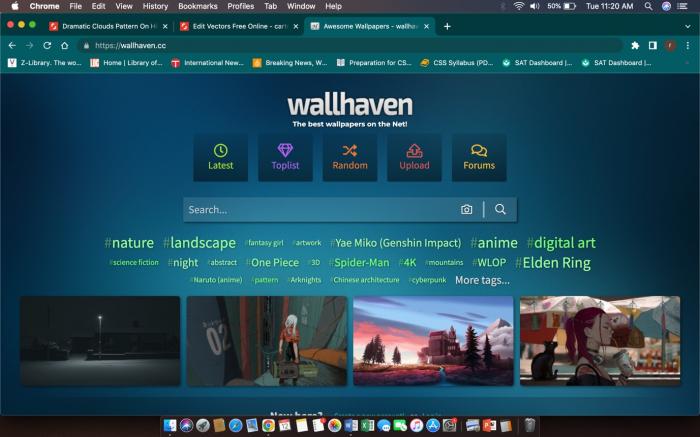
Wallhaven is the site to use if you know exactly what you want. The search filters separate SFW, sketchy, and NSFW content, support resolution and aspect-ratio filtering, and let you sort by views, favorites, or upload date. Tags such as "Naruto," "cyberpunk," "cherry blossom," or "samurai" return tightly relevant results.
Resolution is where Wallhaven shines for desktop users: 4K and ultrawide (3440×1440 or wider) wallpapers are common, and you can filter to only see them. The downside is that the user-uploaded catalog means filter overlaps occasionally return empty — narrow a category-plus-tag query and you may have to back off one filter to see results. For sharper line art on user uploads with motion blur or chromatic aberration, try a chromatic aberration fix before saving the final wallpaper.
Pros
- Best search and filter system of the five
- Frequent 4K and ultrawide uploads
- SFW/NSFW filter for safe browsing
Cons
- Some filter combinations return empty
- A small share of uploads are derivative or low quality
5. Wallpaper Access — HD Downloads Without Sign-Up
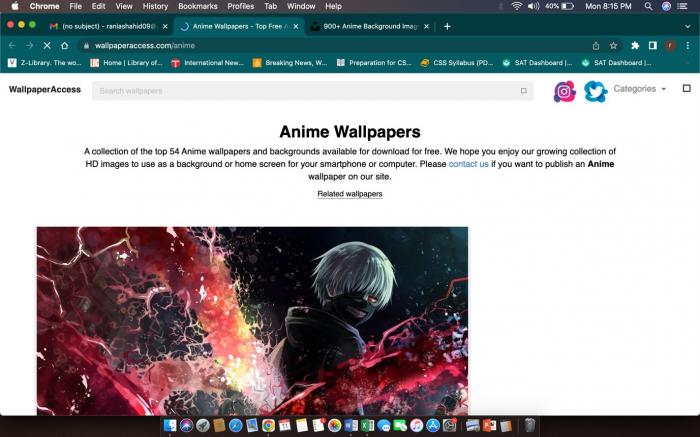
Wallpaper Access keeps things simple: open the anime hub, scroll, and download in HD. There is no required sign-up, no rate limit on basic downloads, and the editorial team highlights collections each week.
Color, composition, contrast, and sharpness are reliably professional — wallpapers feel like they were chosen by a designer rather than auto-aggregated. The trade-off is the same as Pinterest: there are no nested sub-categories inside "anime," so you scroll a long grid to find a specific style. For users who would rather sift by character or studio, this is the slowest of the five.
Pros
- Reliable HD quality with no sign-up
- Professional-looking color and composition
- Free download, no watermark
Cons
- Limited sub-category structure
- Manual scroll for character or studio searches
How to Upscale Anime Wallpapers to 4K with VanceAI Anime Upscaler
Once you have downloaded a wallpaper from any of the five sites above, here is the workflow we use to push a soft 1080p source into a sharp 4K background suitable for an OLED desktop or a 27" monitor. The browser-based VanceAI Anime Upscaler is built specifically for anime line art and flat color regions — the model preserves crisp outlines without over-smoothing skin, hair, or eyes.
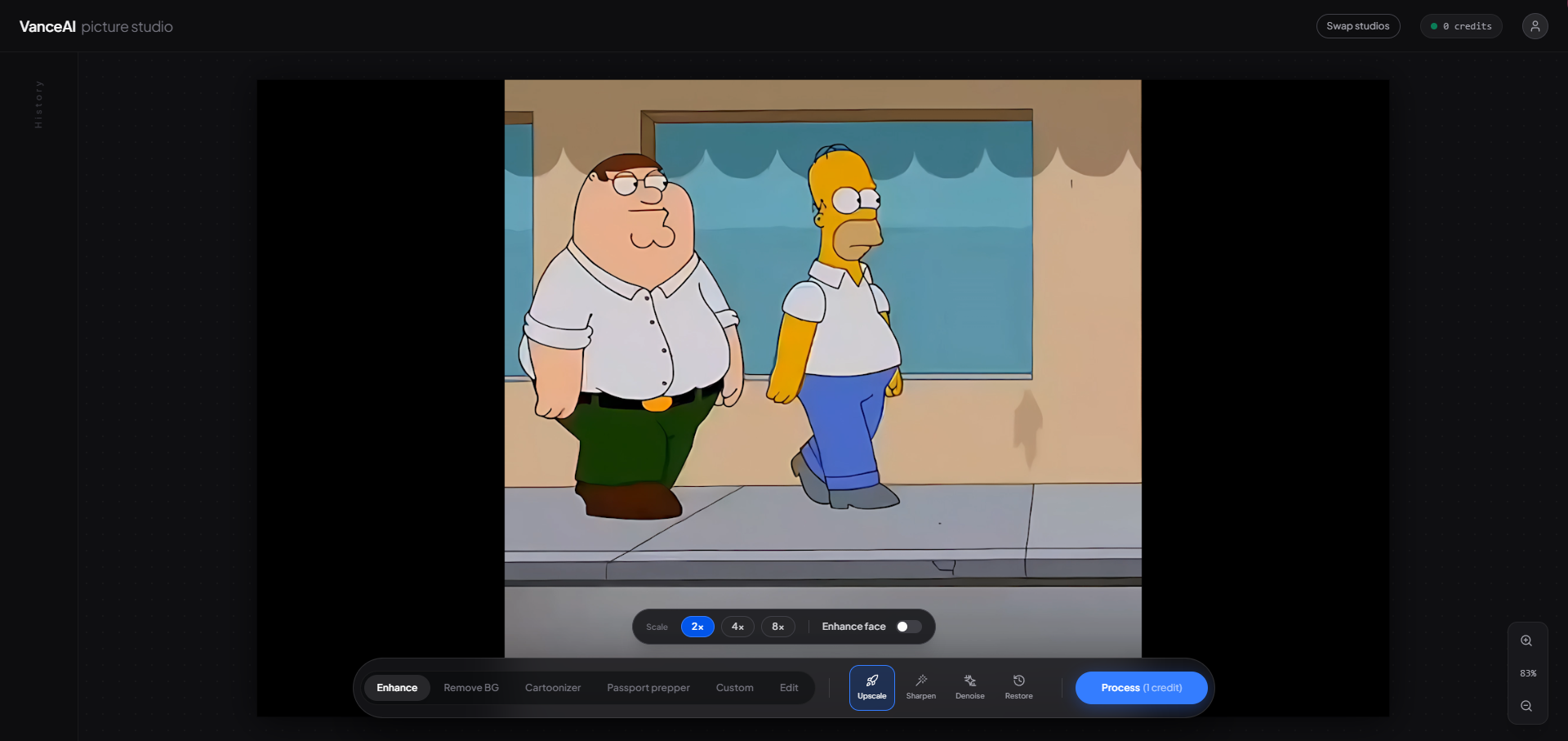
Open VanceAI's picture studio in your browser. Drag the wallpaper into the upload area — JPG and PNG up to 5,000×5,000 px are accepted. No installer.
Pick "Upscale" from the bottom toolbar. This loads the Anime Upscaler model rather than the generic photo upscaler — the difference is most visible on flat color zones and crisp outlines.
Choose 2x, 4x, 8x, or 16x. For a 1920×1080 source heading to a 4K monitor, 2x is enough; for a 720p Pinterest crop heading to ultrawide, 4x is the sweet spot.
Preview, then Process. Each generated image costs credits (see pricing below). The studio shows a side-by-side preview before you commit the credits.
Download in JPG or PNG. The workspace deletes your file automatically within 24 hours.
For dense illustrations where the source already shows compression or noise, run a denoise pass before upscaling. The combined enhance-and-upscale flow keeps fine line work crisp instead of amplifying JPG artifacts.
Quick Tips: Fix Common Anime Wallpaper Issues
- Wrong aspect ratio? Crop first, upscale second — cropping a low-res image discards real pixels you cannot get back through AI.
- Wallpaper looks washed out on OLED? It is usually compression, not the source — re-download from the highest-resolution variant the site offers before enhancing.
- Want a single character isolated for a custom background? Use a background removal pass first; many fan wallpapers have busy backgrounds that fight your desktop icons.
- Saving for both phone and desktop? Download once, upscale once, then crop the same enhanced master into two aspect ratios — you keep the same color grade across both devices.
Frequently Asked Questions
What is the best anime wallpaper website overall?
For most readers, Wallpapers.com is the strongest single starting point because of its category structure and catalog size. Designers tend to prefer Unsplash for cleaner artistic shots, and power users gravitate to Wallhaven for its filters. Test all three across a single search query — the right pick depends on whether you want variety, polish, or precision.
Are these anime wallpaper sites free to use?
Yes. Every site in this list offers free downloads at standard resolutions. Unsplash and Wallpapers.com explicitly allow personal use; Wallhaven, Wallpaper Access, and Pinterest let you save for personal use but require you to credit the artist if you re-share. For commercial use, always check the original artist's licensing terms before publishing.
Where can I find 4K anime wallpapers for an ultrawide monitor?
Wallhaven is the easiest source because it supports a "4K minimum" and aspect-ratio filter. Unsplash also exposes original resolutions up to 5K. If your favorite wallpaper is only available at 1080p, the supported workflow is to download the highest version available and run it through VanceAI Anime Upscaler at 2x or 4x to reach native 4K or ultrawide resolution.
How does VanceAI Anime Upscaler differ from a generic image upscaler?
The Anime Upscaler model is trained specifically on illustration and animation frames. It preserves crisp outlines and flat color regions instead of smoothing them into photographic textures — which is what generic photo upscalers tend to do on anime art. The result is much sharper line work and clean color separation.
Is VanceAI free to try?
VanceAI runs on a credits-based model. The Starter plan starts at $9.95 per month for 100 credits, and pay-as-you-go top-ups are also available with a 7-day money-back guarantee (valid while less than 10 percent of your credits are used). Unused credits roll over up to 5x the current monthly allowance.
What file formats and image sizes does VanceAI support?
The picture studio accepts JPG and PNG up to 5,000×5,000 pixels per image. Outputs are delivered in the same format as your upload, so you can drop a downloaded JPG and receive a 4K JPG back without converting. Larger illustration files can be split into tiles or processed via the API.
Does upscaling an anime wallpaper to 4K reduce quality?
No — modern AI upscalers infer detail rather than stretching pixels. The Anime Upscaler model adds plausible line crispness and color separation that match the original art style. Side-by-side previews are part of the workflow, so you can confirm the result before committing credits.
Is it safe to upload my downloaded anime wallpaper to VanceAI?
Yes. VanceAI follows GDPR-aligned data handling, encrypts files in transit, and automatically deletes uploaded images within 24 hours of processing. The image is only used to generate your enhanced output — it is not used to train models or surfaced anywhere else.
Can I use these anime wallpapers on TikTok or YouTube content?
For personal channels, most platforms allow short-form use of wallpaper as a background, but you must respect the original artist's license. Pinterest pins and Unsplash photos usually allow personal use with attribution; Wallhaven uploads vary by artist. For monetized content, always pull the license terms from the original artist's profile before publishing.
What if my favorite anime wallpaper is too small or blurry?
That is the most common problem this article solves. Download the largest version available from the source site, then run it through VanceAI Anime Upscaler at 2x or 4x. If the source also has compression artifacts (typical for Pinterest re-saves), pair the upscale step with a denoise pass — the studio lets you stack the two operations in a single run.
Wrap-Up: Pick Your Anime Wallpaper Source and Make It Shine
Each of these five anime wallpaper websites is genuinely useful for a different need — Wallpapers.com for breadth, Unsplash for artistic polish, Pinterest for discovery, Wallhaven for precision search, and Wallpaper Access for fast HD downloads. The fastest path to a consistently great desktop or phone background is the combination: pick a wallpaper from any of these sites, then run it through an anime-aware upscaler so your final image stays crisp across whatever screen you are using today.