
What Is AI Reverse Image Search and Why Does It Matter in 2026?
An AI reverse image search lets you upload a photo instead of typing keywords, and returns matching, similar, or visually related images from across the web. It is the fastest way to identify a face, locate the original source of a meme, verify if a stock photo is overused, or trace where your own work has been reposted without credit.
Three things have changed the landscape over the past 18 months. First, generative AI flooded the internet with synthetic images, so reverse search is increasingly used as a fact-checking tool to spot fakes. Second, Google's AI Overview and SGE results now collapse many "what is this image" queries into a single answer card, which means specialist tools that go deeper than the AI Overview—face matching, copyright tracing, OSINT-grade source finding—are more valuable than ever. Third, the quality of the image you upload now matters as much as the engine you use; a blurry, low-resolution, or compressed photo will return weak matches no matter which search tool you pick.
This guide compares the ten best AI reverse image search tools available right now, walks through how to prepare your source image for the highest match accuracy, and explains where each tool fits in a 2026 search workflow.
Best 10 AI Reverse Image Search Engines and Tools (Comparison Table)
Below is a side-by-side comparison of the ten tools we cover in depth. We put the VanceAI Image Enhancer in row one because reverse search accuracy starts with image quality—if your upload is sharp, well-lit, and high resolution, every other engine on this list returns better matches.
| # | Tool | Best For | Price (USD) | Face Search | API |
|---|---|---|---|---|---|
| 1 ⭐ | VanceAI Image Enhancer + Reverse Workflow | Cleaning blurry, low-res, or compressed source images before search | Credits-based: from $4.95 / 100 credits (first 3 images free) | ❌ (preprocessing only) | ✅ |
| 2 | Google Reverse Image Search (Lens) | Broad web-wide matches and OCR | Free | ❌ (blocked) | ❌ |
| 3 | TinEye | Finding exact copies and earliest upload date | Free + Paid API | ❌ | ✅ |
| 4 | Yandex Reverse Image Search | Cross-platform and face matching | Free | ⚠️ (legal gray zone) | ❌ |
| 5 | PimEyes | Face recognition, public-photo monitoring | Paid (from $29.99 / month) | ✅ | ✅ |
| 6 | Bing Visual Search | Shopping, product lookup | Free | ❌ | ✅ |
| 7 | Yahoo Image Search | General similar-image discovery | Free | ❌ | ❌ |
| 8 | OsintCombine | OSINT and investigative workflows | Free | ⚠️ | ❌ |
| 9 | Ximilar AI Reverser | Custom visual search for businesses | Paid (subscription) | ⚠️ | ✅ |
| 10 | SearchEngineReports | One-page aggregator | Free | ❌ | ❌ |
| 11 | Picsearch AI Image Search | Lightweight visual lookup | Free | ❌ | ❌ |
Need to clean up a blurry source photo before any of these tools can do its job? See our walk-through on chromatic aberration fix for a related preprocessing technique.
1VanceAI Image Enhancer + Reverse Search Workflow ⭐
Reverse image search engines match what they can see. Feed them a 480p screenshot, a JPEG that's been compressed five times, or a phone photo with motion blur, and the matches you get back will be weak. The VanceAI Image Enhancer sits at the front of the workflow: you upload your low-quality source, the AI sharpens facial features, increases resolution, and removes JPEG artifacts, and then you take the enhanced output into Google Lens, TinEye, or Yandex for far higher match accuracy.
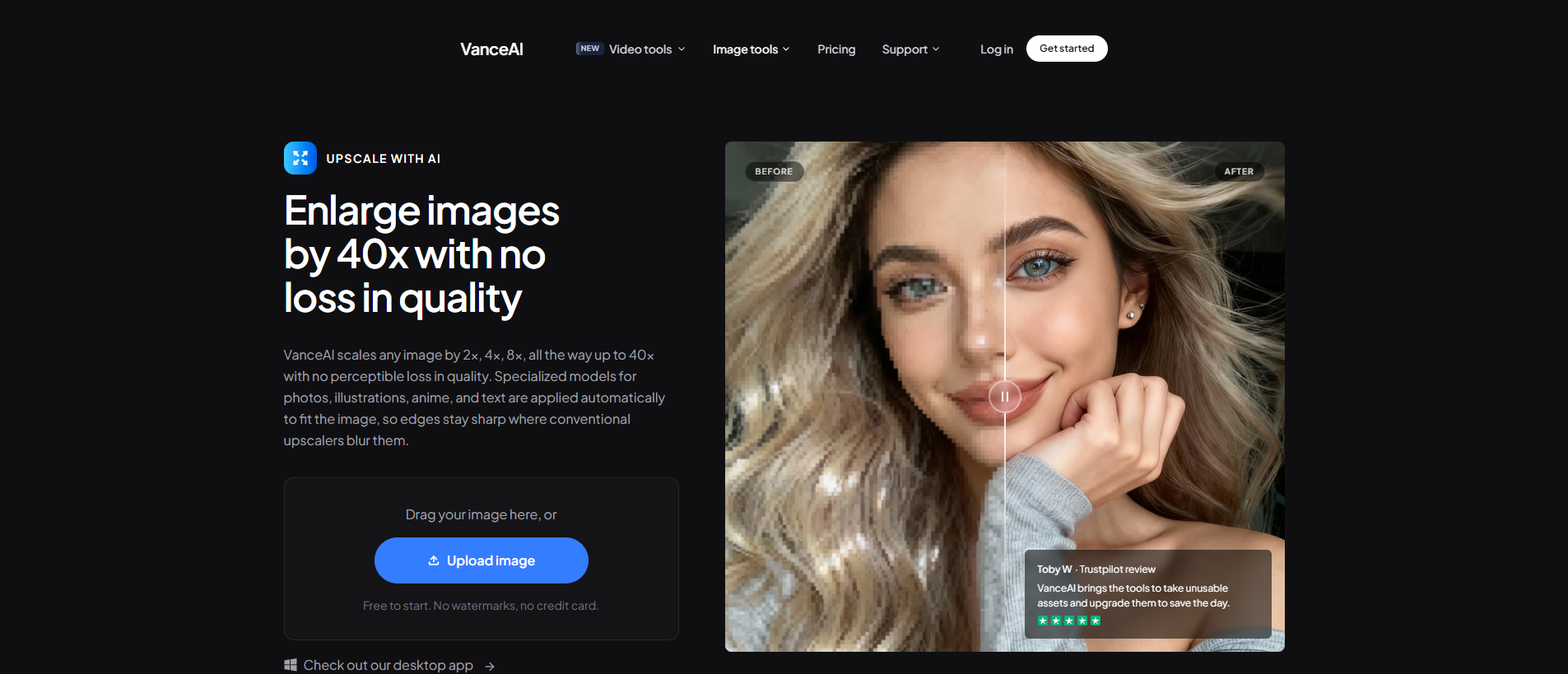
Strengths: works on faces, screenshots, old prints, and screen captures; outputs ready-to-search JPG/PNG; credits-based pricing with the first three images free; runs in any browser.
Limits: not a reverse search engine itself—it's the preprocessing step before you hit Google/TinEye/Yandex. If your source image is already crisp 4K, you don't need it.
2Google Reverse Image Search (Lens)
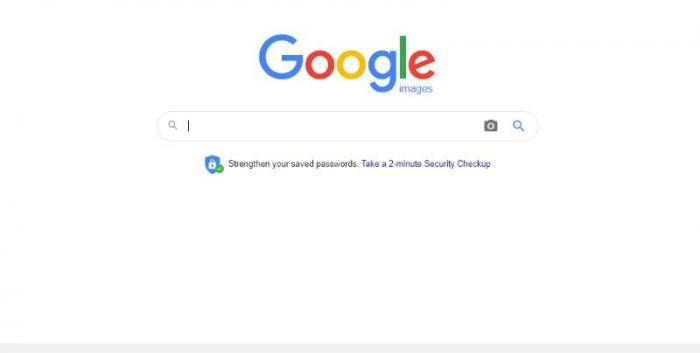
The biggest advantage that Google can offer over other applications such as Yahoo reverse image search or Yandex reverse image search is that Google probably has the most amount of users and authority, which is a free AI reverser as well. Considering the nature of query searches in general, these two factors make Google reverse image search one of the most popular applications for AI reverse image search. Users can simply click on the camera icon to upload an image and get started.
Price: Free
The Google Reverse Image Search, more commonly known as Google Images, is free to use for any kind of user.
Pros:
- Free AI reverser.
- Easy to use.
- One of the most reliable AI image search tools.
Cons:
- No special features.
- Users have to search through hundreds of results sometimes.
- Images need to be highly specific.
3TinEye Reverse Image Search Engine
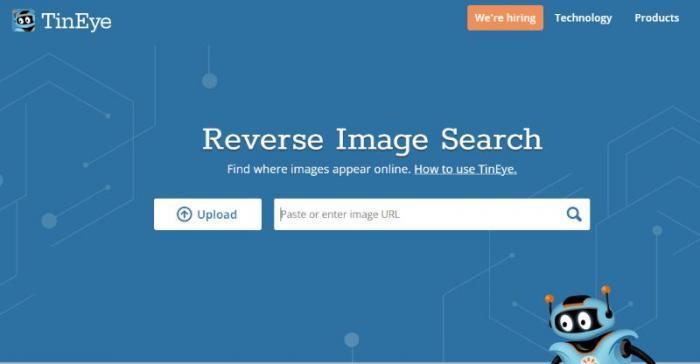
TinEye is one of the more popular reverse image search applications as it offers pretty decent results and multiple ways of using the tool as well. You can install a Chrome extension for many of its tools such as the reverse image search. You can right-click on any image online and click on the TinEye option to initiate an AI reverse image search.
Price: Freemium
The TinEye reverse image search engine can be used for free online to search for images and similar content by all users. However, it may incur fees for commercial use.
Pros:
- Free AI reverser.
- Multiple features.
- Convenient app.
Cons:
- Results can be occasionally off.
- The website can be slow.
- Extension needs improvement.
4Yandex Reverse Image Search
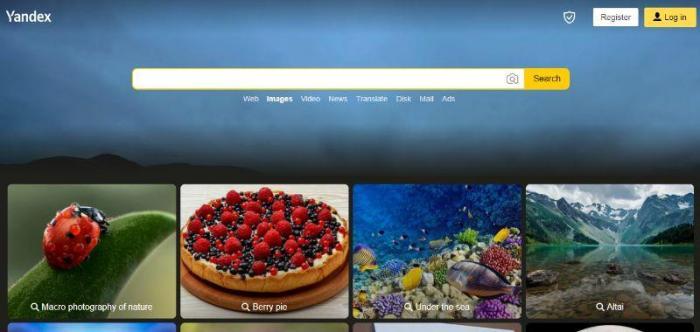
Yandex is built like any AI image search engine but another aspect that builds on its design is the fact that the website has placed many keywords that users can simply click and get results out of. Below the home page is a collection of images belonging to different niches, such as a tropical island, jam, cookies, paragliding, and more. For specialized searches, you can paste a URL or upload an image.
Price: Free
As a free user without an account, you can benefit from the AI reverse image search feature anytime. Once you create an account, you can get more features relating to mailing, sharing files, and more.
Pros:
- Simple to use.
- Free AI reverser.
- Visual aid keywords.
Cons:
- No extra features.
- Need to search specifically.
- The site can be more comprehensive.
How to use Yandex Reverse Image Search to search images?
- Step 1: Go to the Yandex Reverse Image Search website.
- Step 2: Click the camera icon or "Search by Image" and upload or enter the image URL.
- Step 3: Click "Search" to analyze the image.
- Step 4: Review visually similar or matching images in the search results.
5PimEyes AI Reverser
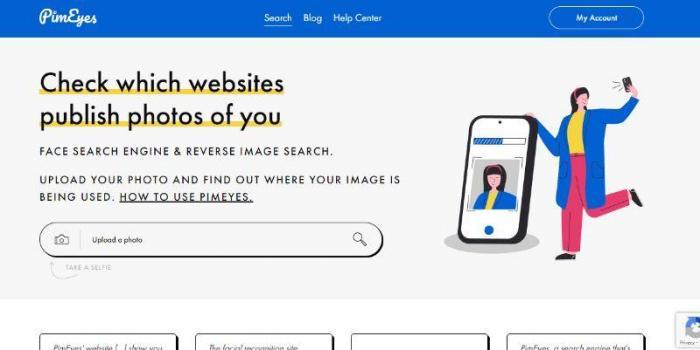
PimEyes is one of the best reverse image search engine applications that you can find when it comes to recognizing and finding similar face images on the Internet. It is an AI reverser that makes use of advanced face recognition search algorithms to fetch the most relevant results in a matter of seconds. This application can be essential when it comes to protecting and even safeguarding your privacy as it will inform you about the websites making use of your face. It also has a blog detailing how to do a reverse image search on the app. However, it is really simple to use, since you just need to upload an image and wait as the AI reverser handles the rest.
Price: Freemium
Basic for free with no account required. More functions require a paid account starting from $29.99 per month and upwards.
Pros:
- Easy to use.
- Famous and reliable app.
- Great and responsive UI.
Cons:
- Limited free use.
- Exclusive to faces.
- Email notifications can be delayed sometimes.
6Bing Visual Search
Bing can be used by anyone with ease since it offers multiple ways for users to upload their input content. As users, you can paste the image URL, upload an image from your device, take the photo in the moment, or even search for images from the suggestions given on the web page itself. The AI reverse image search will then scan your image and provide results.
Price: Free
Bing is a highly popular AI image search engine that also deals with visuals and is available for free to all users.

Pros:
- Popular search engine.
- Multiple upload options.
- Free AI reverser.
Cons:
- No extra features.
- Results aren’t always comprehensive.
- It is slow at times.
How to do a reverse image search with Bing Reverse Image Search?
- Step 1: Open the Bing Reverse Image Search page.
- Step 2: Click the camera icon or "Search by Image" and upload or paste the image URL.
- Step 3: Click "Search" to perform the reverse image search.
- Step 4: Explore matching images and relevant results from the web.
7Yahoo Image Search
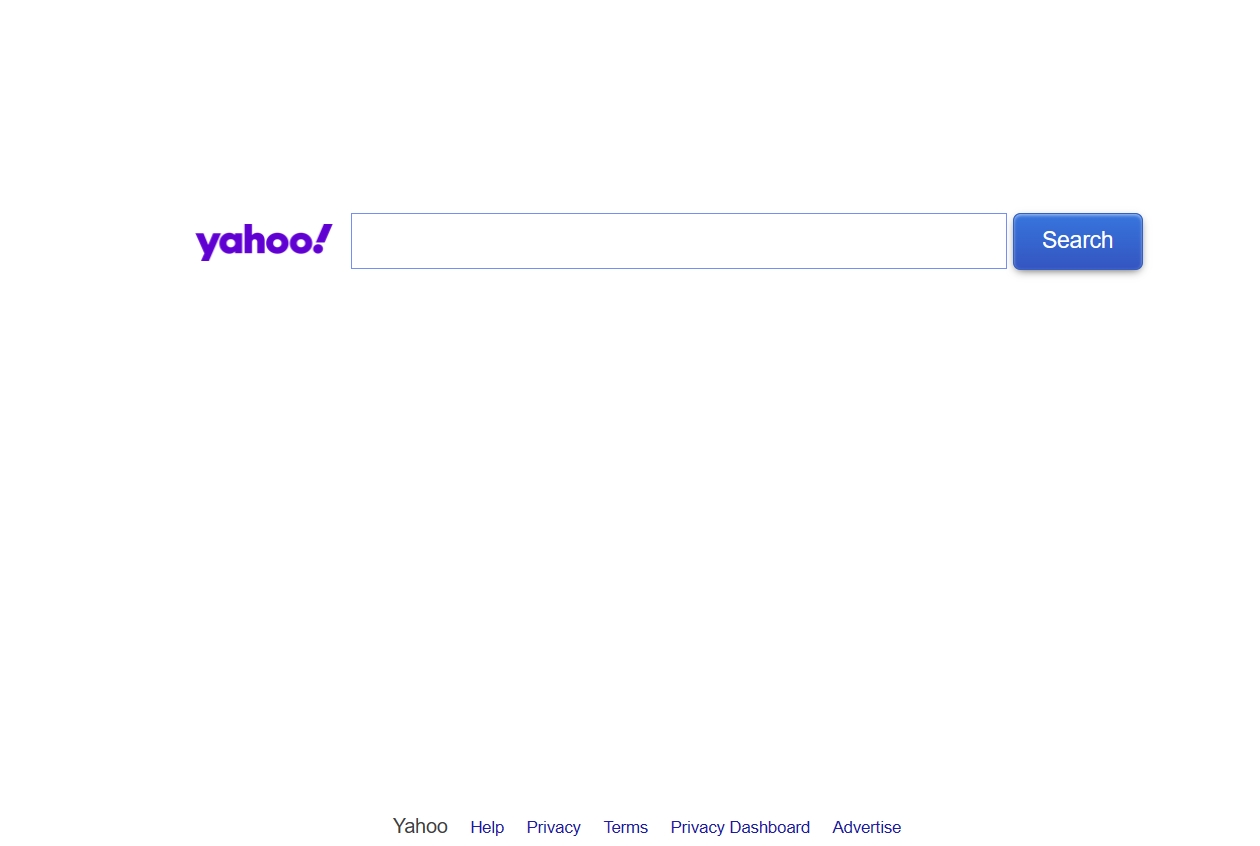
The Yahoo reverse image search is a fairly reliable engine that you can use for searching images related to the ones you’ve uploaded. The website is simplistic and features a simple search bar wherein you can paste the image URL. Essentially, it is more similar to Google search. Other than that, you can get the latest on trending topics from Yahoo.
Price: Free
The Yahoo reverse image search is totally free to use for all users and requires no downloads or additional extensions.
Pros:
- Fully free to use.
- Easy to use.
- Popular AI reverse image search.
Cons:
- No features.
- No upload function.
- Results can be off.
8OsintCombine
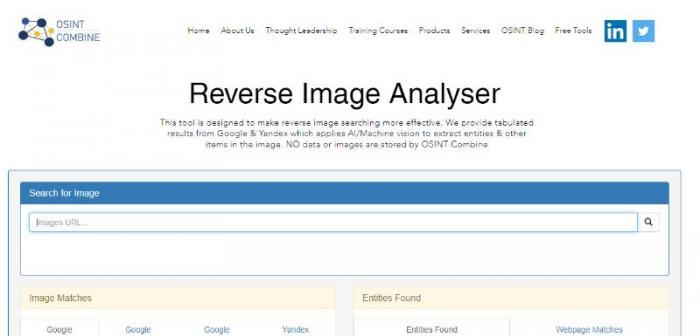
OsintCombine AI reverse image search is a professional tool usable online by anyone to search images and get data related to them. This application is a useful one as it offers many other free tools that help in searching for content, such as username finder, TikTok quick search, and more. The application doesn’t store images in its database, which adds an extra layer of privacy for your data.
Price: Free
OsintCombine is a free reverse image search engine available online for all users that combines the results of Google and Yandex.
Pros:
- Free to use AI image search.
- Easy to use.
- Many other free tools to use.
Cons:
- Has no upload function.
- UI can be better and more informative.
- Takes time to search.
9Ximilar AI Reverser
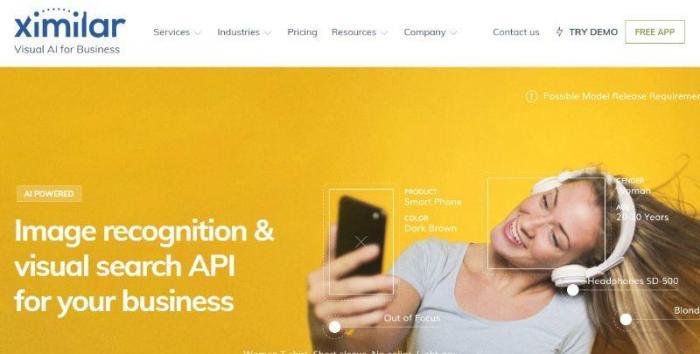
Ximilar is a comprehensive AI reverser tool that can not only assist you regarding face recognition and search but can also handle complete images that fall outside the face recognition aspect. This tool is designed to help users in multiple areas, be it marketing, fashion, real estate, e-commerce, etc. Users can simply scroll down the main page and check out the two-minute introduction video, which clarifies all the basics of this reverse image search engine app.
Price: Free
Users can get the fundamental features for absolutely free which also includes the AI reverse image search.
Pros:
- Offers a demo with the app.
- Useful in multiple fields.
- Robust AI reverse image search.
Cons:
- Limited free use.
- Could be made easier to use.
- The App can be buggy.
10SearchEngineReports
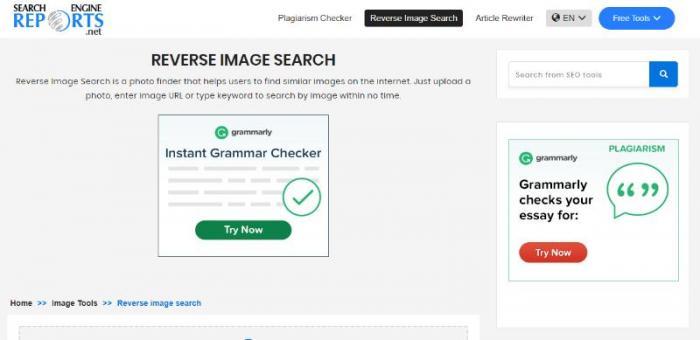
Similar to Bing reverse image search or even Google, this AI reverser application is an online tool that offers AI reverse image search for absolutely free and provides results in a matter of seconds. Other than that, this application has more uses too, since it provides essential tools such as plagiarism checker and article rewriter tools for free as well. You can complement these applications to create fresh, original written content for the Internet. Pair it with a good image cropper to make a complete package.
Price: Free
You can use this AI image search application for free online without needing any kind of downloads or application installs.
Pros:
- Free to use AI reverser.
- Easy to use.
- A couple of free and useful tools are offered.
Cons:
- Takes time to search for results.
- UI can have a better design.
- Search results are sometimes off the mark.
11Picsearch AI Image Search
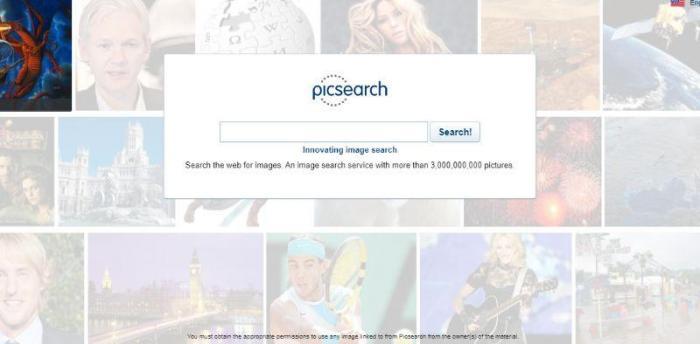
This AI image search application functions extremely similarly to a search engine when considering the design. In fact, it is even simpler than most search engines, since this tool doesn’t feature any other tabs other than the search bar. Similar to a Yandex reverse image search, you can paste the image URL and tap on Search. It has more than a million results in its database.
Price: Free
This is a free-to-use AI reverse image search application for all users without needing any downloads or applications.
Pros:
- Free AI reverser.
- Easy to use AI reverser.
- Has a collection of images in its database.
Cons:
- Lack of any features.
- It has no upload button and relies only on the image URL.
- It can use a better-detailed UI design.
Why Image Quality Matters Before Reverse Search
Reverse image search engines work by extracting visual features—edges, textures, faces, dominant colours—and matching them against an index. The cleaner those features, the more accurate the match. When you upload a heavily compressed, motion-blurred, or low-resolution image, the engine extracts noisy features and returns either too many false positives or no matches at all.
This is the single biggest reason two people can search the same source image and get wildly different results: one started with the original high-resolution file, and one started with a downsampled WhatsApp screenshot.
The fix is a quick preprocessing pass. Run your source image through the VanceAI Image Enhancer to upscale resolution, sharpen faces, and remove compression artifacts before you upload it to Google, TinEye, or Yandex. The first three images are free, so it costs nothing to test whether enhancement actually improves your reverse-search hits. For broader image work, our guide to outline drawing covers another VanceAI workflow.
AI Overview and SGE: How Reverse Search Is Changing in 2026
Google's AI Overview now answers many "what is this image" queries directly inside the SERP, collapsing what used to be a click-driven reverse search into a single generative answer card. For casual identification—plants, landmarks, products on a store shelf—that's often enough.
But two categories still require a dedicated tool. The first is forensic exactness: the AI Overview will tell you what the image probably depicts, but it won't tell you which website uploaded it first or how many duplicates exist online. TinEye still wins that job. The second is face matching: AI Overview is deliberately limited to avoid privacy issues, so PimEyes and Yandex remain the engines of choice when you need that capability.
The takeaway for 2026: reverse search is bifurcating into "AI summarises what the image is" (Google handles this) and "specialist tools answer where, when, and who" (everything else on this list). The way to win in either lane is the same: feed the engine the cleanest possible source image. A reverse anime image search on a noisy thumbnail will fail in both regimes; a sharpened, upscaled version of the same thumbnail succeeds in both.
Privacy, Legality, and Facial Recognition Concerns
Reverse image search itself is legal in every major jurisdiction. What changes is the use case. Searching a stock photo to find its source is fine. Running a stranger's photo through PimEyes to identify them, and then approaching them, can fall under stalking or harassment laws depending on local statute. Using Yandex's face-matching capability in the EU sits in an explicit GDPR gray zone—several DPAs have issued guidance restricting it.
Three practical guidelines:
- Only search photos you have a legitimate reason to investigate: your own image, an image sent to you, or a publicly published photo you're fact-checking.
- Honour the original publisher's licence. Tracing a stock image's source doesn't grant you reuse rights.
- If you're in journalism or law enforcement and need face matching at scale, document your justification and rely on tools with audit trails (Ximilar, vetted PimEyes enterprise plans) rather than free engines.
Conclusion
An AI reverse image search engine that delivers good results adds significant value to any user's toolkit—every search query can surface new context, sources, or related visuals. When you add a photo enhancer online tool to the mix, you can ensure that you get the best possible search results. Applications such as Google reverse image search or TinEye deliver quick and broad results, whereas tools like Ximilar and PimEyes specialise in narrower, professional tasks. These AI image search tools are collectively the best reverse image search apps available in 2026, and the right choice comes down to whether you need breadth (Google/Bing), forensic exactness (TinEye), face matching (PimEyes/Yandex), or business-grade visual search (Ximilar). Whichever you pick, start with a clean source image and the matches you get back will reward the extra minute spent on preprocessing.
FAQs
How do I do an AI reverse image search?
The basic flow is the same across every engine. Open the tool (Google Lens, TinEye, Yandex, Bing Visual Search, etc.), click the camera or upload icon, drop your source image, and the engine returns visually matching or related results. For best accuracy, run the source image through a VanceAI enhancer first—sharper inputs return sharper matches. On a phone, long-press an image in Chrome or the Google app and select "Search image with Google" for the fastest path.
What's the best AI reverse image search tool in 2026?
It depends on the job. For general web discovery, Google Lens has the largest index and the best mobile integration. For tracing the exact source of an image, TinEye is unmatched because it sorts matches by upload date. For face matching, PimEyes leads on accuracy and Yandex is the strongest free option. For e-commerce and product lookup, Bing Visual Search wins. There isn't a single "best" tool—there's the best tool for each search intent.
Google Lens vs TinEye — which is more accurate?
They optimise for different things. Google Lens uses AI to find visually similar images, including ones that have been cropped, recoloured, or stylistically altered. TinEye looks for exact pixel-level copies and ranks them chronologically. If you're asking "what is this object," use Google Lens. If you're asking "where did this exact photo first appear," use TinEye.
Is PimEyes legal for facial recognition?
PimEyes is legal to use in most jurisdictions when you search photos of yourself or photos you have a legitimate investigative reason to research. The European Union, Illinois, and a few other regions have laws restricting biometric search of identifiable individuals, and the EU's GDPR provides additional protection. PimEyes itself complies with these regulations by offering opt-out and PROtect plans, but the responsibility for lawful use sits with the searcher.
How do I reverse image search a face?
Google Lens deliberately blocks face-specific matching, so for face search the practical options are PimEyes (paid, best accuracy), Yandex (free, strong matches but privacy concerns), and Bing Visual Search (limited but free). Upload a clear, well-lit front-facing photo of the face for best results. Group photos, side profiles, or photos with heavy filters return far weaker matches.
Can AI reverse image search find the original source of an image?
Yes, but with caveats. TinEye is the best tool for chronological source tracing because it sorts matches by date first seen. Google Lens and Yandex are better at finding similar variants but don't reliably surface the original publisher. For a fully traced source you often need to combine engines: TinEye to identify the earliest match, then Google to verify the publisher's context.
Do AI reverse image search tools work on low-quality photos?
They work, but accuracy drops fast. The engines extract visual features (edges, textures, faces) from your upload and match them to their index. A noisy, compressed, or low-resolution image gives the matching algorithm less to work with, which means either weak matches or no results. The fix is a quick preprocessing pass with an enhancer to upscale and sharpen the source before uploading.
How does image preprocessing improve reverse search accuracy?
Reverse search engines compare visual features. Cleaning up motion blur, JPEG artifacts, and low resolution gives the engine cleaner features to match against. For faces specifically, sharpening eyes, mouth, and jawline boosts PimEyes and Yandex match rates.
Are AI reverse image search tools free to use?
Google Lens, TinEye (basic), Yandex, Bing Visual Search, and OsintCombine are all free. PimEyes is paid (subscriptions from $29.99 / month) because face recognition at scale costs more to run. Ximilar is paid because it targets business use. VanceAI Image Enhancer—if you're using it as a preprocessing step before search—uses a credits-based model with free credits to start.
How does VanceAI's credit system work?
VanceAI uses a credits-based model across the whole product line. Monthly subscriptions run from $4.95 / 100 credits (Starter) through $9.95 / 200 credits (Standard), $24.95 / 500 credits (Pro), and $44.95 / 1000 credits (Premium). Each image processed deducts credits, unused credits roll over up to five times, and there's a 7-day money-back guarantee if you've used less than 10% of your credits. The first three images are processed free, so you can test whether enhancement actually lifts your reverse-search hit rate before paying.