
"Topaz Upscale" Is Really Two Different Products
When people search "topaz upscale," they are usually picturing one tool. There are actually two, and confusing them is the fastest way to buy the wrong subscription. Topaz Gigapixel upscales still images — photos, scans, product shots, illustrations — and is the one photographers reach for to print big or rescue an old picture. Topaz Video AI upscales footage — clips, episodes, archival film — using a different engine entirely. They share a brand and a philosophy, but they are separate apps, separate downloads, and separate bills.
Most "Topaz upscale" guides quietly cover only one of them — almost always the video tool — and leave you guessing about the other. This one covers both, because the honest answer to "should I use Topaz to upscale?" depends entirely on whether you are holding a photo or a video, and because the 2026 pricing math is very different once you realize you may need to pay for two products.
By the end you will know what each Topaz upscaler does well, what it now costs, where it frustrates people, and the lighter, cheaper path for each job: VanceAI Image Enlarger for photos and VanceAI Video Upscaler for footage, both browser-based and drawn from a single pool of credits instead of two annual plans.
Topaz Gigapixel: Upscaling Photos
Gigapixel is the photo specialist, and it is a genuinely strong one. It enlarges images up to 16× and is built around the idea that good upscaling does not just add pixels — it adds the right pixels, reconstructing plausible detail rather than smearing what is there. That makes it a favorite for large-format printing, rescuing low-resolution archives, and zooming into crops without them falling apart.
The 2026 version leans on a deep set of models for different source problems: Standard and Standard Max for everyday photos, High Fidelity for already-good images that need a clean enlargement, Low Res for small web images, Art & CG for illustration and rendered art, Text & Shapes for graphics, Recover and Face Recovery for badly degraded photos and faces, Redefine for creative detail, and the newer generative Wonder models that synthesize detail on extreme upscales. It runs on Windows and macOS with both local and cloud rendering.
The catch is the same one that hit Video AI: Gigapixel is now subscription-only. The perpetual license is gone for new buyers, and the Personal plan runs $149/year (with monthly options around $29), while Pro climbs to $499/year. For a photographer who upscales constantly that can pencil out. For someone who needs to enlarge a handful of photos a few times a year, an annual subscription to a desktop app is a lot of commitment for occasional use.
Topaz Video AI: Upscaling Footage
Video AI is the footage specialist, and the engine most "topaz upscale" searches are actually about. It carries a library of specialized models — Proteus for general live-action, Iris for faces, Nyx for noise, Gaia for animation, Dione for interlaced sources, and the diffusion-based Starlight for severely degraded material — and pairs them with frame interpolation, stabilization, and deinterlacing. On a strong machine the restoration quality is genuinely industry-leading.
It is also the more expensive and demanding of the two. Topaz Video AI is $299/year (Personal), having dropped its perpetual license in October 2025, and a lapsed plan locks you out of the app. It wants a capable GPU — an RTX 30-series card with 8GB of VRAM is the practical floor — and the heavier models are slow, processing only a few frames per second so that a single clip can tie up your computer for a long time. There is no free tier; trial exports are watermarked.
What Topaz Upscaling Gets Right — and Where It Frustrates
Across both tools, the strengths are real. Topaz's models are among the best at reconstructing detail rather than faking it, the breadth of specialized models means there is a right tool for almost any degraded source, and batch processing plus local rendering keep your files offline and under your control. For professionals — a photographer prepping gallery prints, a restorationist reviving archival film — that depth justifies the cost.
The frustrations are also shared, and they are exactly what push casual users to look elsewhere:
- You may need two subscriptions. Photos live in Gigapixel and video lives in Video AI. Doing both the Topaz way means $149/year plus $299/year, or buying the broader Studio bundle. That is a serious annual outlay for someone who just wants to upscale occasionally.
- The hardware bill is real. Both tools, especially Video AI, lean on a strong local GPU. On an average laptop, renders crawl and the machine is occupied while it works.
- No free path, and a learning curve. Trials are watermarked, and each tool exposes a model-and-slider matrix that is easy to misconfigure into a worse result.
- Subscription lock-out. Stop paying and the apps stop opening. Your past spend does not keep working.
None of this makes Topaz bad. It makes Topaz a poor fit for the large group of people who upscale a photo here and a clip there and do not want a render farm or two yearly plans to do it.
The Easier Way to Upscale Photos: VanceAI Image Enlarger
For still images, VanceAI Image Enlarger covers the Gigapixel use case from the browser. You upload a photo, choose a scale, and download a larger, sharper version — no install, no GPU, and nothing to misconfigure. Because the processing runs on VanceAI's servers, a basic laptop handles a big enlargement the same as a workstation, which is exactly the wall people hit with a heavy desktop app.
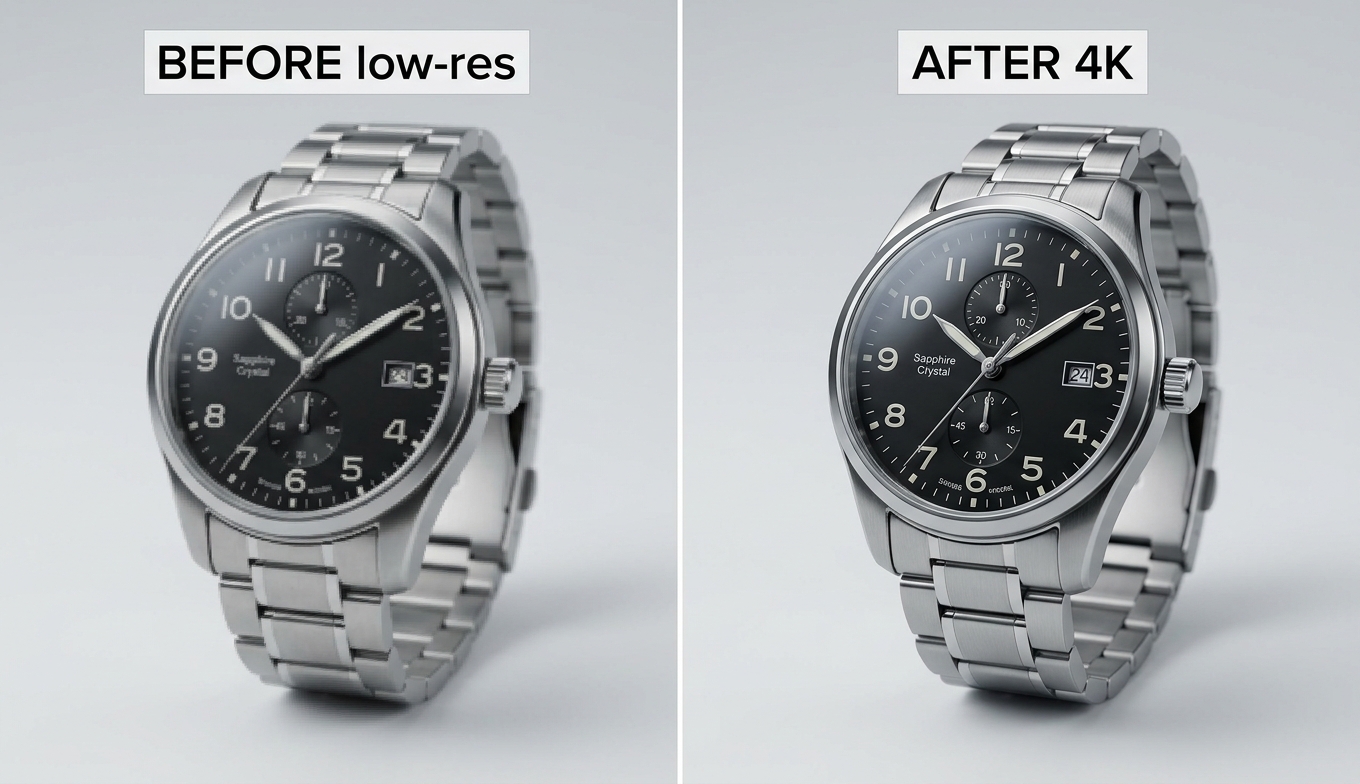
It suits the everyday jobs most people actually have: enlarging a low-resolution photo for print, sharpening a soft product shot for a listing, or rescuing a small web image — the kind of work the how to upscale 480p to 1080p walkthrough covers from the resolution side.
The Easier Way to Upscale Video: VanceAI Video Upscaler
For footage, VanceAI Video Upscaler does the same thing for the Video AI use case — online, credit-based, and free to try with no signup. It targets the core "make this clip sharp and 4K-ready" problem without the install, the GPU, or the slider anxiety, and it counts 9.8 million users.
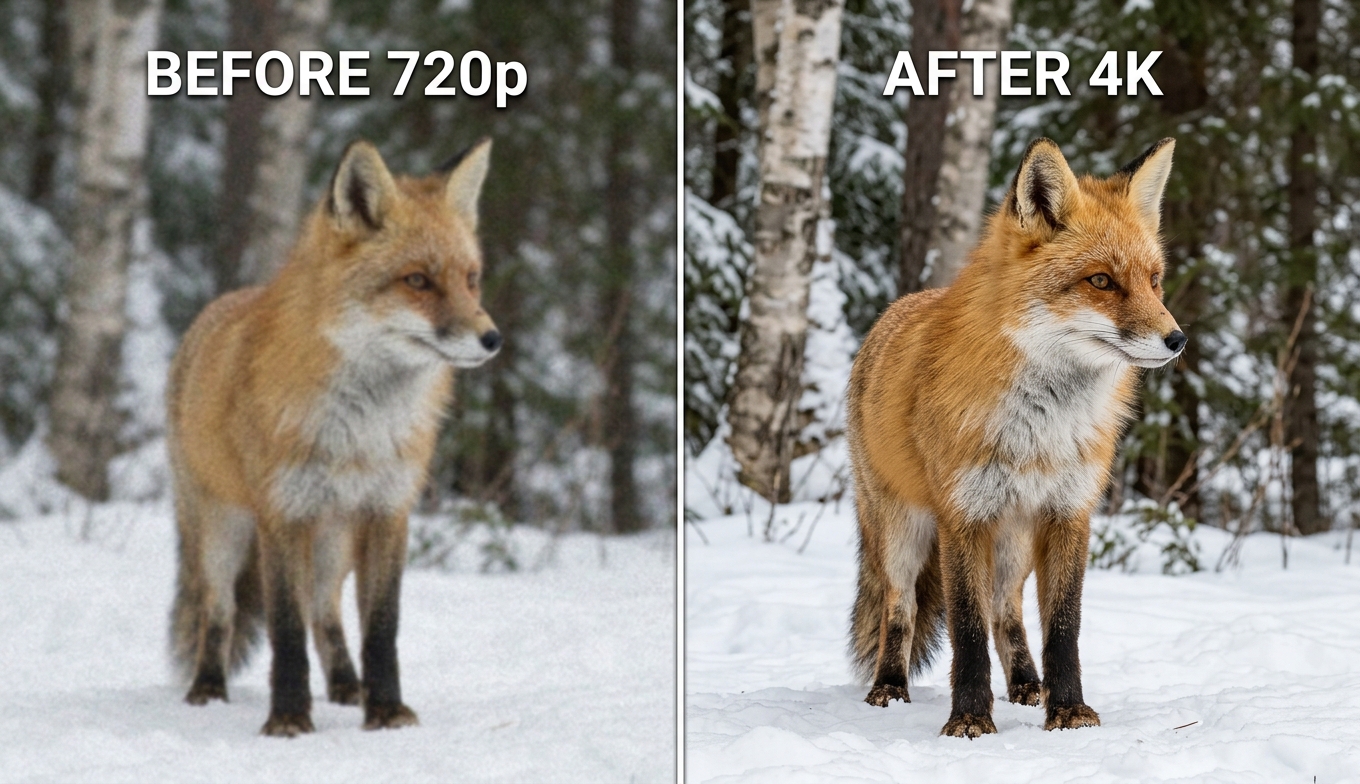
It keeps the one decision worth making — the model — and drops the dozen that mostly cause trouble:
- Nexa handles everyday footage and outputs 720p, 1080p, 1440p, or 4K with a 1×, 2×, or 4× scale.
- Cineva is the cinema-focused model for standard-definition sources up to 1024×540 input, applying a fixed 4× upscale — ideal for old SD video heading toward near-HD.
It accepts MP4 and MOV up to 10GB and 4K input, returns an MP4 that stays available for three days, and lets you spend a single credit on a five-second preview before the full render — the cloud answer to Topaz's slow trial-and-error.
Topaz vs VanceAI: Photos and Video, Side by Side
Read each table by the row that matches your situation, not by the longest feature list.
For photos (Topaz Gigapixel vs VanceAI Image Enlarger)
| Tool | Form factor | Hardware | Pricing | Best for |
|---|---|---|---|---|
| VanceAI Image Enlarger ⭐ | Browser-based | None (cloud) | Credit-based, free trial | Quick enlargements, prints, listings, no install |
| Topaz Gigapixel | Desktop (Win/Mac) | Strong GPU helps | $149/yr Personal subscription | Pro photo restoration, large-format print, deep control |
For video (Topaz Video AI vs VanceAI Video Upscaler)
| Tool | Form factor | Hardware | Pricing | Best for |
|---|---|---|---|---|
| VanceAI Video Upscaler ⭐ | Browser-based | None (cloud) | Credit-based, free trial | Fast 4K upscales on any computer, no contract |
| Topaz Video AI | Desktop (Win/Mac) | RTX 30-series, 8GB VRAM | $299/yr Personal subscription | Pro restoration on strong workstations |
In both cases the trade is the same: Topaz offers more depth and control for a professional with the hardware and the workload, while VanceAI offers speed, accessibility, and a free way to test for everyone else. The honest cloud caveat applies too — you upload and wait in a queue rather than watching a local progress bar, and very large jobs cost more credits — but for the everyday "make this bigger and sharper" task, that is a fair exchange for skipping installs and GPU heat.
The Pricing Reality: Two Subscriptions vs One Pool of Credits
This is where covering both tools changes the decision. To upscale both photos and video the Topaz way, you are looking at Gigapixel ($149/year) and Video AI ($299/year) — roughly $448/year across two subscriptions — or the broader Studio bundle. Both renew annually, and both lock you out if you stop paying.
VanceAI flips that structure. It is credit-based, and the same credits work across its tools, so a single pool covers both your photo enlargements and your video upscales. New users get free trial credits with no credit card, and you pay only for what you process — no two plans, no annual renewal, and nothing that expires and revokes access. For anyone who handles a mix of stills and footage but not at professional volume, that single-pool, pay-as-you-go model is the structural win.
How to Upscale a Photo or a Video With VanceAI
To upscale a photo:
- Open VanceAI Image Enlarger in your browser and upload your image.
- Choose your scale (such as 2×, 4×, or 8×).
- Process and download the enlarged, sharper result.
To upscale a video:
- Open VanceAI Video Upscaler and upload an MP4 or MOV (up to 10GB, up to 4K input).
- Pick Nexa for everyday footage or Cineva for a standard-definition source.
- Set your target resolution or scale factor, then click Preview to check a five-second sample for one credit.
- Process the full clip and download your MP4 — it stays available for three days.
No install, no GPU requirement, and one account for both jobs.
Frequently Asked Questions
What is Topaz upscale — is it for photos or video?
Both, but through two separate products. Topaz Gigapixel upscales still images (photos, scans, illustrations) up to 16×, while Topaz Video AI upscales footage using a different set of models. They are separate apps with separate subscriptions, so the right one depends on whether you are enlarging a photo or a video.
How much does Topaz upscale cost in 2026?
Topaz Gigapixel is $149/year (Personal) and Topaz Video AI is $299/year (Personal); both moved to subscription-only and dropped their perpetual licenses. To upscale both photos and video you would need both subscriptions (about $448/year) or the Topaz Studio bundle. VanceAI, by contrast, uses one credit pool across photo and video tools with a free trial.
Is Topaz Gigapixel a one-time purchase?
No longer. Like Topaz Video AI, Gigapixel is now subscription-based for new customers, starting at $149/year for the Personal plan. The old perpetual license is no longer sold, which is a key reason many casual users look for a pay-as-you-go alternative.
What is the best free alternative to Topaz upscale?
VanceAI is free to start for both jobs: new users get trial credits with no credit card, and a video preview costs a single credit. For photos, VanceAI Image Enlarger handles enlargement in the browser; for video, VanceAI Video Upscaler does the same — neither requires an install or a subscription.
How far can Topaz upscale an image?
Topaz Gigapixel can enlarge images up to 16×, though the practical limit depends on your source. Pushing a tiny, soft image to an extreme factor relies more on generative models inventing detail than on true reconstruction, so the best results come from giving it a reasonable starting resolution.
Can VanceAI upscale both photos and video?
Yes. VanceAI Image Enlarger handles still images and VanceAI Video Upscaler handles footage, and both draw from the same pool of credits on one account. That single-pool model is simpler and usually cheaper than maintaining separate Topaz Gigapixel and Video AI subscriptions.
Do I need a powerful computer to upscale with Topaz?
For good performance, yes — especially with Topaz Video AI, which wants an RTX 30-series GPU with around 8GB of VRAM, and Gigapixel benefits from a capable machine too. If you do not have strong hardware, a cloud tool like VanceAI processes on remote servers, so any laptop gets full-quality results.
Why is Topaz Video AI upscaling so slow?
The heavier models run locally and are computationally intensive, processing only a few frames per second on a mid-range GPU, so long clips take a long time and occupy your machine. VanceAI offloads processing to the cloud, which removes the overnight-render problem and frees up your computer.
Does Topaz upscale add a watermark?
The paid versions do not, but Topaz's trial exports are watermarked, so you cannot fully evaluate output for free. VanceAI lets you test with free trial credits and shows a clean five-second video preview for one credit before you commit to a full render.
Which is better for old photo restoration?
Topaz Gigapixel, with its Recover and Face Recovery models, is a powerful desktop option for serious restoration. For most people restoring a few family photos, VanceAI Image Enlarger does the job in the browser with no subscription — enlarging and sharpening soft, low-resolution scans without specialized software or a learning curve.
The Verdict
"Topaz upscale" is two tools wearing one name: Gigapixel for photos and Video AI for footage, both now subscription-only, both demanding on hardware, and genuinely excellent in the hands of a professional who needs that depth. But for the much larger group that just wants to enlarge a photo or sharpen a clip now and then, paying for two annual plans and feeding a strong GPU is the wrong trade. VanceAI Image Enlarger covers the photo job and VanceAI Video Upscaler covers the video job — both in the browser, both from one pool of credits, and both free to try on your own files before you spend anything. Match the tool to whether you are holding a picture or a video, preview before you commit, and skip the two-subscription tax.